Features
Every feature, and what it actually does
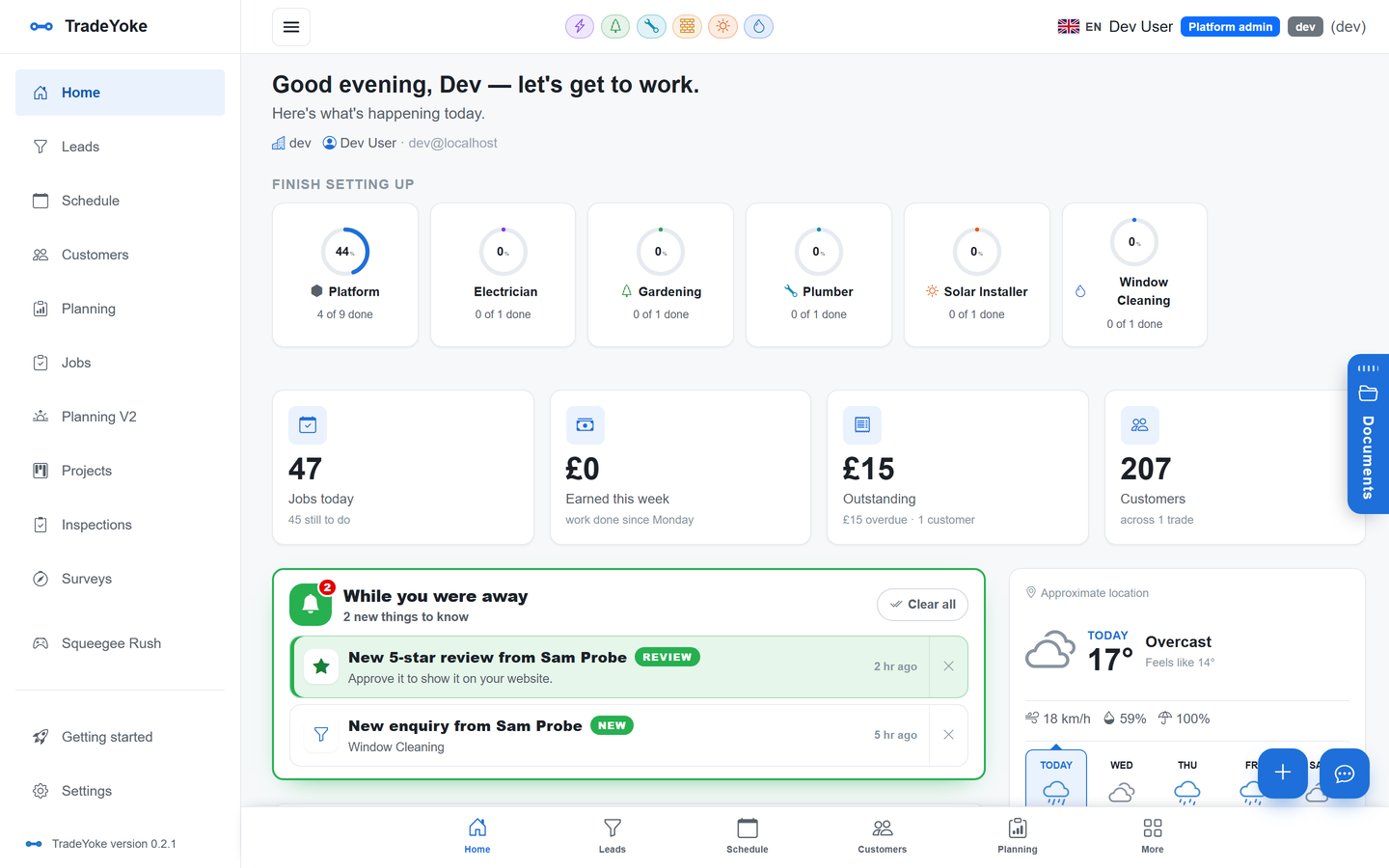
TradeYoke is one app for the round, the money and the paperwork. Each feature below has its own page that says plainly what it does today — no roadmap, no maybes — so you can check it against the way you work before you start a trial.
30-day free trial · No card required · Web, iOS, Android & Windows
What's in the box
Twenty-one features, one shared core
Pick a feature to read what it does, see the real screens and get the questions people ask answered.
Scheduling & rounds
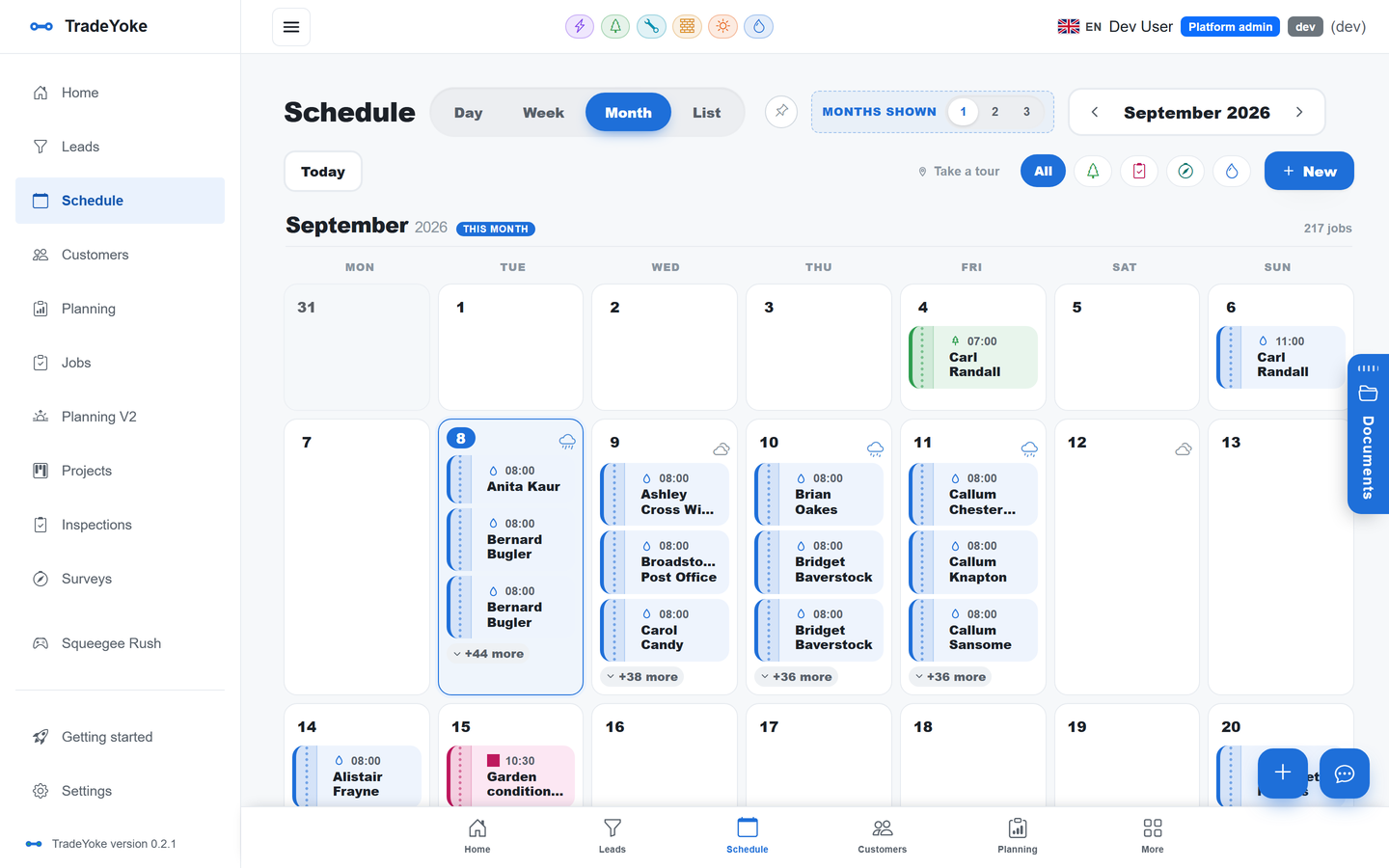
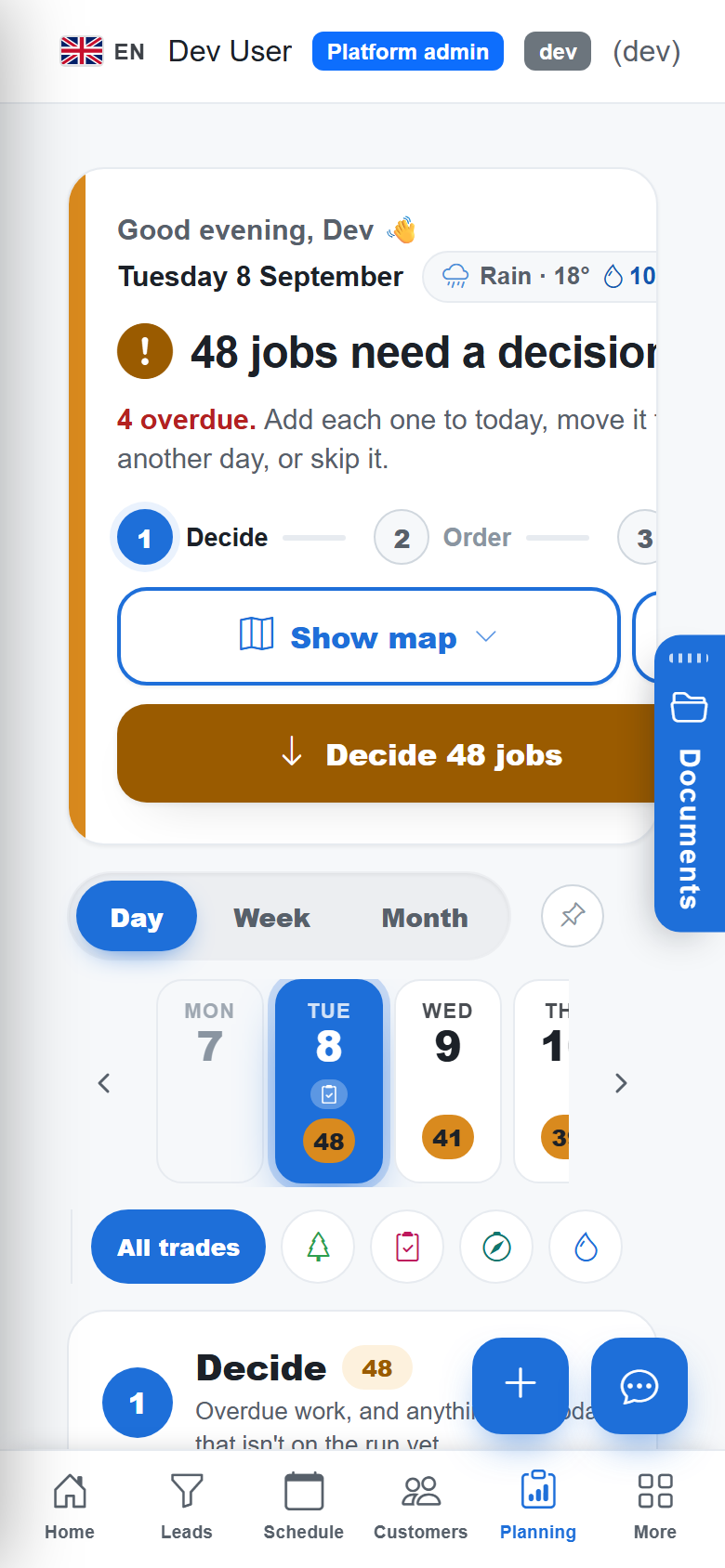
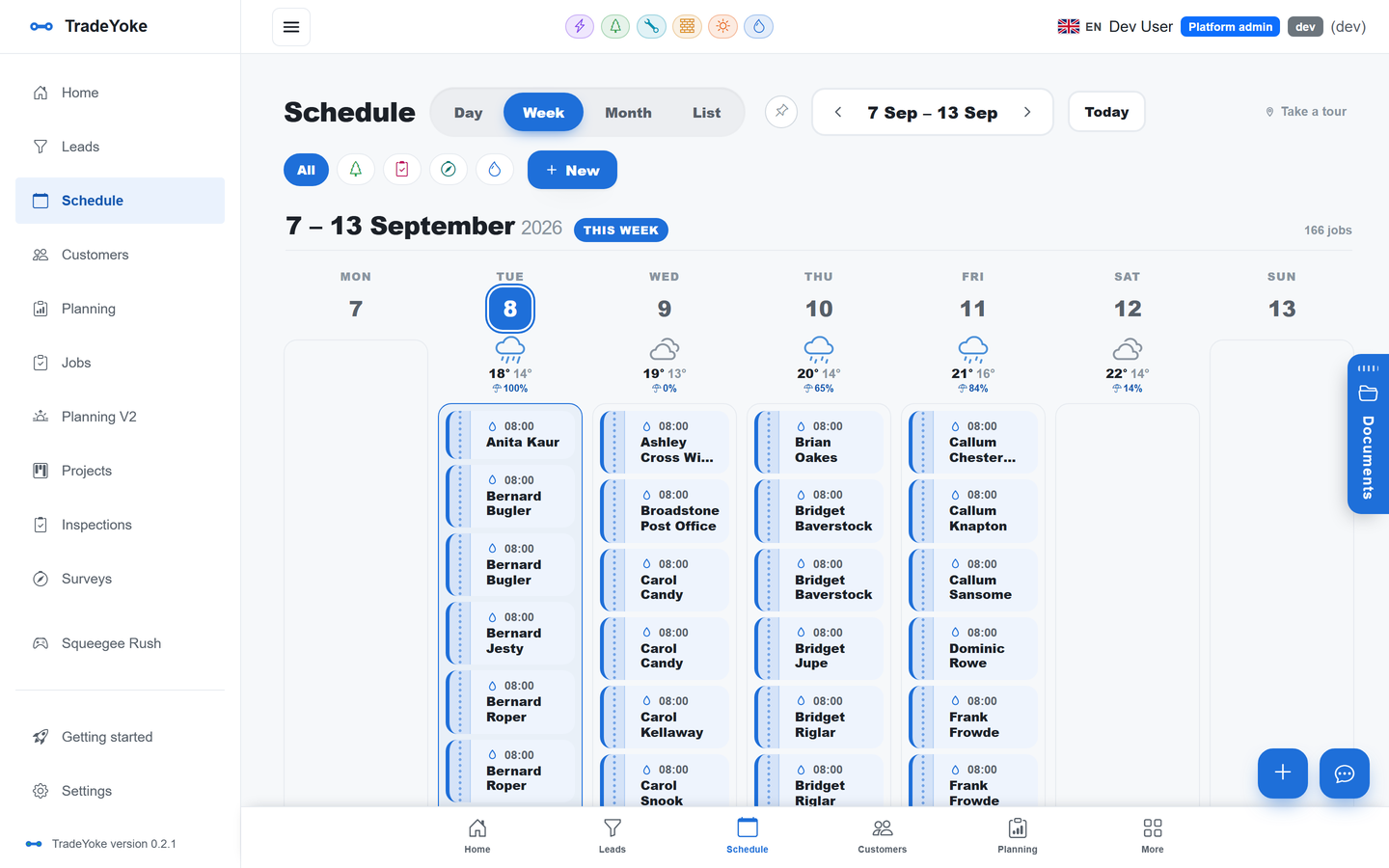
Day, week, month and list diary, recurring rounds, drag-and-drop, colour-coded by trade.
Jobs & the job wizard
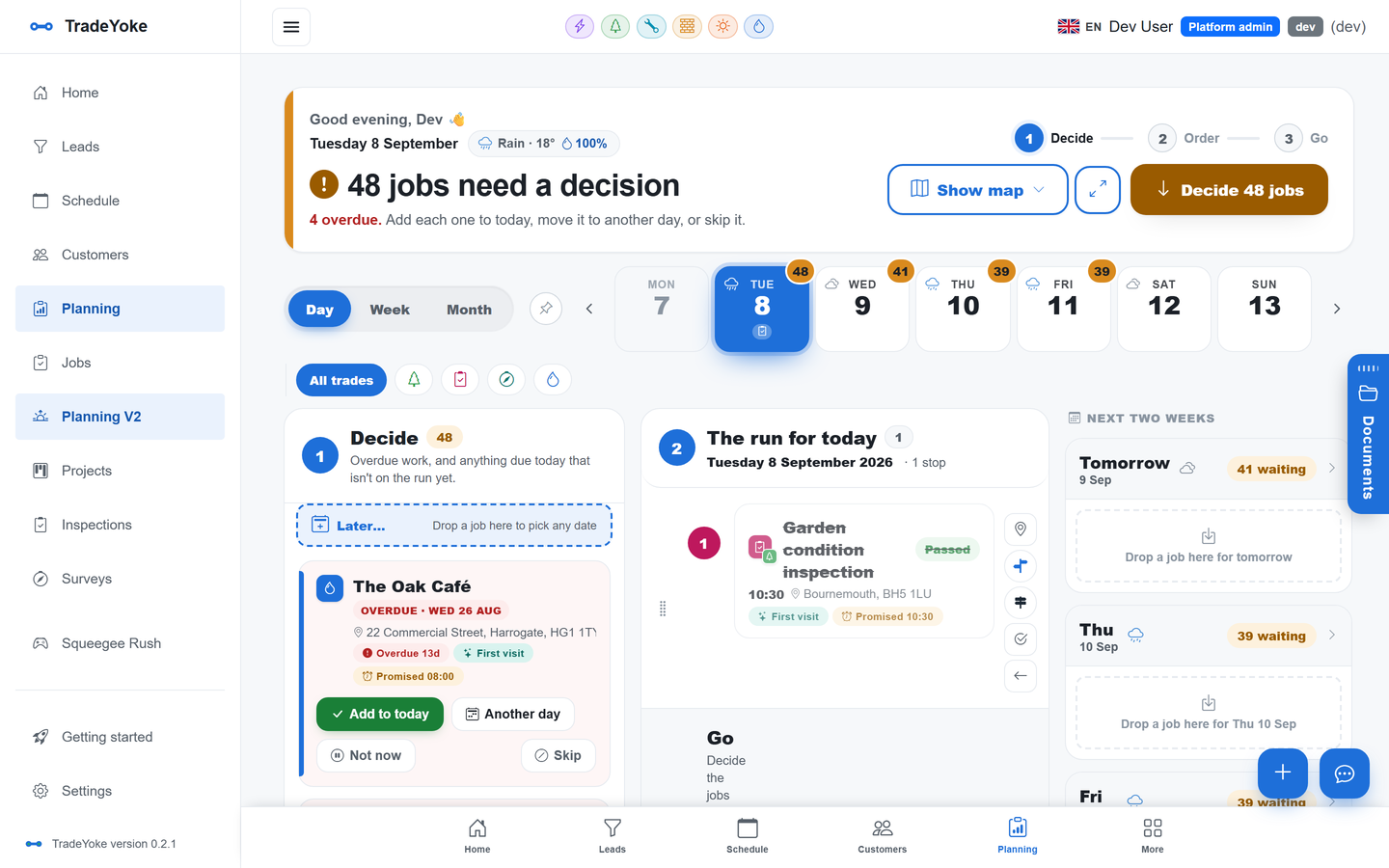
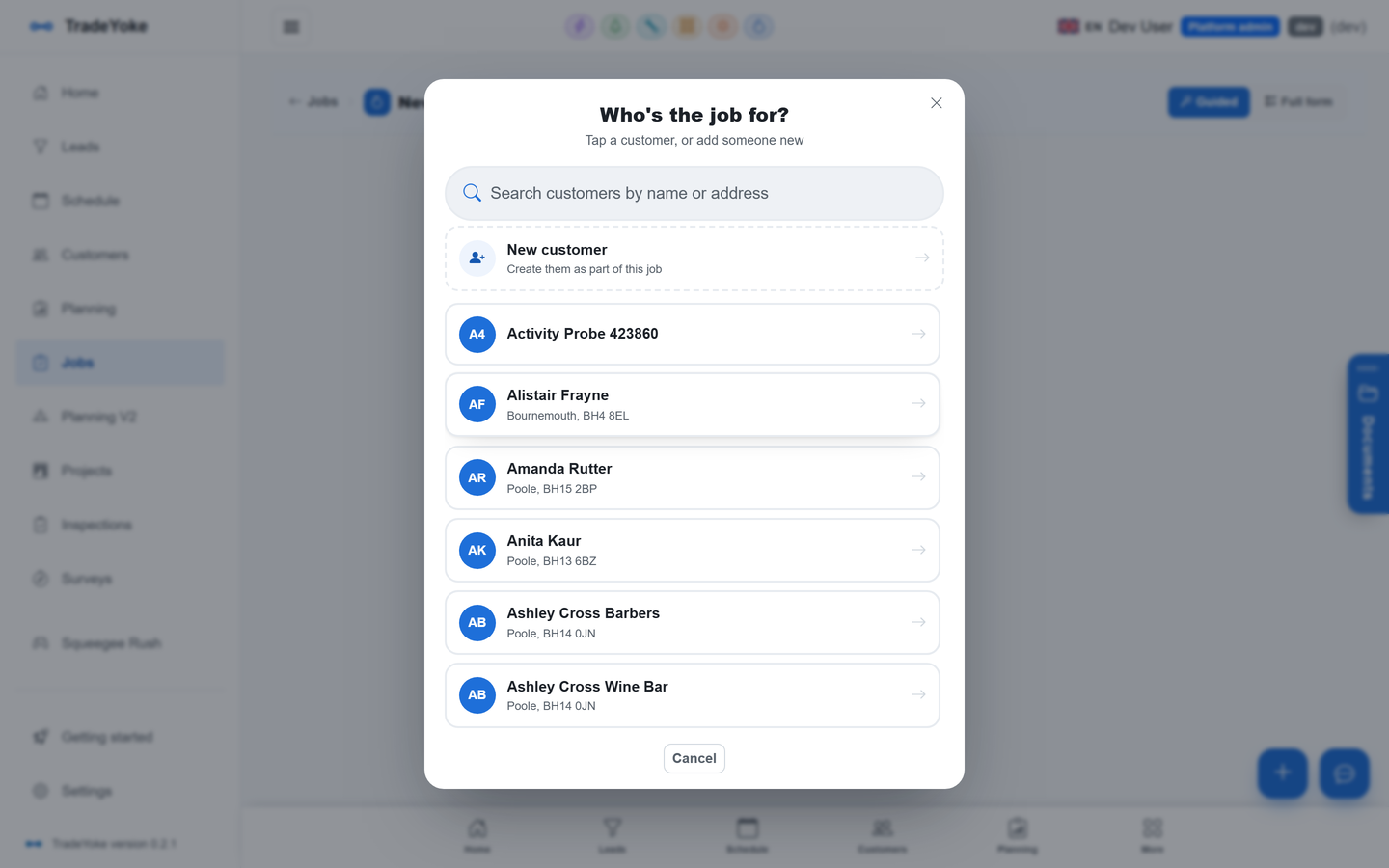
Book a job in four taps; every trade's fields, priorities, access notes and rounds.
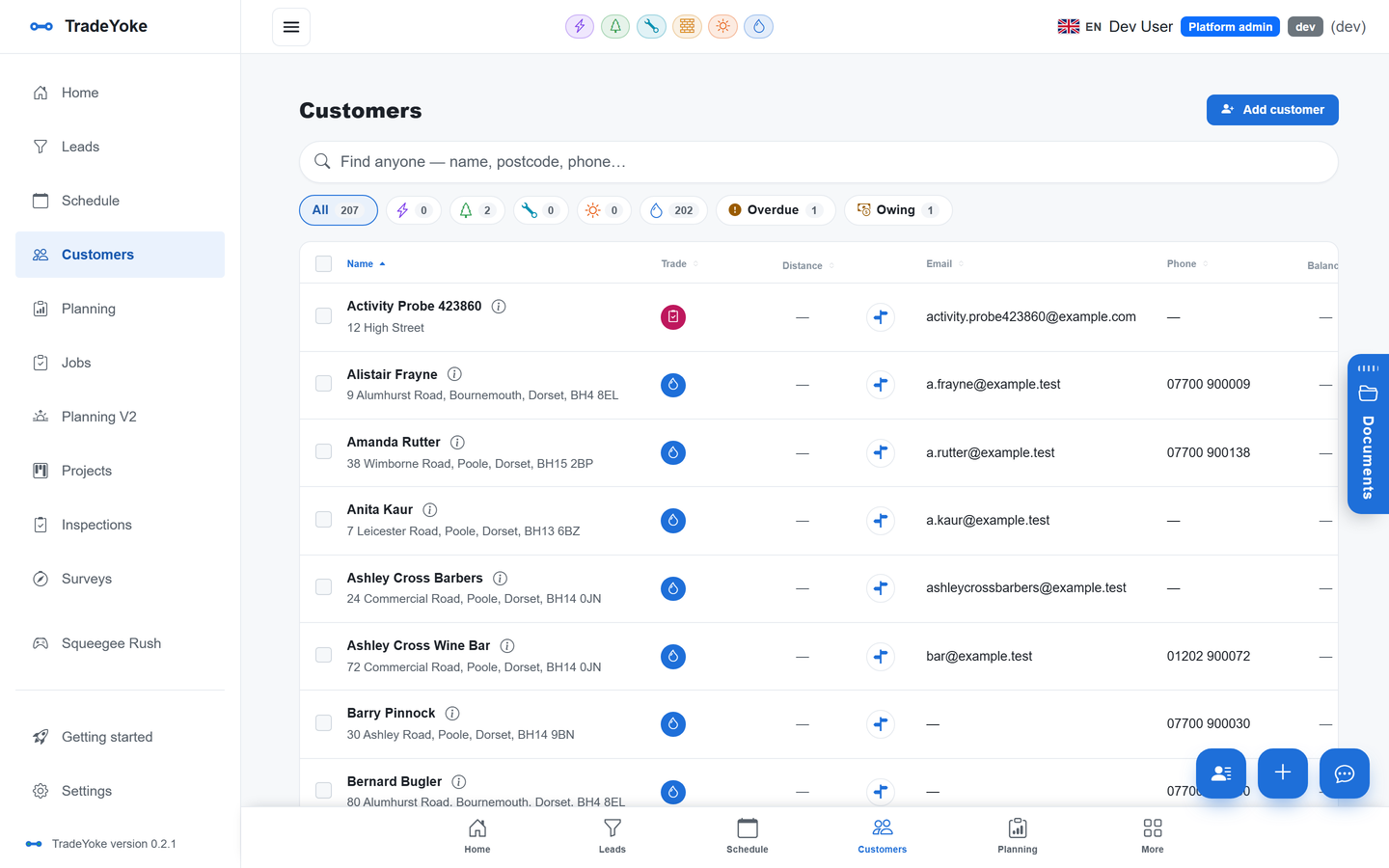
Customers & CRM
One customer list across trades, duplicates merged, notes, documents, balance and map.
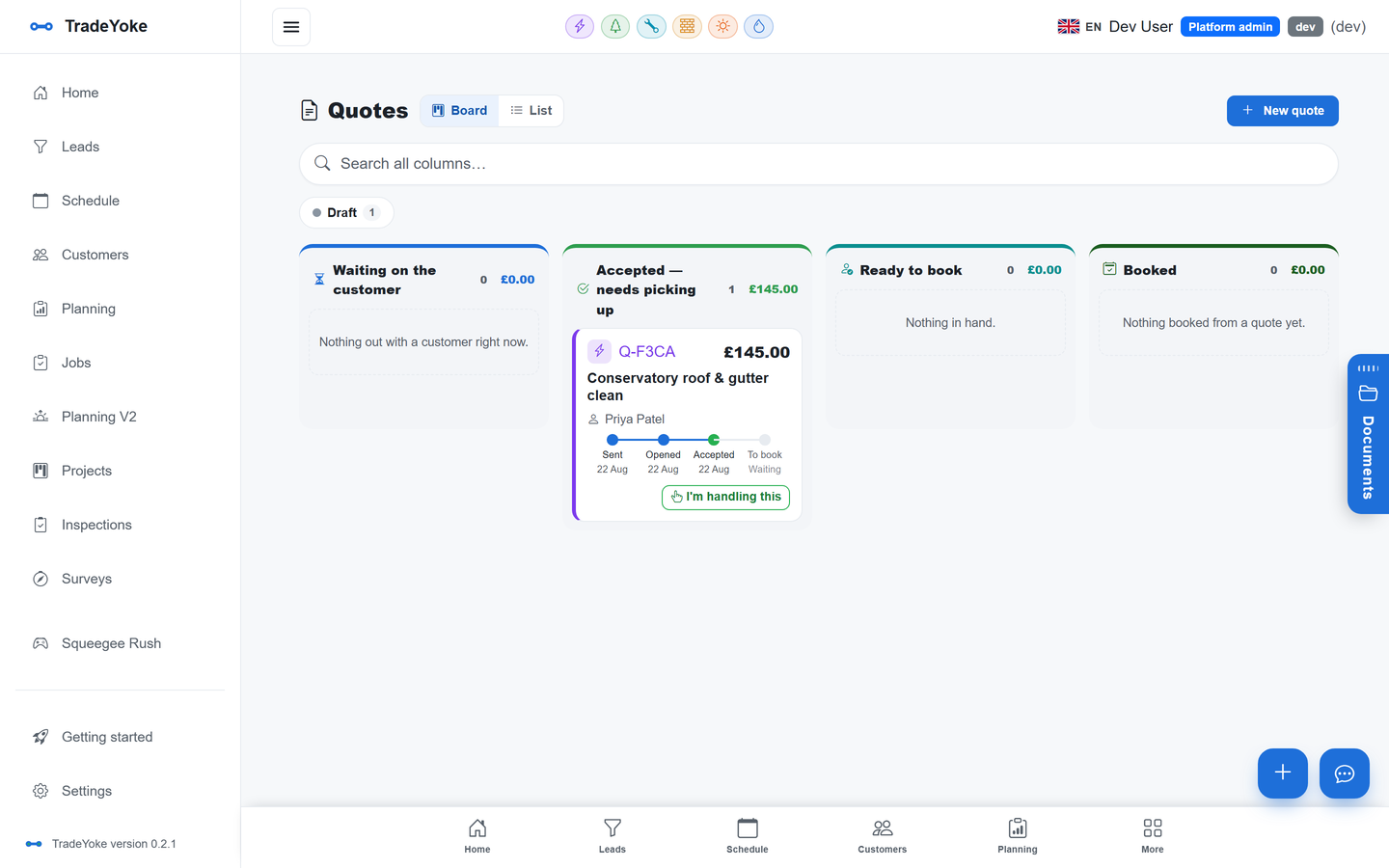
Quotes & estimates
Branded PDF quotes from a catalogue, a board from sent to booked, online accept or decline.
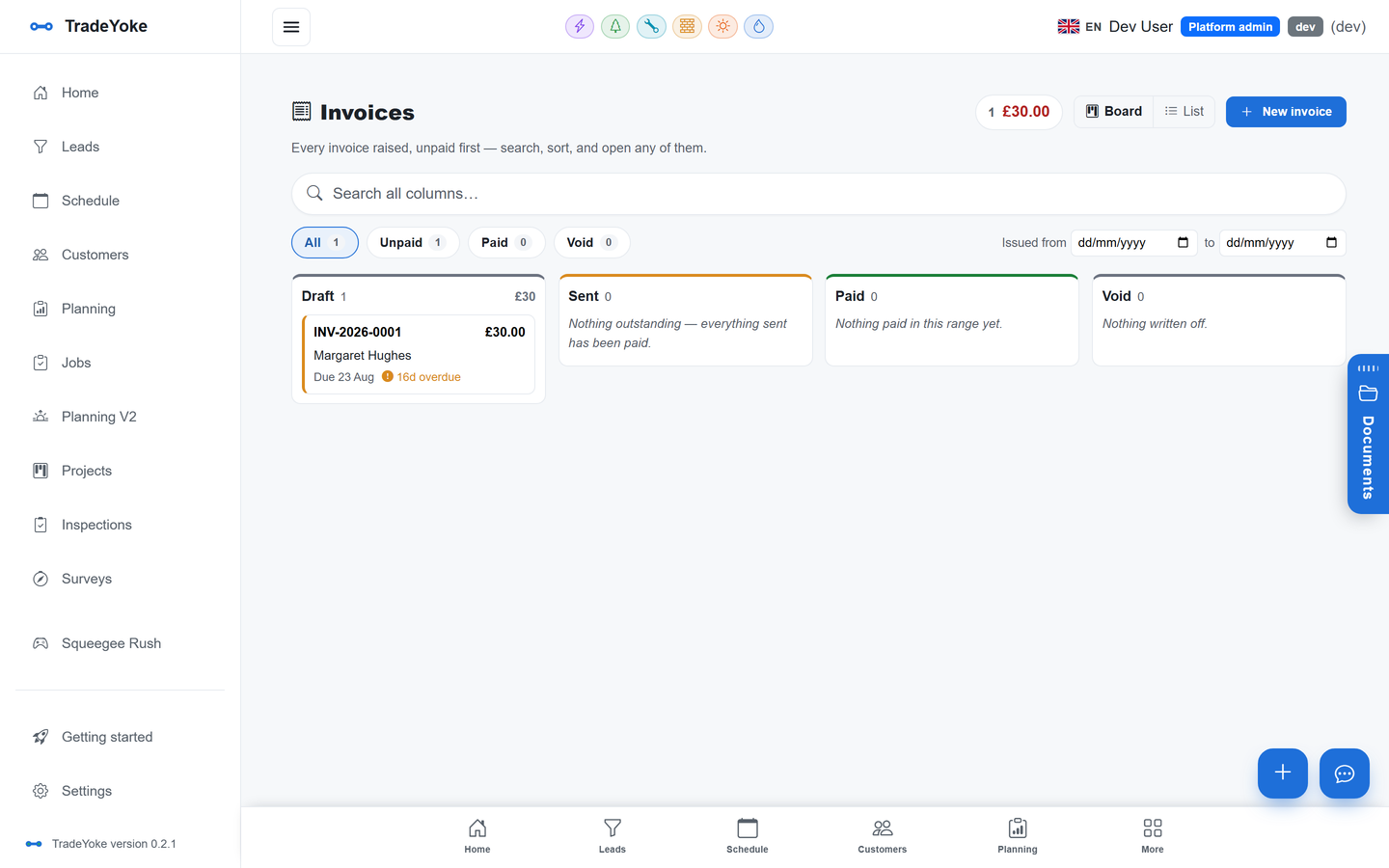
Invoicing & payments
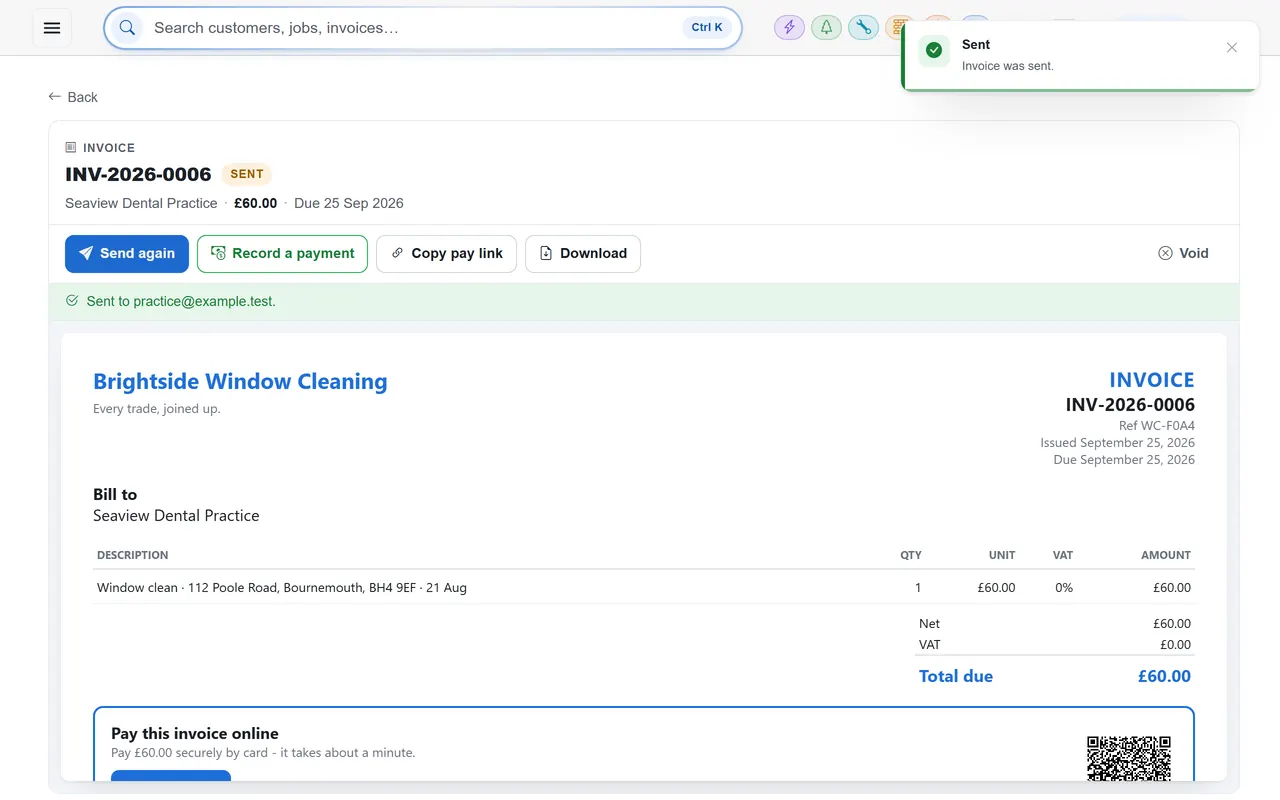
Numbered invoices on an immutable ledger, pay links, Stripe cards, GoCardless Direct Debit.
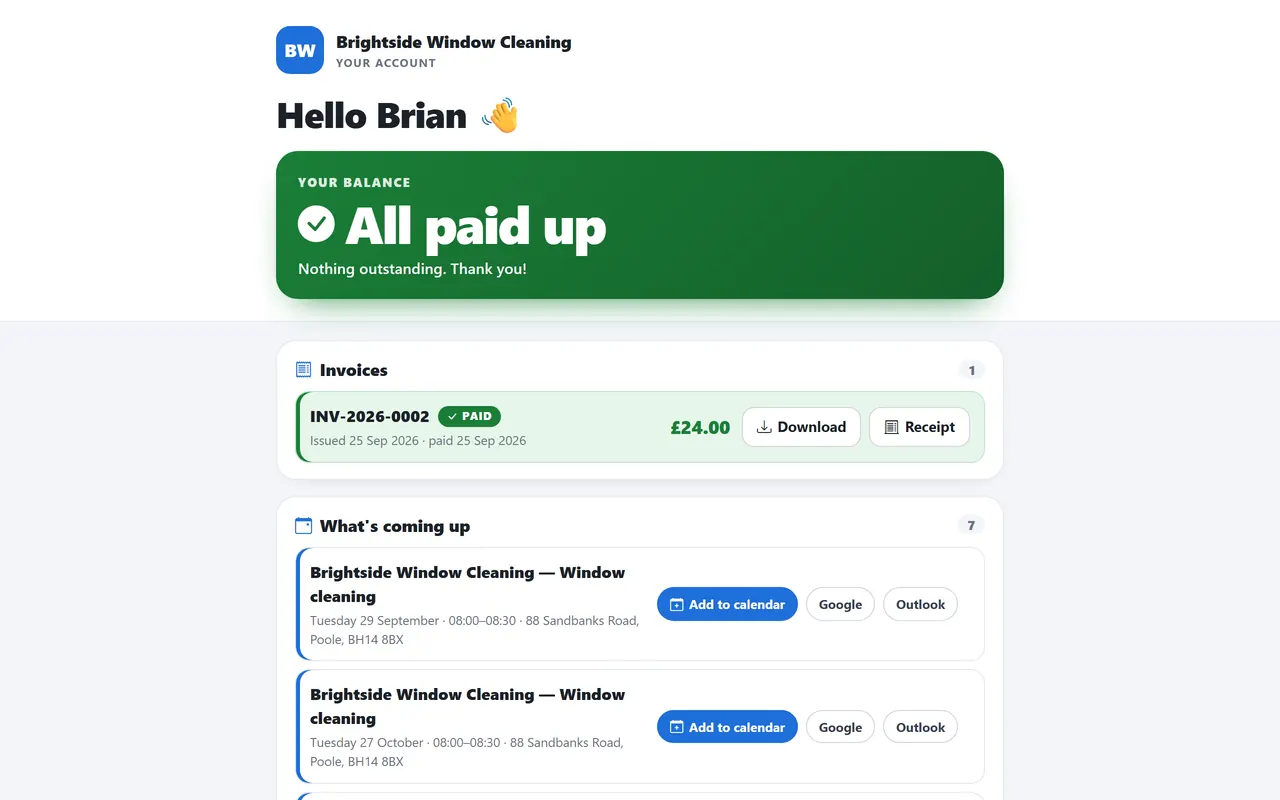
Customer portal
A link where customers see what they owe, download invoices and receipts and pay now.
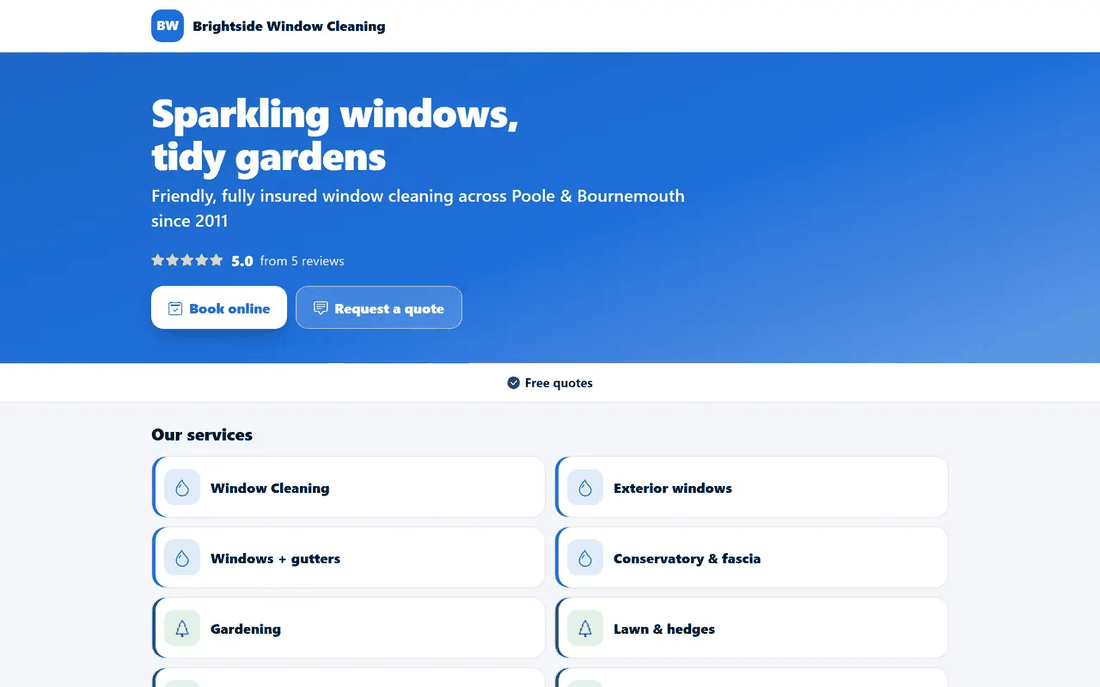
Business website & online booking
Your own site with services, photos and reviews; customers book online and land in your leads.
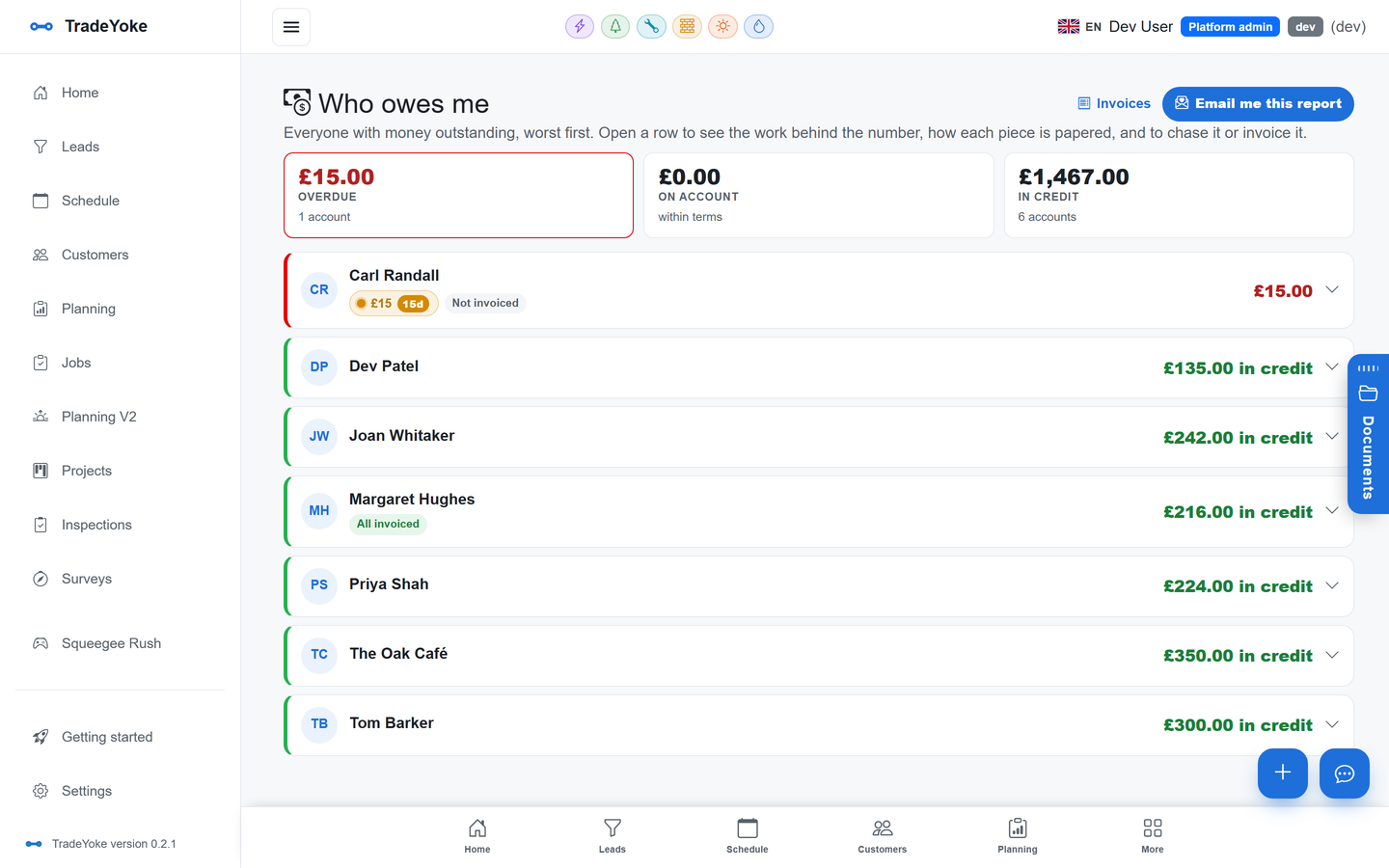
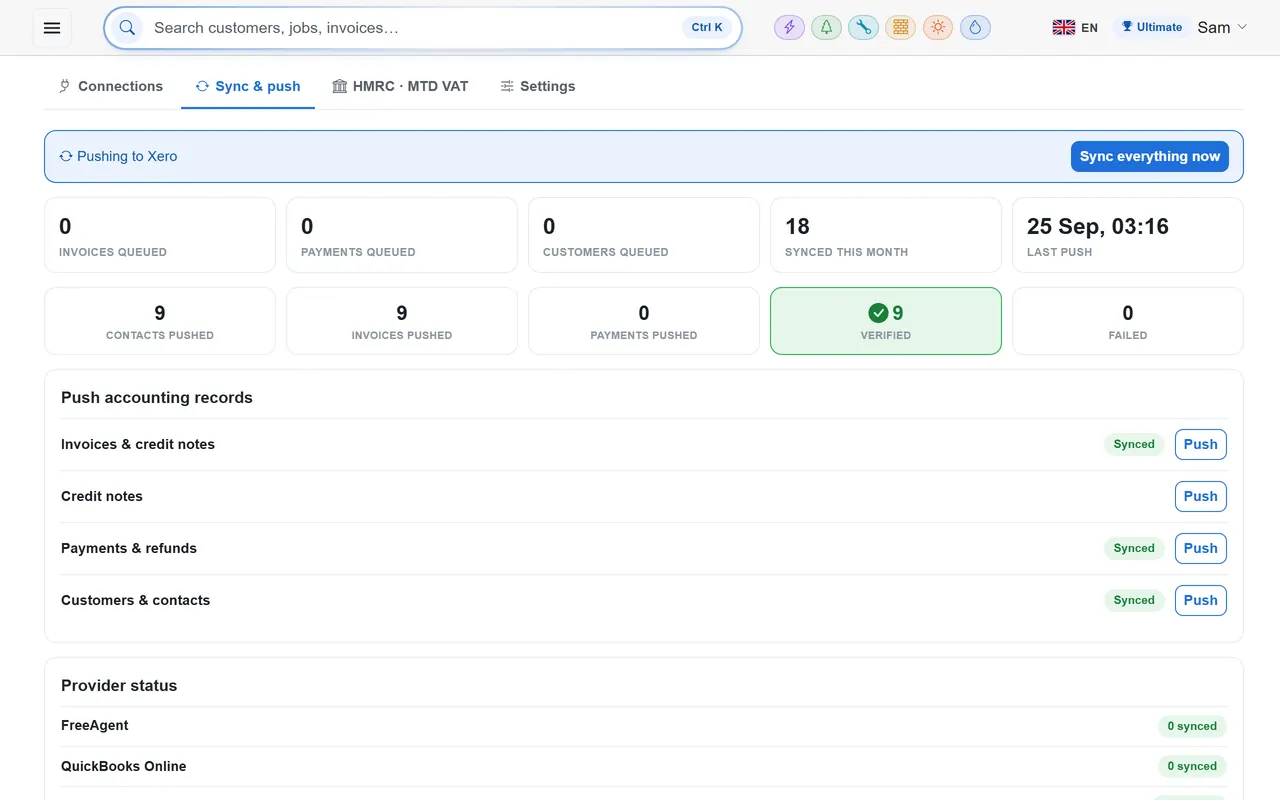
Xero, QuickBooks & FreeAgent sync
Invoices and payments pushed to the books with read-back checks and an event journal.
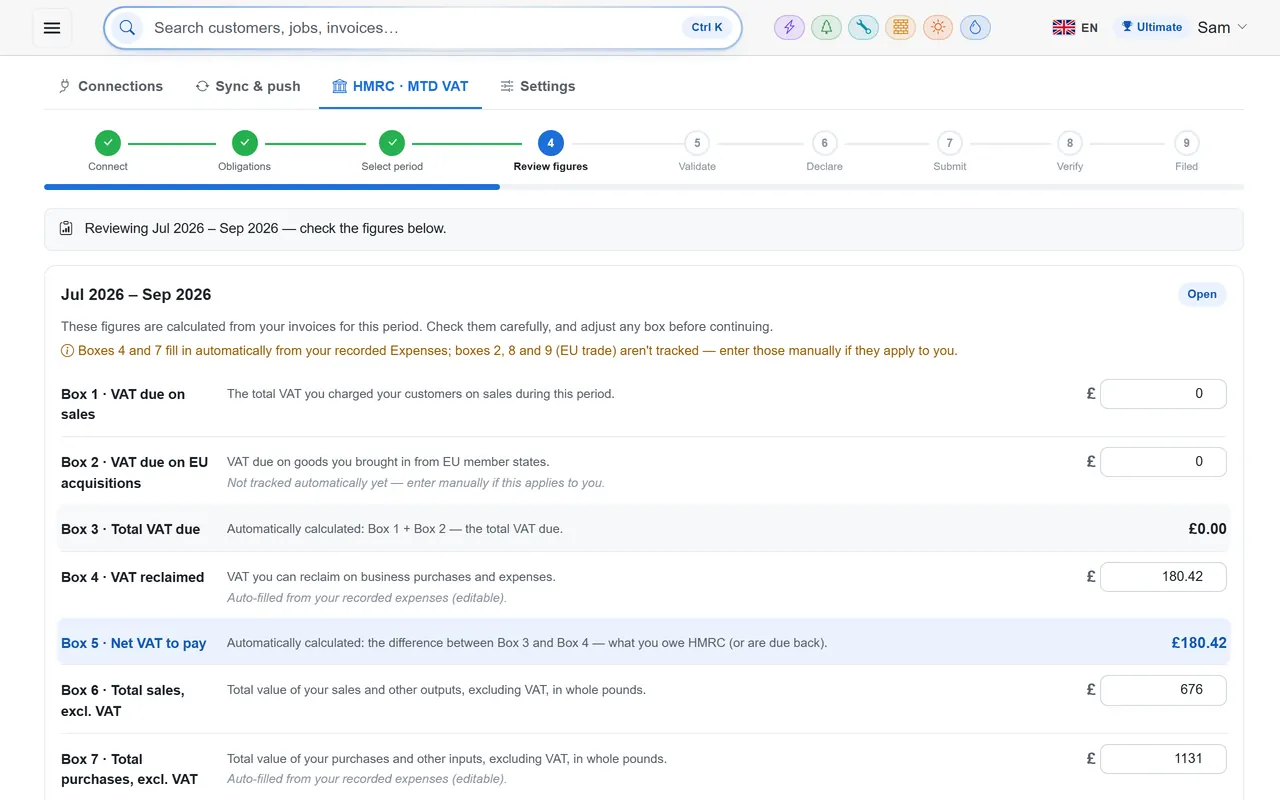
HMRC Making Tax Digital VAT
Connect to Government Gateway, see obligations, file the return in a guided nine-step wizard.
Document library & search inside files
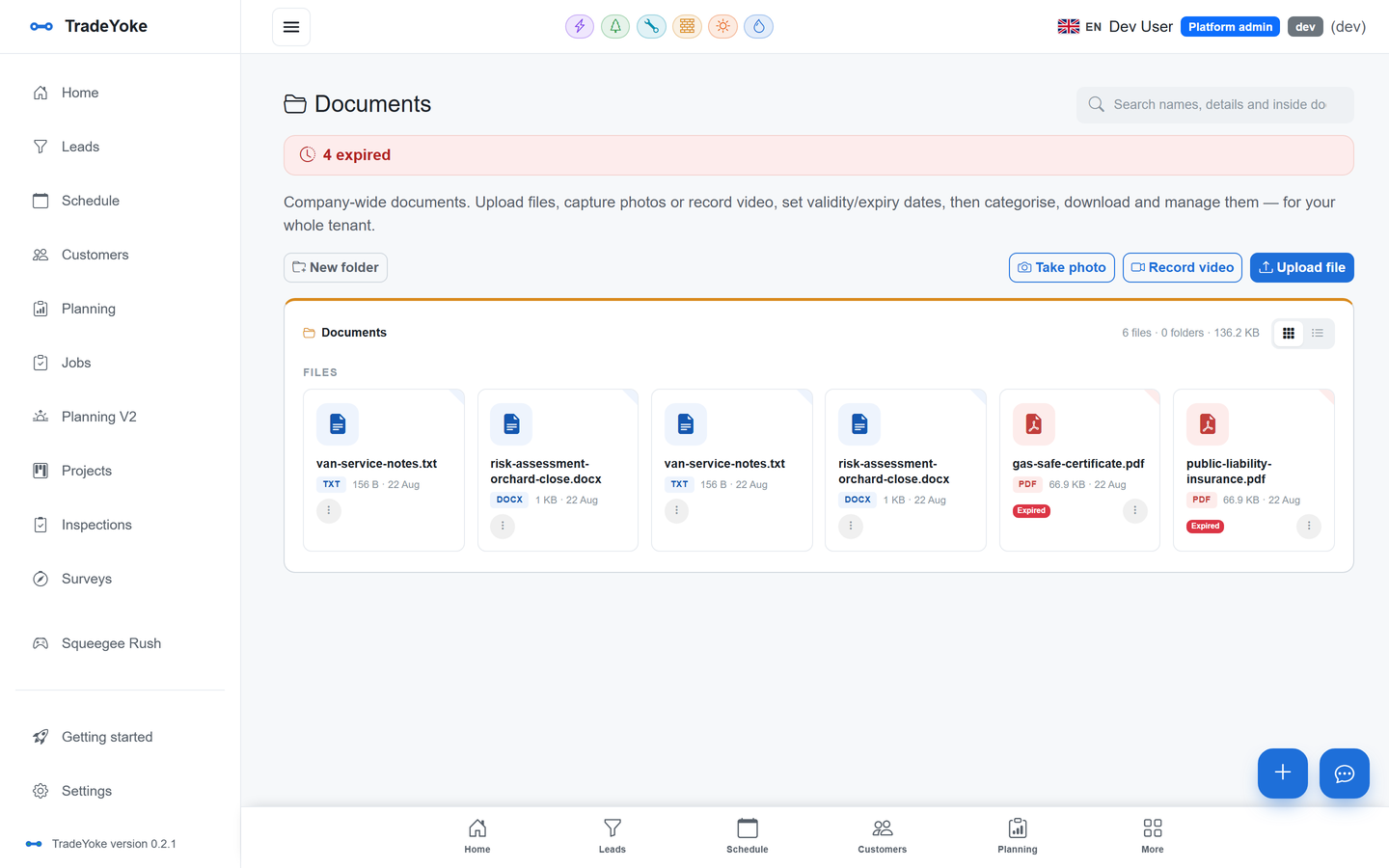
Folders, expiry tracking, photo and video capture, search that reads PDFs, Office files and scans.
Electrical certificates
EIC, EICR, minor works, emergency lighting and danger notification, as PDFs filed against the job.
Gas safety & boiler records
Landlord gas safety record (CP12), boiler service record, warning notice, commissioning checklist.
Solar MCS & DNO documents
MCS data sheet, G98 and G99, commissioning certificate, handover pack, type tests.
Expenses, receipts & mileage
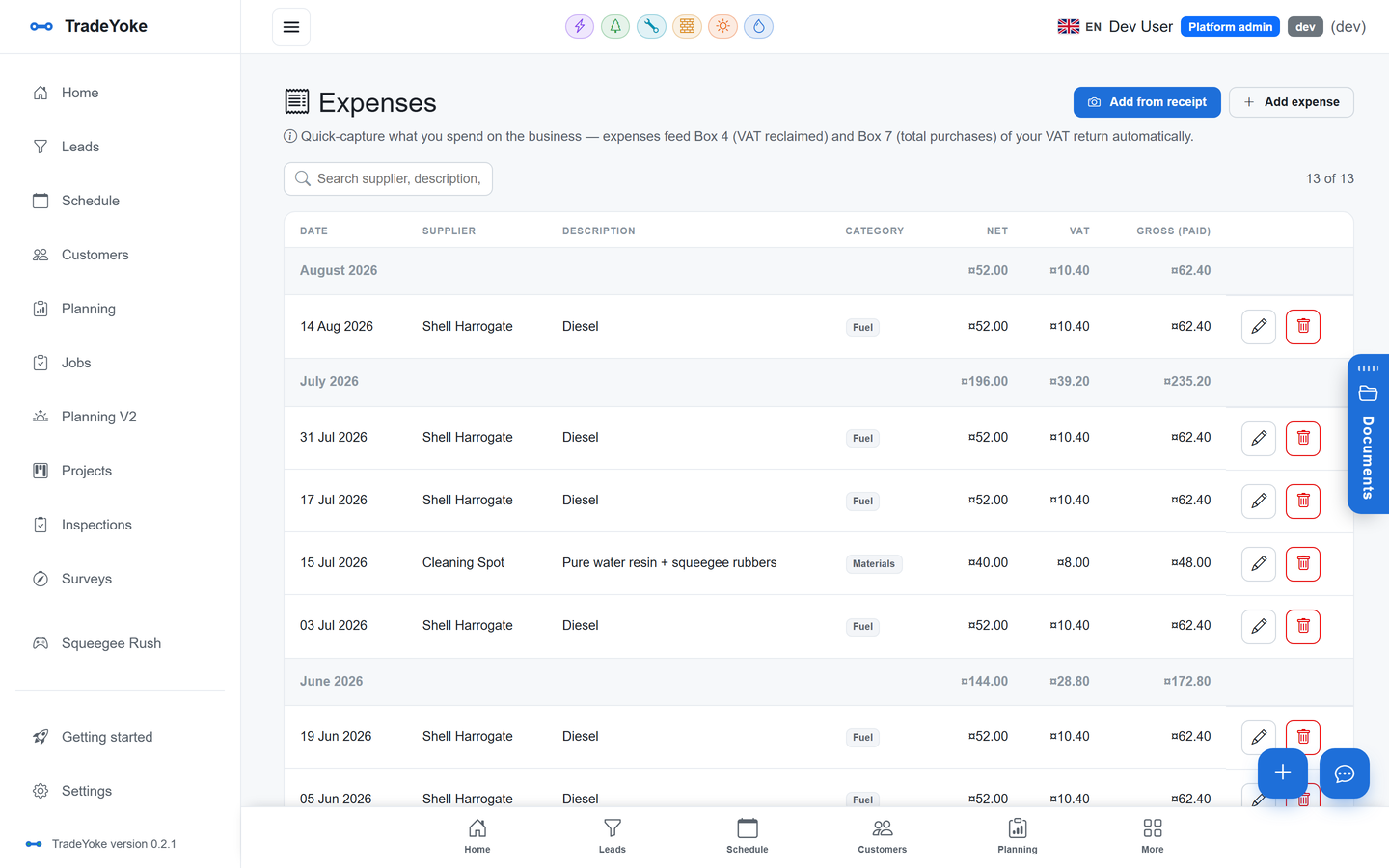
Photograph the receipt and the details are read for you; mileage from the day's stops.
Live monitoring & tracking
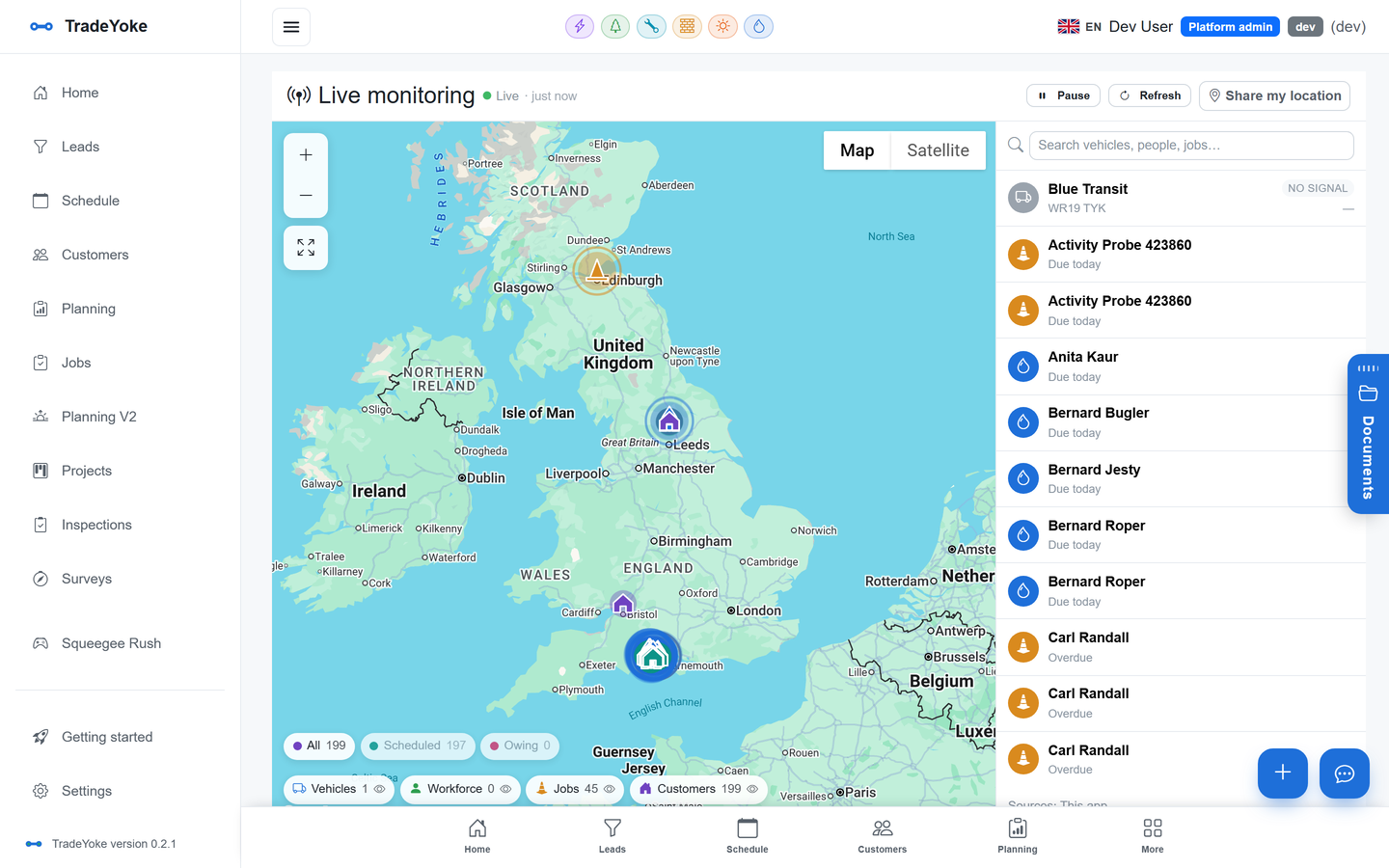
Where the team is, with the app as the tracker; customers, jobs and vehicles on one map.
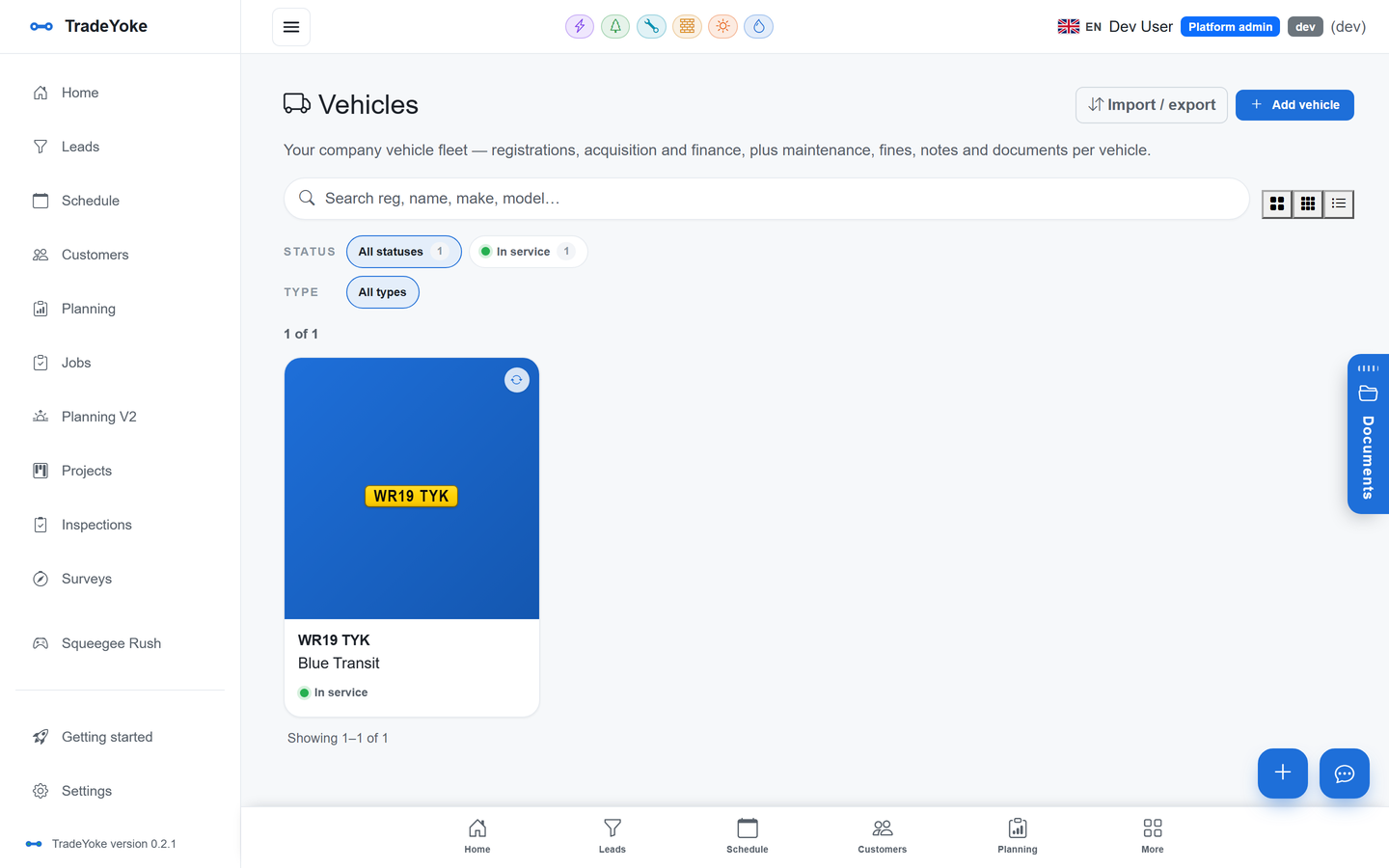
Team, projects, vehicles & suppliers
Registers for the people, the multi-trade work, the vans and the merchants.
How we write these pages
Only what the product does
- Written from the codeEach page is checked against the developer feature inventory before it is published; a capability appears here only when it exists in the app today.
- The same on every deviceA feature built once is the same feature on the web, iPhone, Android and Windows apps — there is no 'web only' small print.
- Trade pages for the specificsWindow cleaning, gardening, scaffolding, electrical, plumbing and solar each have a page for the workflow and paperwork of that trade.
- Pilot trades say soWhere a trade module is in pilot, the trade page says so. Feature pages describe the shared core every trade gets.
Questions
Before you dig in
Is every feature on every plan?
No. Free covers customers, jobs & the round, invoices to download or print and schedule & plan your week. Essentials adds customers, jobs & the round, quotes & invoices with your branding, who owes me + reminders, reports & the accountant file, email your customers: invoices, quotes & reminders and text your customers: bookings & on-my-way. Premium adds bookkeeping sync & HMRC VAT filing and take card payments: Pay now on every invoice. Ultimate adds your own website with booking & quote requests, customer portal: invoices, payments & statements online, live monitoring & tracking, priority support, and onboarding help. The 30-day trial is Essentials with no card. See the pricing page for the full comparison.
Do I have to use all of it?
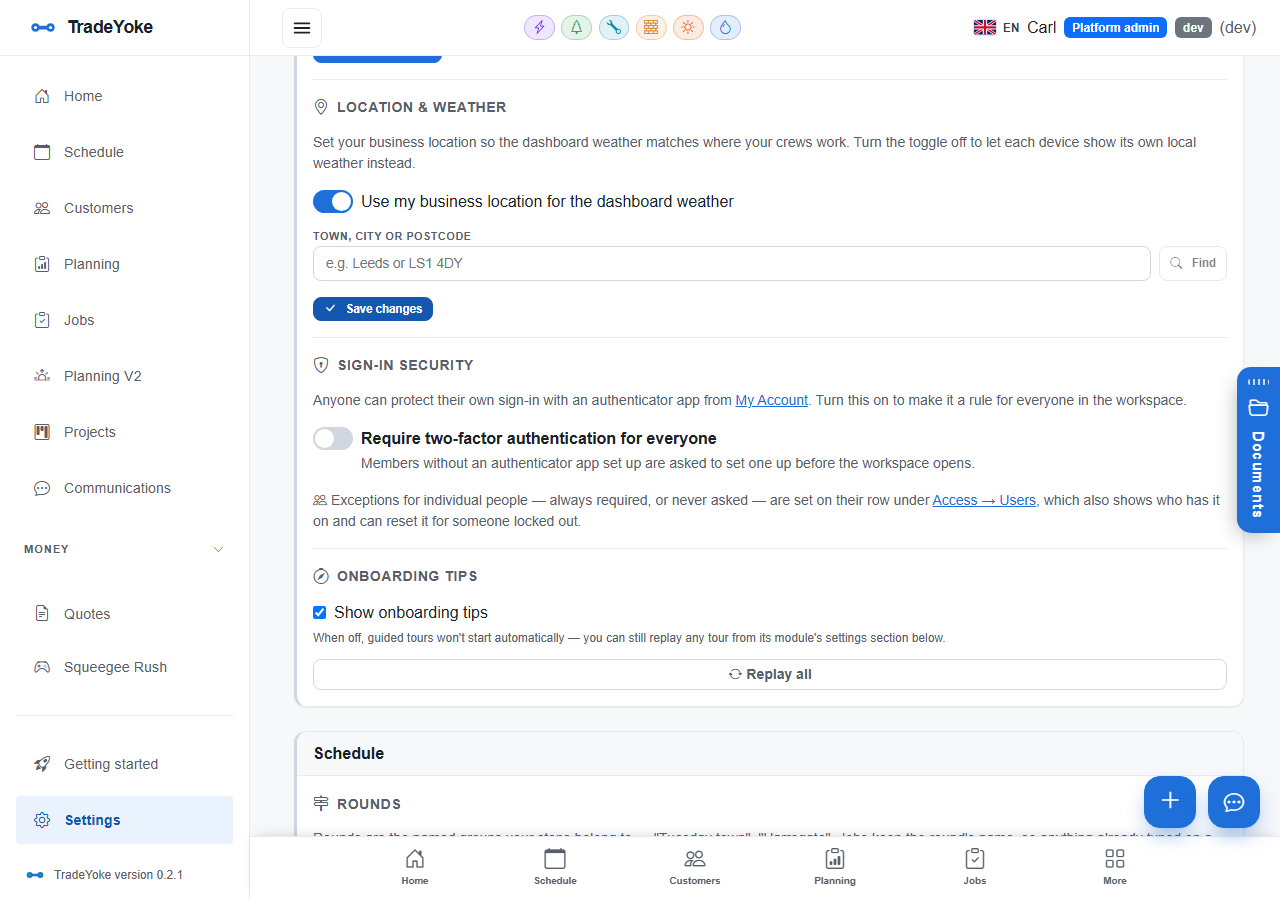
No. Each capability is a module you can switch on or off for your business, and each trade module brings only the paperwork that trade needs.
Which trades are live?
Window cleaning and gardening are live. Scaffolding, electricians, plumbers and gas engineers, and solar installers are in pilot with real businesses — their feature pages describe what those modules do today.
Does it work on my phone?
Yes. The iOS, Android and Windows apps are offline-first and run the same code as the web app, so every feature page applies to the phone as well.
See the features on your own work
30 days of Essentials free, no card. Import your customers and try each feature against a real week.