How to plan a window cleaning round that doesn't waste a morning
A round that looks full on paper can still waste an hour of driving if it isn't planned properly. Here's what actually makes a window cleaning round efficient, what dedicated round-planning tools get right, and how TradeYoke's Plan my day automates the decide-order-go routine every morning.
Quick answer
Quick answer: a well-planned window cleaning round groups customers by area and frequency, is worked in a sensible geographic order rather than the order jobs were booked, keeps access notes with the stop so nobody's guessing at a gate code, and has a clear rule for what happens on a rain day. Software helps most by automating the order and the rain-day reshuffle, not by replacing the judgement of who's due and who can wait.
What actually makes a round efficient
Every window cleaner learns the same lesson eventually: a round that's full on the diary can still be a bad day if it's badly ordered. Driving back across town for one stop you missed, or working a street out of sequence because it was booked last, costs more time than the clean itself. Planning a round well is really three separate decisions done in order — deciding what's actually due today, putting it in a sensible sequence, and getting that sequence to whoever's driving — and most of the time wasted on a round comes from skipping straight to the third step without doing the first two properly.
What makes a round genuinely plannable
- Group by area first, frequency secondA round organised by postcode or estate keeps the driving down; layering a 4-week/8-week frequency on top of that geography, rather than instead of it, is what keeps the round efficient month to month.
- Order nearest-first from where you actually startThe order jobs were booked in is rarely the order that minimises driving. Starting from your actual location and working outward saves more time than any other single change.
- Keep access notes on the stop, not in your headGate codes, dogs, "use the side entrance" — the day you forget is the day you waste ten minutes at one house while three more are waiting.
- Decide the rain-day rule in advance, not on the dayWhether a wet day means the whole round shifts one day, or you pick off what's still doable, is a decision that's easier made calmly in advance than while standing in the rain.
- Review the round every few monthsNew customers, cancellations and address changes drift a round out of its best order over time; a periodic re-sort keeps it efficient rather than just "working".
What dedicated round-planning tools offer
Quick answer: purpose-built window cleaning round-planning tools do genuinely good automated route sequencing and one-tap rain-day rescheduling, but they're generally single-purpose — a round-and-route tool sitting apart from quoting, invoicing and the wider customer record, rather than one account doing all of it.
Round Monster, a UK tool built specifically for window cleaning rounds, auto-sequences routes by distance with depot-aware ordering for firms running more than one vehicle, and offers a genuinely useful one-tap "rain-day reschedule" across a two-week planner. That's real, useful engineering aimed squarely at the round-ordering problem. What it and similar round-focused tools tend not to be is a full job-management system — invoicing, quoting and the customer record typically live in a separate product or a more limited version of one. At the other end, general job-management platforms like Tradify cover invoicing and quoting well but are comparatively thin on round-specific route planning — Tradify's own materials focus the round/route side on live job and staff location rather than an automated nearest-first sequence. Most window cleaners end up choosing which gap they'd rather live with.
How TradeYoke's Plan my day handles it
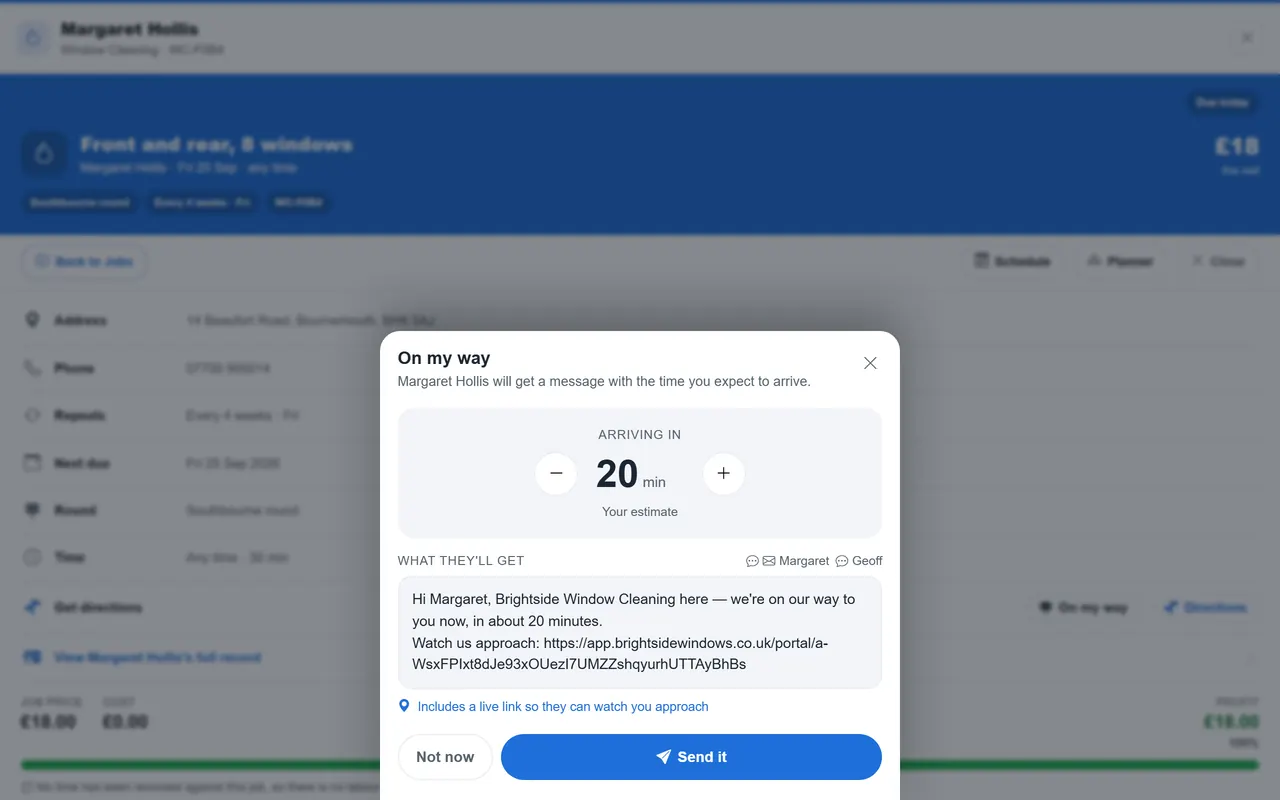
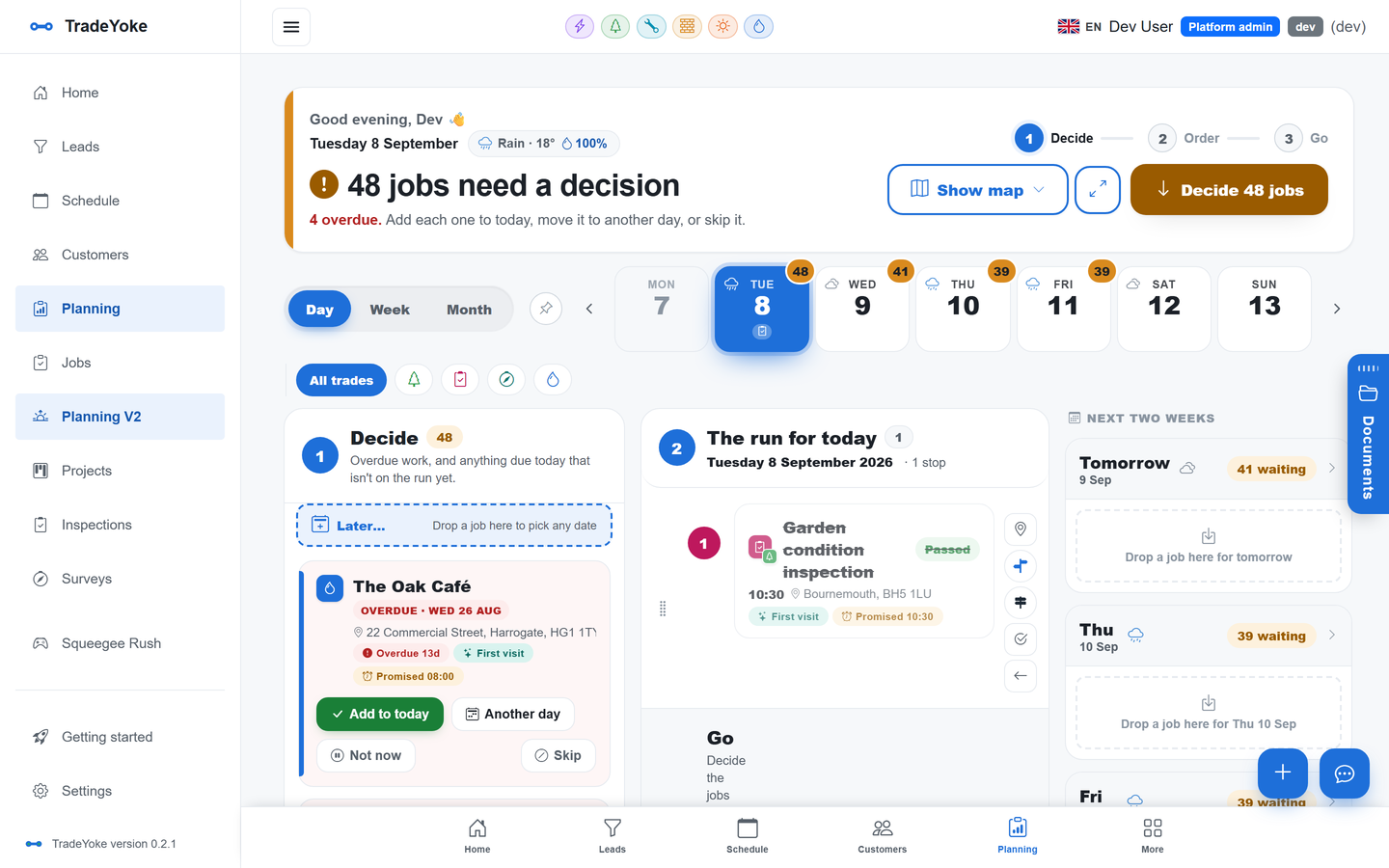
Quick answer: Plan my day does the three-step routine automatically every morning — it lines up what's due from the round, asks a single yes/later/not-now decision for each, orders the accepted run nearest-first from your start point, and sends the ordered runsheet with access notes to the phone, with a one-tap rain-day move for the whole round.
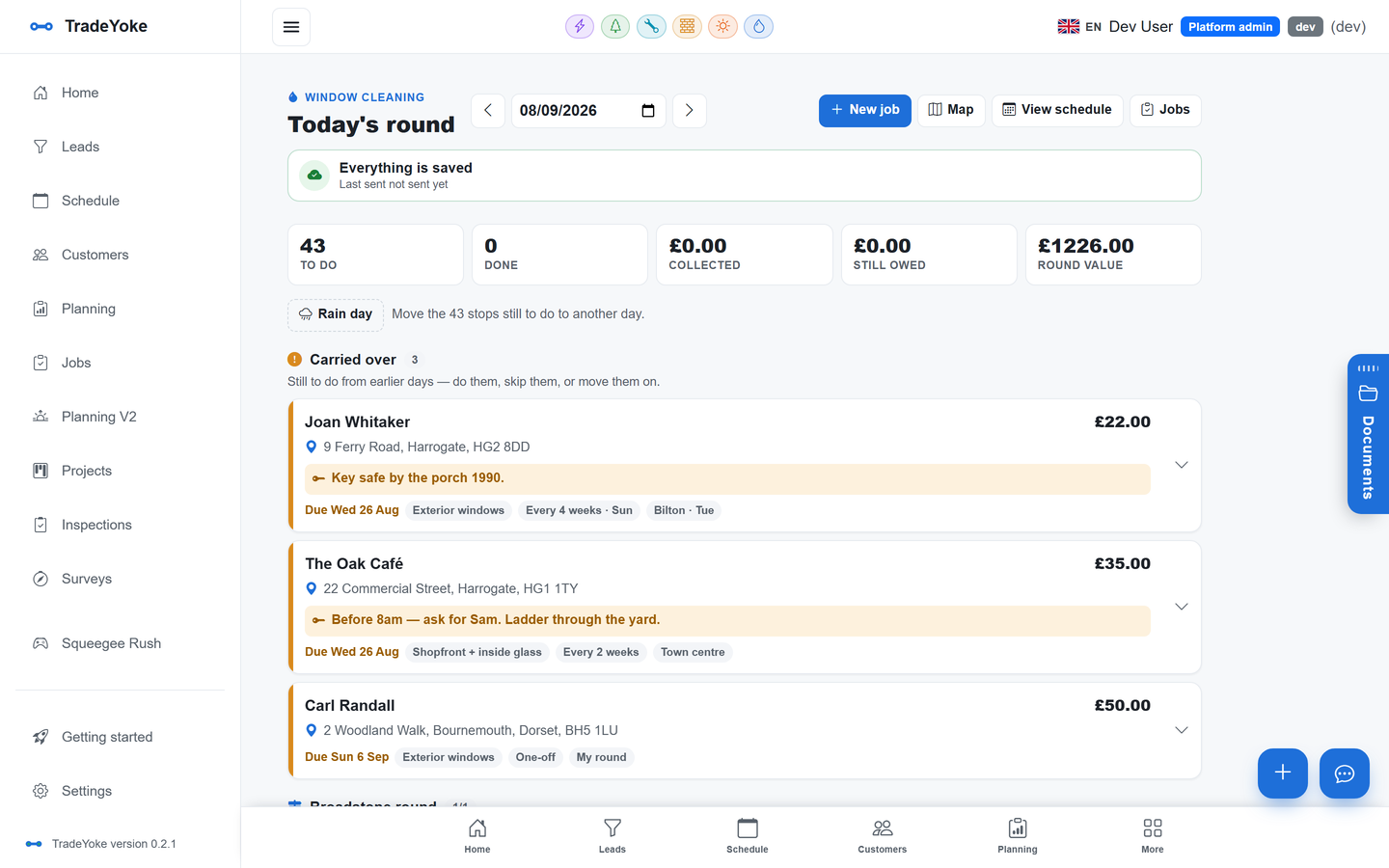
A window cleaning round in TradeYoke is a genuine recurring pattern on the customer record — every four, six or eight weeks, or whatever rhythm you set per property — so the diary fills itself rather than needing each visit booked by hand. Plan my day then does the ordering: it lines up what's overdue, what's due this week and anything with no day yet, asks one question at a time (today, another day, or not now), and orders whatever you've accepted nearest-first from wherever you're starting, with the leg distances and the day's total shown alongside. The confirmed run goes to the phone with the price, notes, access details and hazards on every stop, and a skip bin holds anything you deferred so it comes back tomorrow rather than getting forgotten. On a wet morning, moving the whole day's round to another day is one action, and the recurring rhythm carries on from there without anyone having to re-plan the following weeks by hand.
Does Plan my day optimise routes across multiple vans?
No — it orders one person's day nearest-first from their own start point, which suits a one- or two-van round. It doesn't solve multi-vehicle capacity or depot-based routing the way a dedicated multi-crew routing tool does.
Can I still drag stops into a different order?
Yes. The nearest-first order is a sensible starting point, not a fixed rule — drag any stop and the new order is remembered.
What happens to access notes and gate codes?
They live on the job and the customer record and show on the phone for every stop, so nobody's relying on memory or a paper round sheet.
Is scheduling and Plan my day on the free plan?
Yes — customers, jobs, the round and the schedule, including Plan my day, are part of TradeYoke's Free plan. See /pricing for what each plan adds.
Plan tomorrow's round in minutes, free
Free for the round and the diary, for as long as you like. Add your customers and let Plan my day order tomorrow's run.