Plan my day & routing
Decide. Order. Go.
A route planning app for tradesmen that starts with the decision, not the map. Every morning TradeYoke lines up what is overdue, what is due this week and what has no day yet, asks one question at a time, then orders the run nearest-first and sends it to the phone.
30-day free trial · No card required · Web app today, mobile & Windows apps in pilot

- Web Open nowBeta
 Coming soon
 Coming soon
 Coming soon
Watch how it works: Plan my day
Decide, order, go: from missed visits to a driven run in three steps. A short narrated walkthrough, with captions.


You just watched
Plan my day in TradeYoke: decide, order, go
Watch how it works: Your dashboard
Everything that needs you today on one home page. A short narrated walkthrough, with captions.
You just watched
Your TradeYoke dashboard: what needs you today
Planning the day is three jobs in one: deciding what is in, putting it in a sensible order, and getting that order onto the phone. Plan my day does them in that sequence. Suggestions come from the round, the diary and the weather; you say today, another day or not now for each; the run is ordered nearest-first from where you start; and the phone shows the stops in order with the notes for each.
A skip bin holds the ones you said not now to, so nothing falls through the cracks, and the confirmed runsheet is mirrored onto the schedule board so the office sees the same day.
What it does
Plan my day & routing in TradeYoke
Decide
Overdue, due this week and undated work lined up for a yes, a later, or a not-now, one at a time.
Order
The run is ordered nearest-first from your start point, with leg distances and the total for the day.
Go
The ordered runsheet on the phone with price, notes, access and hazards on each stop.
Skip bin
Not-now jobs wait in a bin and come back tomorrow, so they are never lost.
Mirrored to the board
The confirmed plan writes back to the schedule so the office and the van agree.
Weather-aware suggestions
The forecast feeds the suggestions, so a wet Thursday is flagged before you plan it.
The real thing
As it looks today
A real screen from the product, not a mock-up. The same screen is on the phone app.
The morning flow
Decide, order, go

Window cleaning
Ordered nearest-first
The round's ordered before the kit's even loaded.
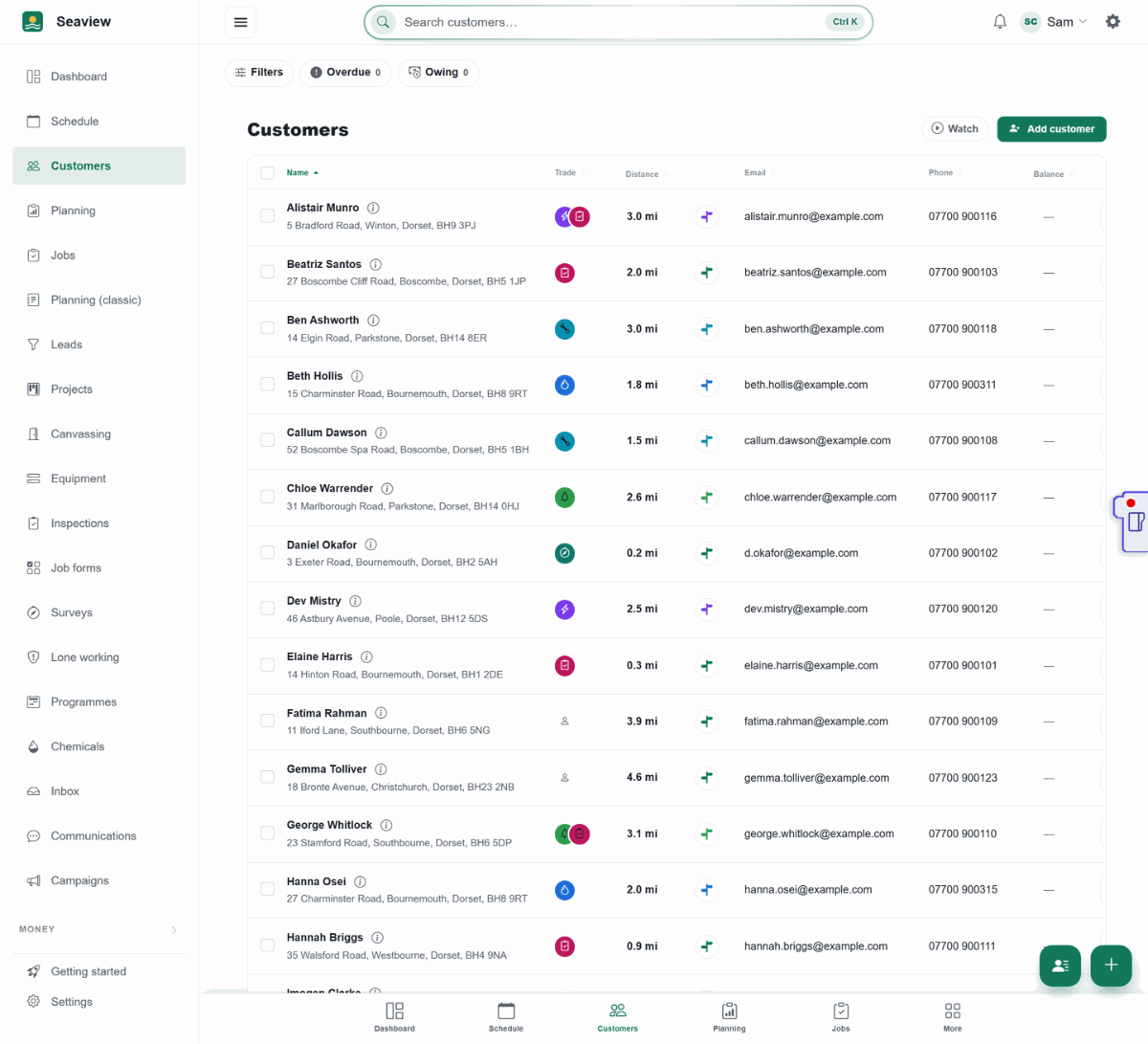
Today's list, already sorted 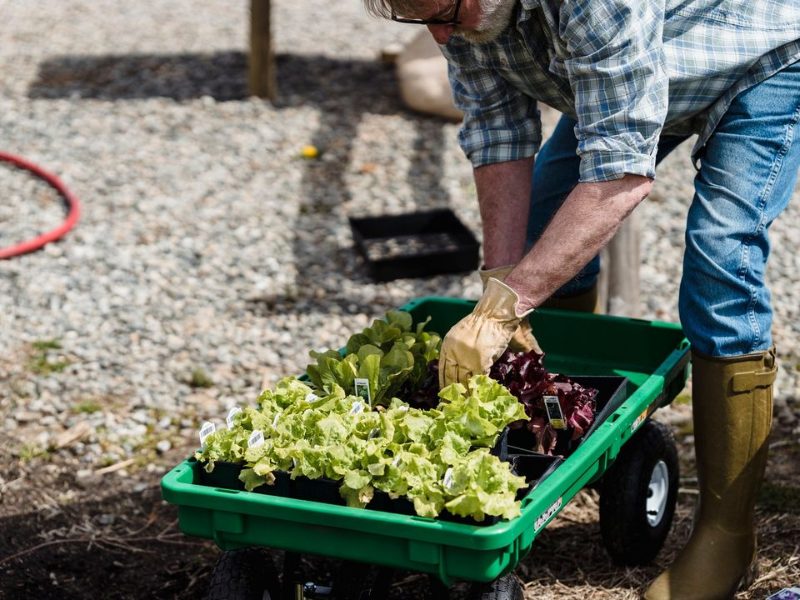
Gardening
One decision at a time
Overdue, due this week or no day yet — one question, then the run's ordered.
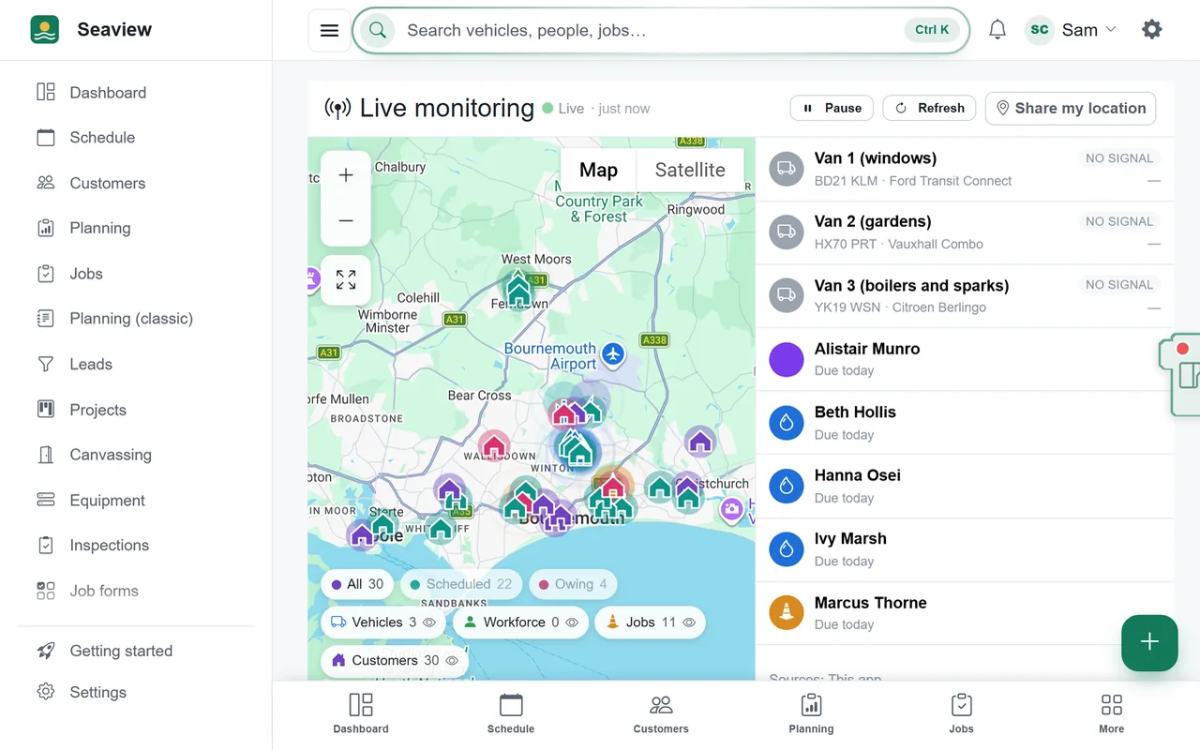
Where the day's stops are


More of it, as it looks today


The details
Also worth knowing
- Directions in one tapEvery stop opens turn-by-turn directions in your maps app.
- Drag to overrideThe nearest-first order is a starting point; drag stops and the order is kept.
- Works with rounds and one-off jobsRound visits and booked jobs are planned together on one runsheet.
- Fits appointments around fixed timesTimed jobs stay where they are; the rest are fitted around them.
- Made for iPads and Android tabletsOpen TradeYoke in the browser on an iPad or an Android tablet and it fits the screen: a docked menu on a landscape iPad, a footer bar and slide-out menu when it is upright, finger-sized buttons, and Plan my day's seven days on a row of their own. Open it once with signal and it keeps working with no signal too; the apps in pilot also send your changes in the background.
- Works in your phone's browser, and from your home screenOpen TradeYoke in the browser on any phone and add it to your home screen: it opens full-screen without the browser bar. The bottom bar and buttons get out of the way as you scroll or type, buttons are thumb-sized, and the menu slides out. Open it once with signal and it keeps working with no signal too; the Android, iPhone and Windows apps in pilot also send your changes in the background.
- Yesterday's loose ends come firstThe planner opens with a Missed: needs a decision section above the day, and the morning briefing says how many missed visits need an answer. Mark done, Replan or Skip each one, so you plan today from a clean slate.
Questions
Asked about plan my day & routing
Is this a route optimiser?
It orders the day's stops nearest-first from where you start and shows the distances, which is what a one-van round needs. It does not solve multi-vehicle capacity or time-window problems.
Can I plan for someone else?
Yes. The office can plan any person's day and it appears on their phone.
Where do the suggestions come from?
From the recurring round (what is due), the schedule (what is booked and what is overdue) and the weather forecast for the day.
Does Plan my day work on an iPad?
Yes. Plan my day works in the browser on an iPad or an Android tablet. On a landscape iPad you see the menu, the jobs to decide and the run for today side by side, and in portrait the seven day buttons take a row of their own so each is easy to tap. Decide, Order and Go work the same as on a phone or a computer, and after one visit with signal it keeps working with no signal too.
How do I catch up on visits I didn't record?
Open the planner. Any visit whose day has passed with nothing recorded is listed in a Missed: needs a decision section at the top, each with Mark done, Replan, Skip and Open job. Mark done asks for the day it was really done, and Replan lets you pick today, tomorrow or another date.
See also: how to plan a window cleaning round
See also: how Plan my day works: decide, order, go
Try plan my day & routing on your own work
30 days of Essentials free, no card. Import your customers and see it against a real week.