Solar installer software
From survey to commissioning to handover
MCS submission data sheets, commissioning certificates, handover packs, DNO applications and type-test documents — generated from the job and filed with the project. Import designs from OpenSolar. In pilot with installers now.
In pilot · Documents live · Join with your own installs
Made for the trade
What's different for solar installer
MCS & commissioning documents
MCS submission data sheet, commissioning certificate and the customer handover pack, generated from the job's data and issued as PDFs.
DNO applications
G98 / G99 connection assessment from the system size, DNO contacts by region, and the application tracked on the job.
Type tests & diagrams
Type-test documents for the inverter and panels, a single-line diagram and a boundary map on the record.
Projects
Survey, install, commissioning and maintenance visits on one project, with the trades on it — electrical, roofing, scaffold.
OpenSolar import
Pull the design and the files from OpenSolar into the job, so the data sheet is filled from the design, not re-typed.
Quotes, stages, payments
Quote the system, invoice the deposit and the balance, take payment by link — from the same record.
Crews & vehicles
Who's on the roof, who's in the van, where the van is.
Works on the roof
The phone works with no signal; the commissioning record syncs when you're down.
Audit
Who issued which document, when.
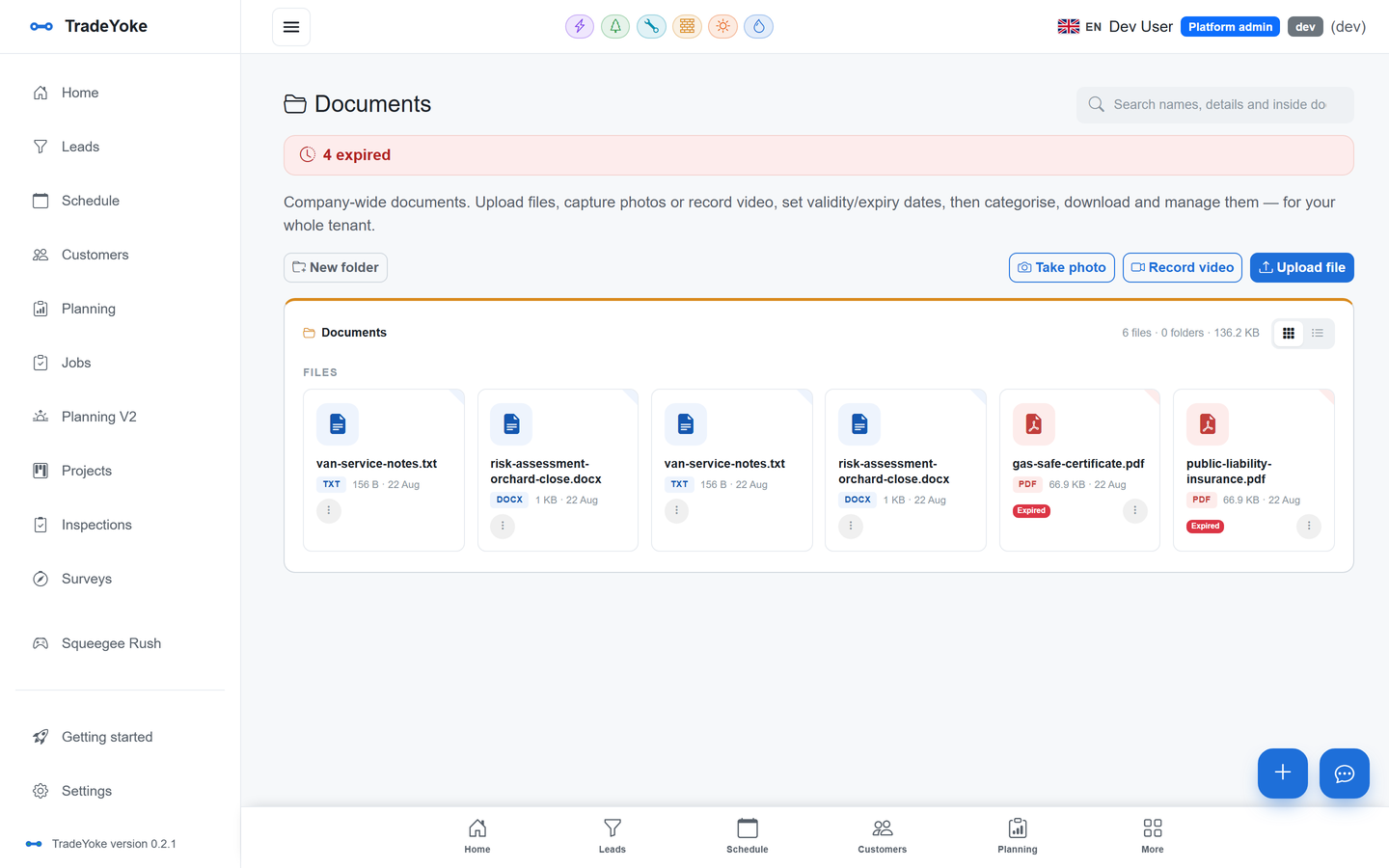
Solar documents
The paperwork, generated and filed
MCS submission data sheet, commissioning certificate and the handover pack are issued from the job and filed in the document library against the customer, with expiry dates tracked and search inside every file.
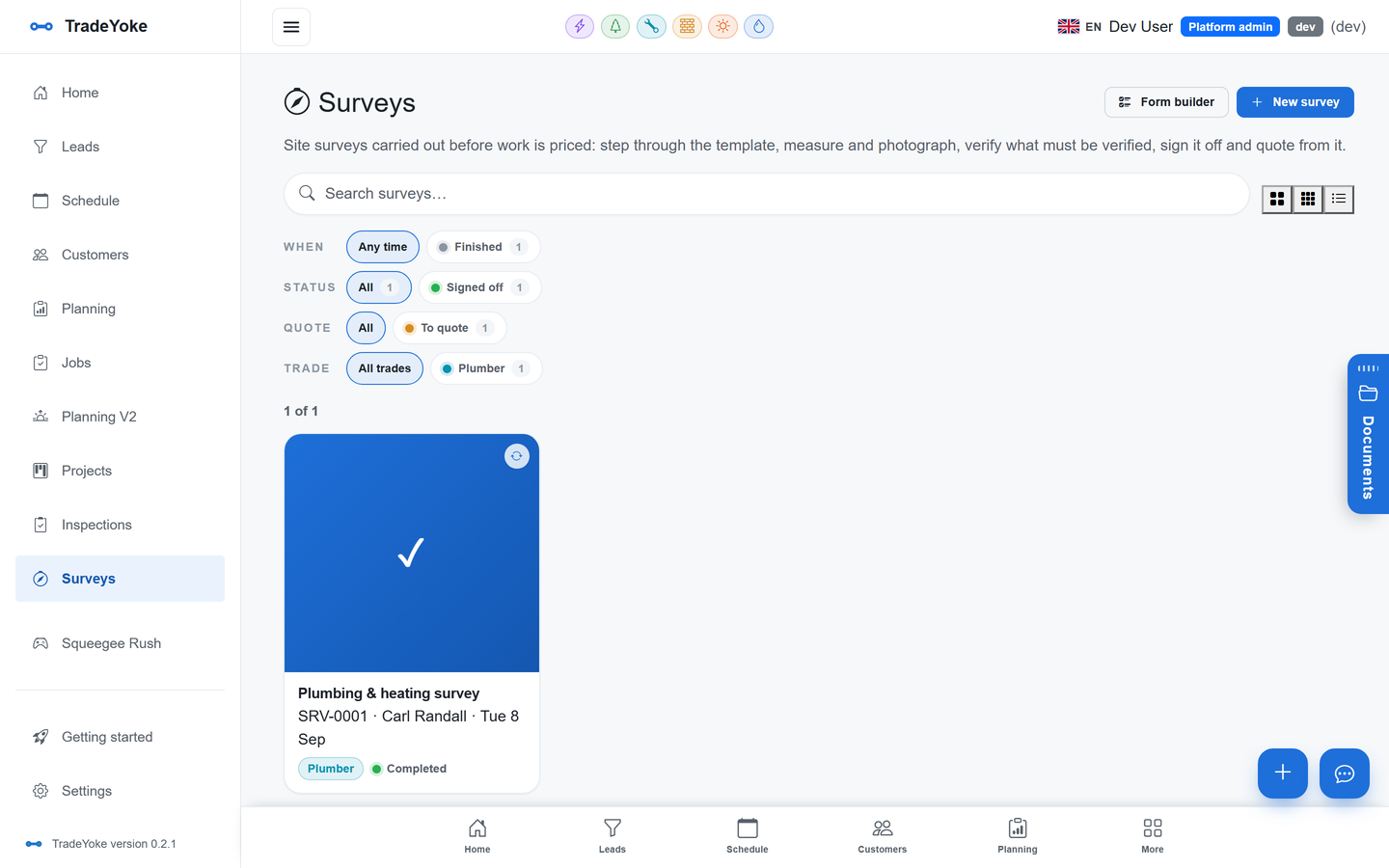
Site surveys
Survey → install → commission → handover
A site survey before the quote — roof, measurements, photos — then one project per system with every visit on the diary, every trade on it and the invoices hanging off the same record.
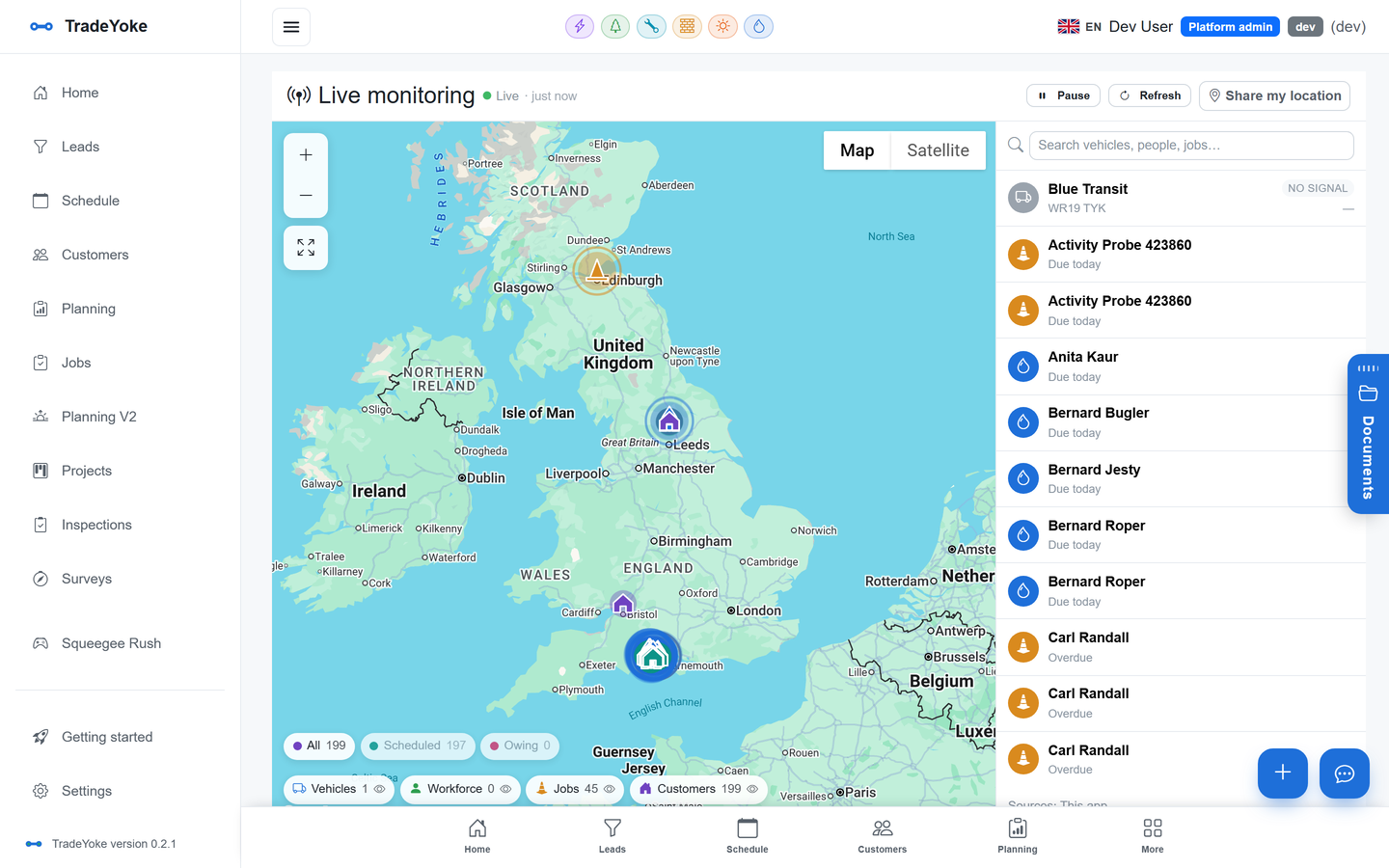
Live monitoring
Crews on the map
Where the install teams and the vans are, with the app as the tracker. Customers get an on-the-way text.
Getting started
Three steps to your first week
-
Import your customers
Spreadsheet in, duplicates flagged, addresses geocoded.
-
Set up the work
Frequencies and prices per property, or the projects and the paperwork your trade needs.
-
Plan the day and go
Decide, order, go — mark done, get paid, customers kept in the loop.
Questions
Asked by solar installer businesses
Which documents does it generate?
The MCS submission data sheet, the commissioning certificate and the customer handover pack, plus DNO application records, type-test documents, a single-line diagram and a boundary map on the job.
Does it work with OpenSolar?
Yes. The pilot includes an OpenSolar integration that pulls the design and its files into the job so the data sheet is filled from the design.
Can I add scaffolding and electrical on the same account?
Yes. Compatible modules share one diary, one customer list and one invoice run, and a project can carry all three trades.
Try it on your own work
Free trial, no card. Or open the live demo pre-loaded with sample data for solar installer.