Why 'works offline' is the feature you'll use most
Signal drops in basements, plant rooms and country lanes. An app that keeps working there, and syncs honestly when the signal returns, is the one you'll actually use.
The feature you will use most in a field service app is the one you never see: it keeps working when the signal does not. Rural rounds, basements, plant rooms, blocks of flats with thick walls and a lift shaft, the back of a farmhouse. If the app stops there, you go back to paper there, and paper is where the day's information gets lost.
This post is about what "works offline" should mean, why it is harder than it looks, and how to test any app's claim before you trust it with a round.
Why a field service app that works offline matters more than the rest
Coverage maps are generous. Ofcom's checker will tell you a postcode has 4G from every operator, and it is true at the gate. It is not true in the utility cupboard where the boiler is, or behind the house where the conservatory roof needs cleaning.
An app that needs a connection for every tap turns those places into dead time. You do the work, remember to mark it done later, and later is when things get forgotten: the photo, the cash, the note that the side gate is now padlocked. Offline-first means the app behaves identically in the cupboard and in the office, and you stop thinking about it.
What offline-first actually means
It does not mean cached pages. It means the phone holds its own copy of the data it needs for the day: the customers, the jobs, the prices, the access notes. Every read comes from that local store, so opening a job is instant whether or not there is signal. Every change goes into a queue on the device first, and the queue is sent to the server when a connection is available.
The distinction matters because a cached app can show you yesterday's diary but cannot record today's work. An offline-first app can mark a visit done, take a photo, log the cash and book the next visit with the phone in flight mode, and every one of those changes will arrive at the office in order once the signal returns.
What happens when two people change the same thing
Here is the part most apps hide. If you mark a visit done at 10:14 with no signal, and the office reschedules the same visit at 10:20, which one wins when your phone reconnects at 11:00? An app that silently takes the last write will lose one of those changes and nobody will know.
Offline-first done properly has rules for each case and tells you when it applies them. A visit marked done on site beats a reschedule from the office, because the work happened. A price changed in the office beats a stale price on a phone that has not synced. Where two edits genuinely conflict, the app keeps both and asks. The rules are boring; the point is that they exist.
Offline is not a mode. It is the ordinary condition of a working day, and the app should be built for the ordinary condition.
TradeYoke
Why the web app is different, and why we say so
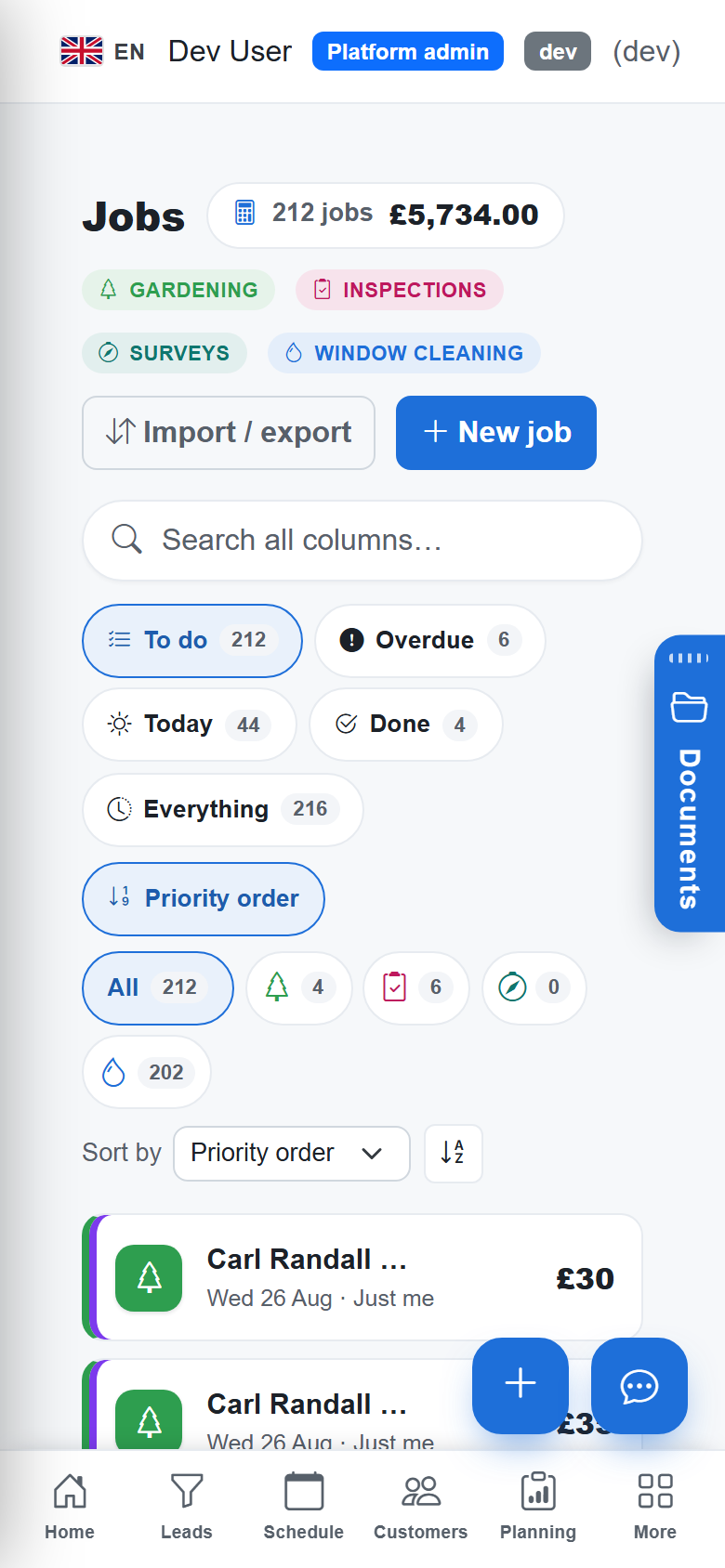
TradeYoke runs on web, iOS, Android and Windows from one codebase. The installed apps, on the phone and on a Windows laptop, are offline-first in the sense above: local store, queued changes, sync with conflict rules. The web app in a browser is the always-online office front door. It is where the office plans the week, sends the invoices and reads the reports, and it assumes a connection.
We say that plainly because "works offline" on a website usually means very little, and because the split is deliberate. The phone is where the signal drops, so the phone is where offline lives. The platform page sets out what each surface does.
What it looks like on a wet Tuesday
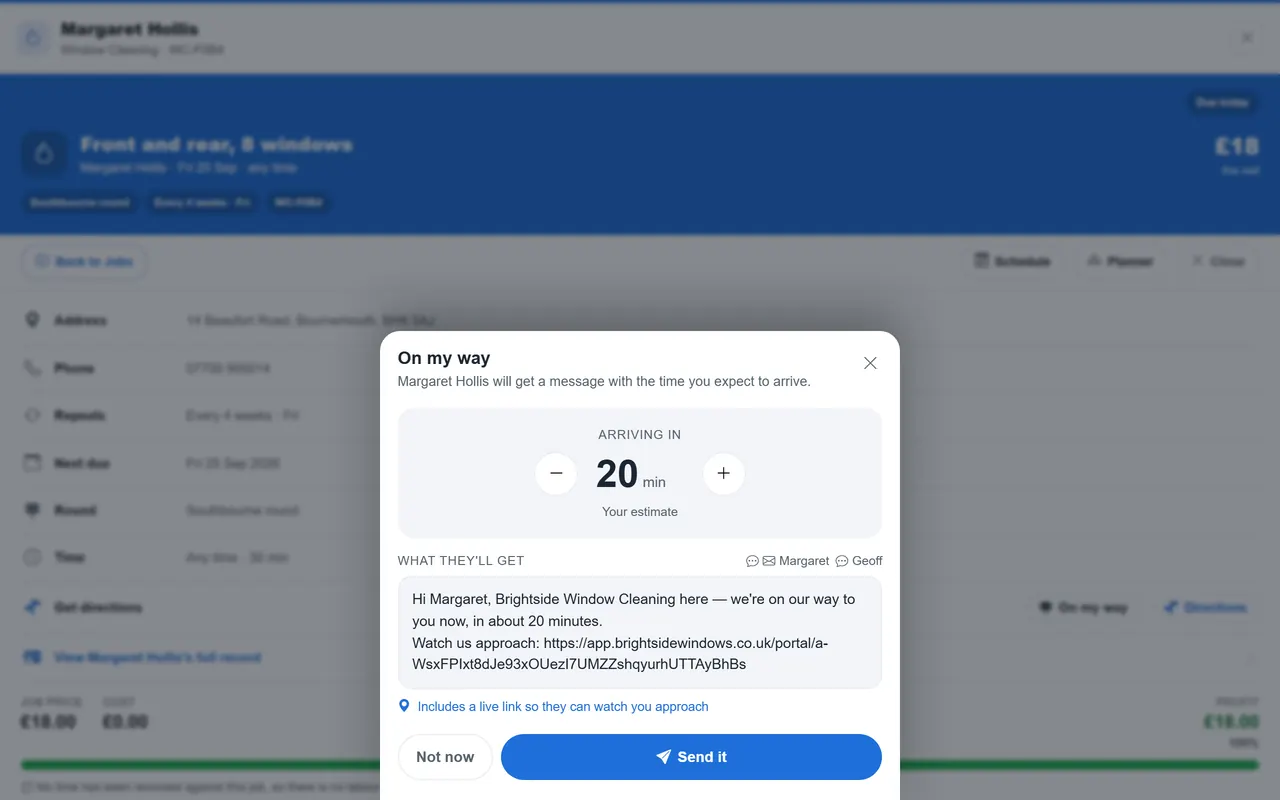
A window cleaner working a rural round loses signal at the third stop and does not notice. The stop is marked done, the customer pays cash and it is recorded against the visit, the next customer's gate is locked so the visit is skipped with a note, and the rain sets in at stop nine. The undone stops are moved to Thursday in one go, as described in the rain days post.
None of that needed a connection. When the van reaches the main road, the queue sends: the done, the cash, the skip, the carry-over. The office sees the round's state, the owed figure updates, and the "we're coming Thursday" texts can go out. The cleaner did not think about signal once.
How we built it, briefly
Every change is a small, self-describing operation with its own id, so sending it twice does nothing and sending it late still works. Each record carries a version tag; a change made against an old version is detected, not silently applied. The phone pulls a feed of what changed on the server since it last asked, rather than re-downloading everything. Conflict rules are declared per kind of change, and the ones that cannot be resolved automatically are surfaced to a person.
That is the substance behind the marketing phrase. It applies to every trade on the trades page, because the sync layer does not know or care whether the record is a window cleaning visit or a gardening one. The live monitoring described in the tracking post rides on the same connection logic.
How to test any app's offline claim
- Put the phone in flight mode before opening the appIf it will not open, the claim is about cached pages, not work.
- Mark a job done, take a photo, record a cash paymentAll three, with no signal. Then book the next visit.
- Change the same job from another deviceThen turn the signal back on and see which change survives, and whether the app tells you.
- Close the app, reopen it, still offlineThe queued changes should still be there.
- Reconnect and check the office viewEverything should arrive, in order, once.
Questions people ask
Does the app work with no signal all day?
Yes, on the phone and installed apps. The day's data is on the device, changes queue on the device, and the queue sends when a connection is available, whether that is at the next stop or back at the yard that evening.
What if the phone dies before it syncs?
The queue is stored on the device, not in memory, so it survives the app being closed or the phone being restarted. Charge it and reconnect and the changes send. If the phone is lost, unsynced changes on it are lost with it, which is a reason to let it sync at the next opportunity rather than at the end of the week.
Does the web app work offline?
No, and we say so. The browser app is the always-online office surface for planning, invoicing and reporting. Offline lives in the installed apps on iOS, Android and Windows, which is where the signal actually drops.
Does offline cost extra?
No. Offline mobile on all four platforms is part of every plan, Free included, and plans are per business rather than per user. See the pricing page for the four plans.
Take the round somewhere with no signal and see
TradeYoke's phone apps work offline and sync honestly when the signal returns, on every plan. Start a 30-day trial of Essentials with no card.