Offline-first mobile app
Works with no signal. Syncs when it has one.
An offline job management app for the trades that actually work where there is no signal: the iPhone, Android and Windows apps keep the round on the device, let you mark visits done and add customers with no connection, queue the changes, and sync them with conflict resolution when you are back in range.
30-day free trial · No card required · The same on web, iOS, Android & Windows
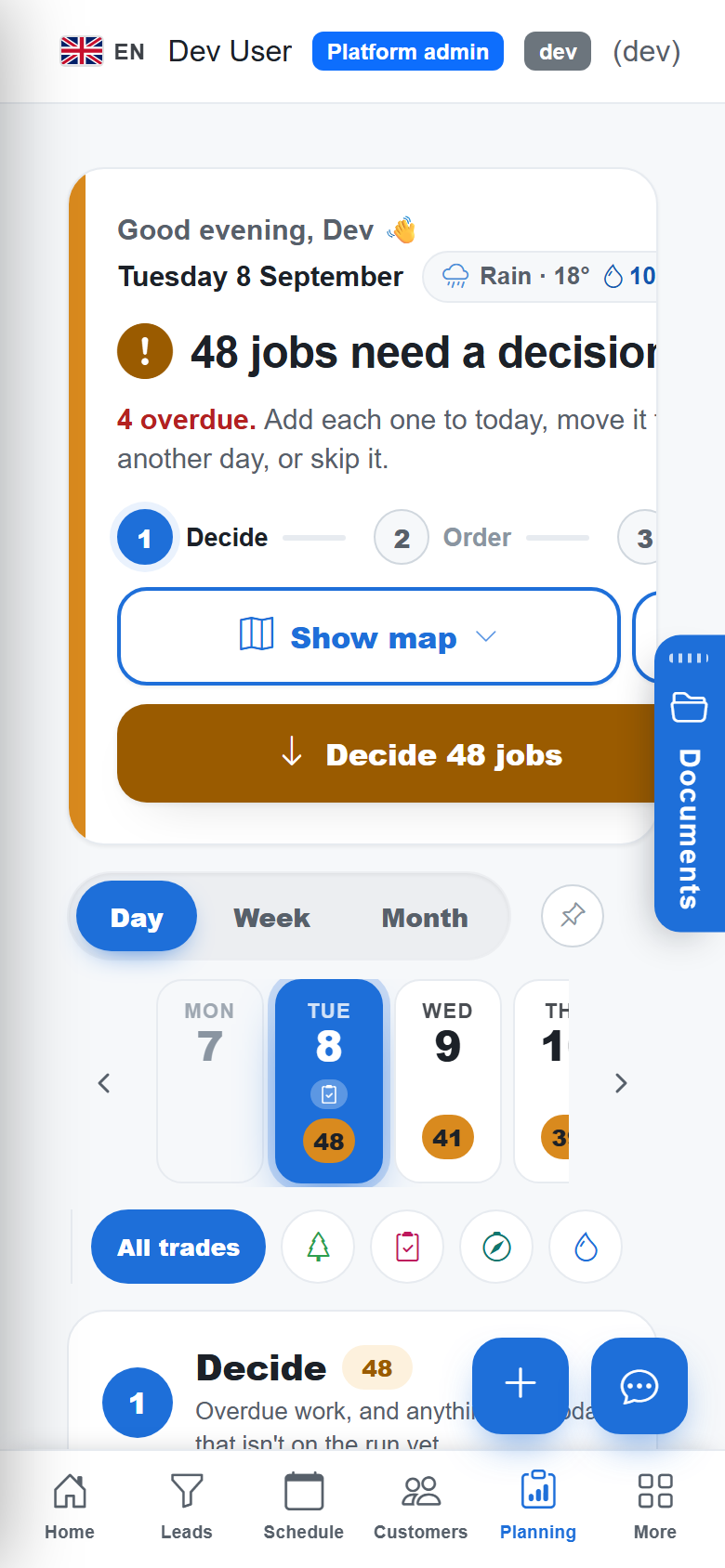
A basement, a rural round, a site with no coverage: the app has to keep working. TradeYoke's mobile apps are offline-first for the daily round. The day's stops are on the device; done, skipped and notes are recorded locally; new customers can be added; and an outbox queues each change with an idempotent id so a retry never duplicates. When connectivity returns the sync engine pushes your changes first, then pulls, and resolves conflicts by rules that never overwrite work you did offline.
What it does
Offline-first mobile app in TradeYoke
The round on the device
Today's window cleaning or gardening round is stored locally with every stop's notes.
Done and skipped offline
Mark visits done or skipped, add notes, with no connection.
Add customers offline
New customers created in the field sync when you are back.
Outbox with retry
Every change is queued with an id; retries never duplicate.
Conflict rules
Push first, then pull; local unsent work is never overwritten.
Sync status in the shell
An indicator shows pending changes and the last sync.
The real thing
As it looks today
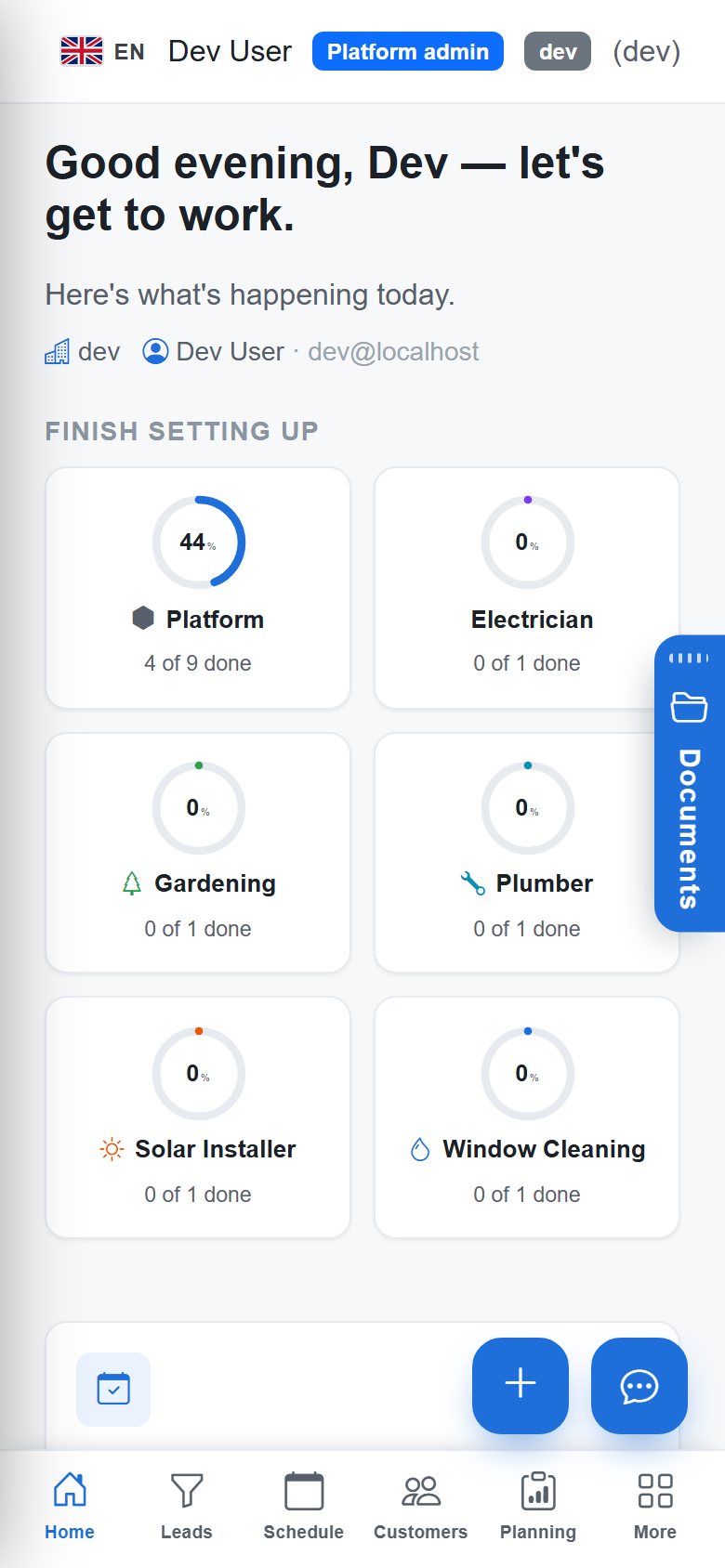
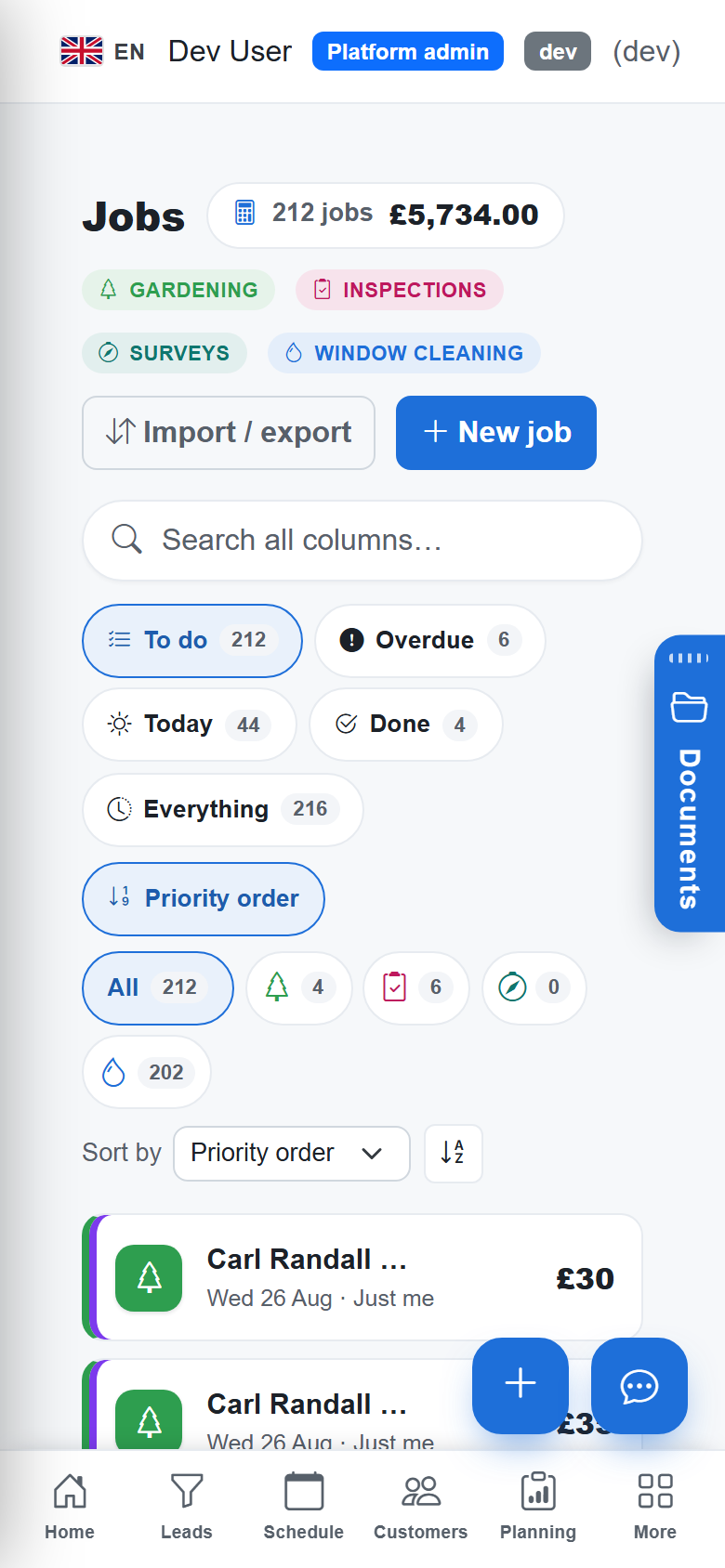
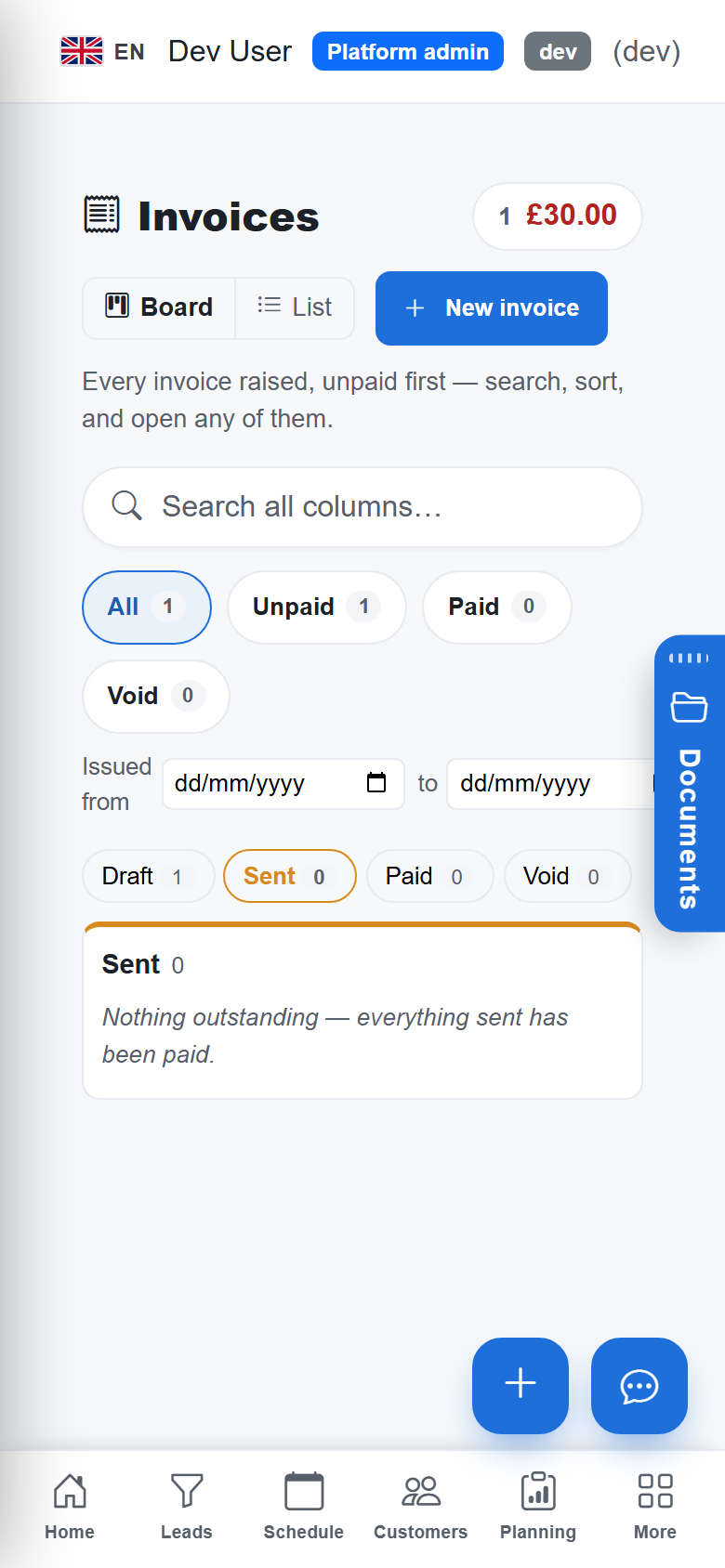
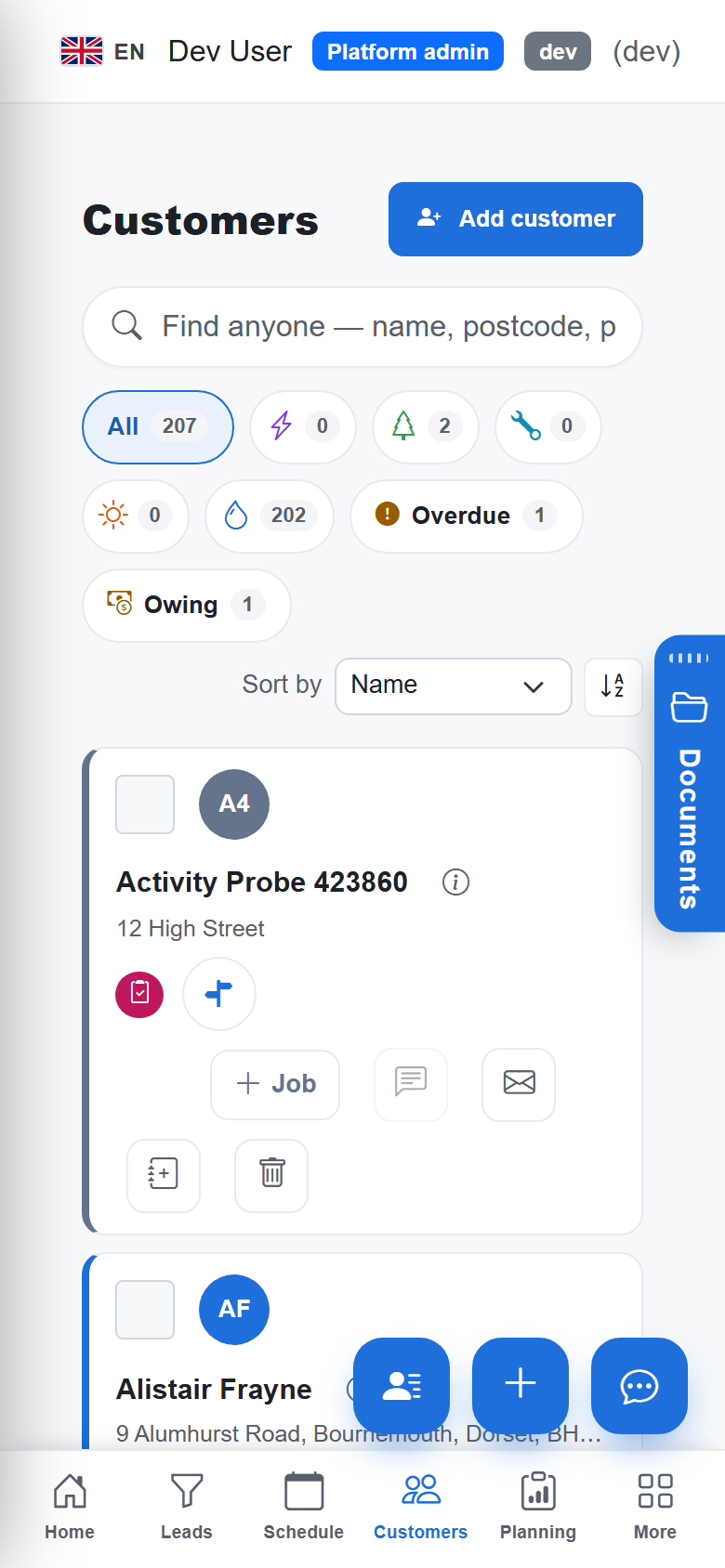
A real screen from the product, not a mock-up. The same screen is on the phone app.
More of it, as it looks today
The details
Also worth knowing
- iOS, Android and WindowsThe same code as the web app, built as native apps.
- Camera and locationPhotos file to the job; the app reports position for live monitoring.
- Secure sign-in on deviceMicrosoft-backed sign-in with the token held in the platform's secure storage.
Questions
Asked about offline-first mobile app
Which features work offline?
The daily round for window cleaning and gardening — viewing stops, marking done or skipped, notes — and adding customers. Certificates, quotes and invoices need a connection today.
What happens if two people edit the same thing?
The sync engine's rules decide: your unsent local work is never overwritten, and the conflict is surfaced rather than silently lost.
Does the web app work offline?
No. The web app is the always-online office front door; offline is for the installed apps.
Try offline-first mobile app on your own work
30 days of Essentials free, no card. Import your customers and see it against a real week.