How to protect your trade business from invoice fraud and account takeover
A text saying "our bank details have changed" has cost UK businesses tens of millions of pounds. Here's what actually protects a trade business from invoice fraud and account takeover — the habits that help whatever software you use, and how TradeYoke is built to catch a forged message before you act on it.
Quick answer
Quick answer: the most damaging trick used against trade businesses is a message — an email, a text, even a phone call — claiming a bank account has changed. Never act on a changed bank detail from a message alone: call back on a number you already had before the message arrived, not one it gives you. Beyond that, put two-factor authentication on every account, keep who can change payment details to as few people as sensible, and use software that checks where a message actually came from rather than just displaying what it says.
What invoice fraud and account takeover actually cost a trade business
Two different attacks get lumped together as "invoice fraud", and it's worth knowing which one you're dealing with. Mandate fraud is a criminal impersonating a supplier — or you — to get a bank detail changed, so a payment that would have gone to the right account goes to theirs instead; a fake invoice is the other common route, sent cold in the hope someone pays it without checking. Account takeover is different again: a criminal gets into a real email inbox or admin login (often just by guessing or reusing a leaked password) and then uses it to send genuinely convincing messages, because they're coming from an address the recipient already trusts. The Home Office's Economic Crime Survey 2024 found fake invoice fraud had affected 11% of UK businesses with employees in the previous year, and mandate fraud a further 7%, with UK businesses losing around £49 million to the two combined in 2024. For a trade business, the exposure is very ordinary: a customer paying a deposit, a supplier account, or an admin login shared between two people, are all it takes.
What actually helps, whatever software you use
Quick answer: the single habit that stops almost all of this is refusing to act on a changed bank detail from the message alone — everything else is about making an account harder to take over in the first place.
Habits that hold up against invoice fraud and account takeover
- Verify any bank detail change by phone, on a number you already haveNot the number in the email or text — look it up independently, the way you would have before the message arrived. This one habit defeats almost every version of mandate fraud.
- Give everyone their own login, and turn on two-factor authenticationA shared login can't be locked to one person, and a password on its own is one leaked list away from someone else's. Two-factor authentication means a stolen password alone isn't enough to get in.
- Limit who can change payment details, and review it now and thenNot every team member needs to be able to change a bank account on a customer or supplier record — the fewer who can, the fewer ways in.
- Treat urgency and authority as the warning sign, not the reason to comply"The boss needs this transferred before 5pm" is the oldest trick in the book precisely because it works. A genuine request survives a ten-minute check.
- Notice the small mismatchesA reply that lands in the wrong conversation, an email address one character off, a domain that's nearly-but-not-quite right — these are usually the only visible sign something's wrong.
What generic security advice gets right, and what it misses for a UK trade business
Quick answer: the advice aimed at trade businesses using job-management software is generally sound — multi-factor authentication, unique passwords, verifying bank changes by phone — but it's advice about behaviour, not about what the software itself does to catch a forged message before it's acted on.
Security write-ups aimed at trades using tools like ServiceM8 or Tradify get the fundamentals right: turn on multi-factor authentication everywhere, use a different password for every account, and always confirm a bank detail change by phone rather than by replying to the message that raised it. What that advice doesn't cover, understandably, is what happens inside the software you're already using — whether a reply that comes back into your business is actually checked before it's shown to you as genuine, or just displayed at face value because it arrived. The UK's own Take Five to Stop Fraud campaign — backed by UK Finance and the banking industry — gives the same message-verification advice, and it's worth reading regardless of what software you use. TradeYoke's difference is that it doesn't stop at telling you to be careful; the messaging system itself checks whether an inbound reply is genuinely part of the conversation it claims to be, rather than trusting it because it arrived.
How TradeYoke is built to catch this before you act on it
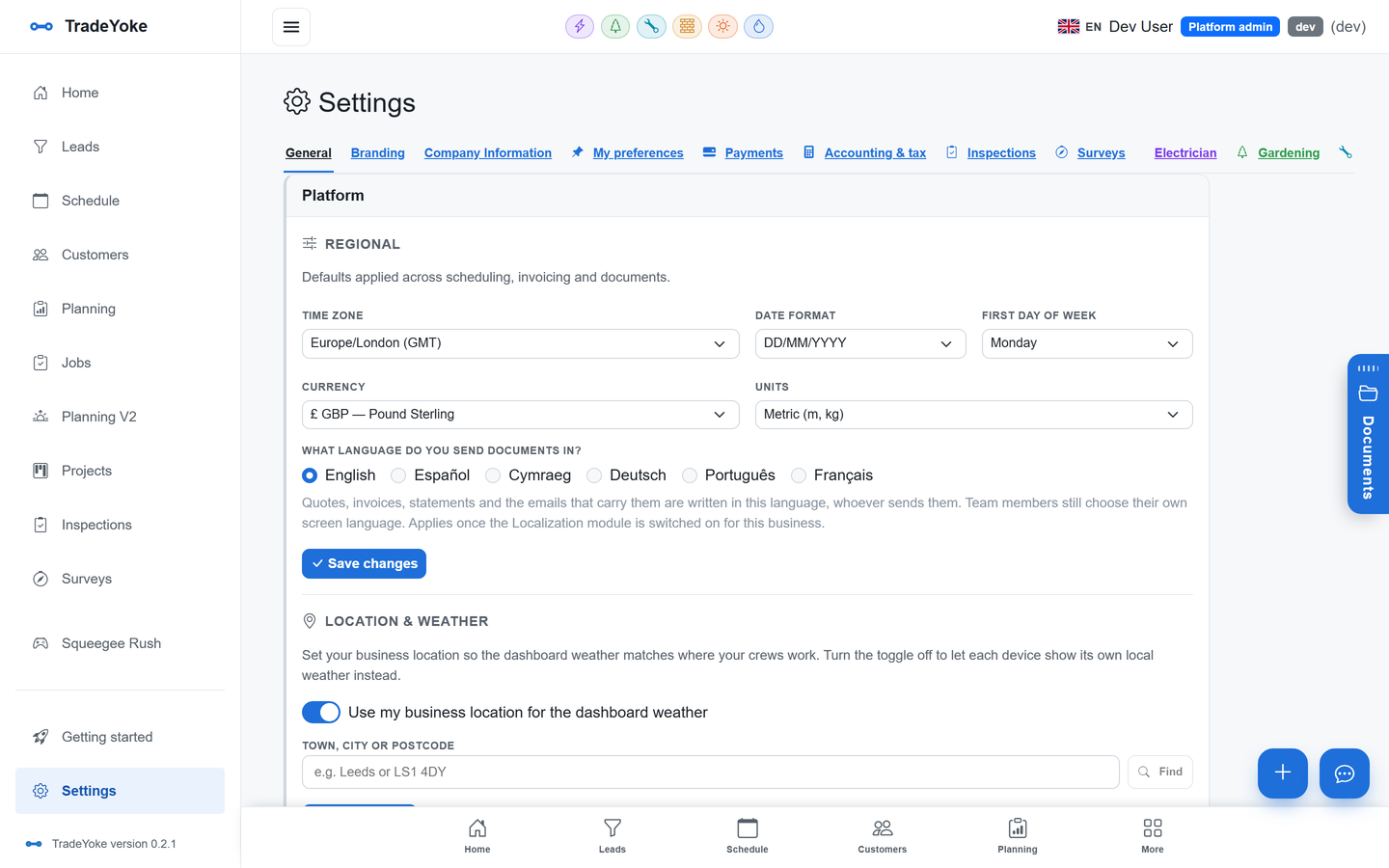
Quick answer: TradeYoke checks and flags what it can, rather than asking you to take every message on trust — an inbound reply that can't be verified is marked as such in the thread, two-factor sign-in can't be sidestepped by switching how you sign in, nobody can hand out more access than they hold, and your connections to Xero, QuickBooks, FreeAgent and HMRC are kept encrypted rather than sitting in plain text.
Every reply that comes back into a TradeYoke conversation by email — a customer replying to a quote or an invoice — is checked before it's shown as genuine. If that check fails, or the sending mail server didn't pass its own authentication (SPF/DKIM), the message carries an 'unverified sender' warning right there in the thread, so a message saying "please pay into our new account" doesn't read the same as one that's been verified. Two-factor authentication is tied to you as a person rather than to one sign-in method, so it stays in force whether you sign in with a password, Microsoft or Google — there's no side door. A new account only switches on once its email address has actually been confirmed, closing off the obvious trick of registering against someone else's inbox before they've noticed. Team access follows a strict hierarchy: nobody — not even an admin — can hand out a permission or role beyond what they hold themselves, nobody can edit their own access, and only a Super Admin can change a Super Admin's login, so a single compromised lower-level account can't be used to promote itself. Every change to a job, a customer or an invoice lands on an append-only audit trail, so if something does look wrong, you can see exactly who did what and when. A document someone sends you is checked against what it actually is before TradeYoke decides how to preview it, so a disguised attachment can't be opened as something it isn't. And the connection details TradeYoke keeps for your accounting software and HMRC are stored encrypted, never in plain text, whatever happens elsewhere.
What is mandate fraud, and how does it usually reach a trade business?
Mandate fraud is when a criminal impersonates a genuine supplier — or convincingly poses as you — to get a bank detail changed, so a payment that should go to the right account is redirected to theirs instead. It usually arrives as an email or text saying a bank account has changed, timed to look routine.
Is it ever safe to change a bank detail from an email or text alone?
No. Always confirm by phone on a number you already had before the message arrived — never a number the message itself supplies. This single check defeats almost every version of the scam.
How does TradeYoke warn me about a suspicious reply?
Every inbound reply is checked and threaded by a signed record; if that check fails, or the sending mail server didn't pass authentication, the message carries an 'unverified sender' warning in the thread, so you know to double-check before acting on anything about payment or bank details.
Could a single hacked team member's login do serious damage?
Less than it otherwise could. A permission or role can never be handed out beyond what the person granting it already holds, nobody can edit their own roles, and every change lands on an audit trail — so a compromised account can't quietly promote itself, and any unusual activity is traceable.
See TradeYoke's security settings for yourself
30 days of Essentials free, no card required. Turn on two-factor authentication, add your team with the right roles, and see the audit trail on a real account.