Document library & search inside files
Every certificate, photo and pack, findable
Document management for tradesmen: a library with folders, expiry tracking, photo and video capture from the phone, files attached to jobs and customers, and search that reads inside PDFs, Office files and scanned images.
30-day free trial · No card required · The same on web, iOS, Android & Windows
Included onEvery plan, including Free
Paperwork in a trade business is not one folder; it is certificates that expire, photos of the job, the customer's signed quote, the van's MOT and the insurance schedule. TradeYoke's Document Library files all of it against the thing it belongs to, tracks expiry dates and warns you, and indexes the contents so you can search for a boiler serial number or a circuit reference and find the certificate that mentions it.
What it does
Document library & search inside files in TradeYoke
Folders and filing
Documents file against a job, a customer, a vehicle or the business, in a folder, with a category.
Expiry tracking
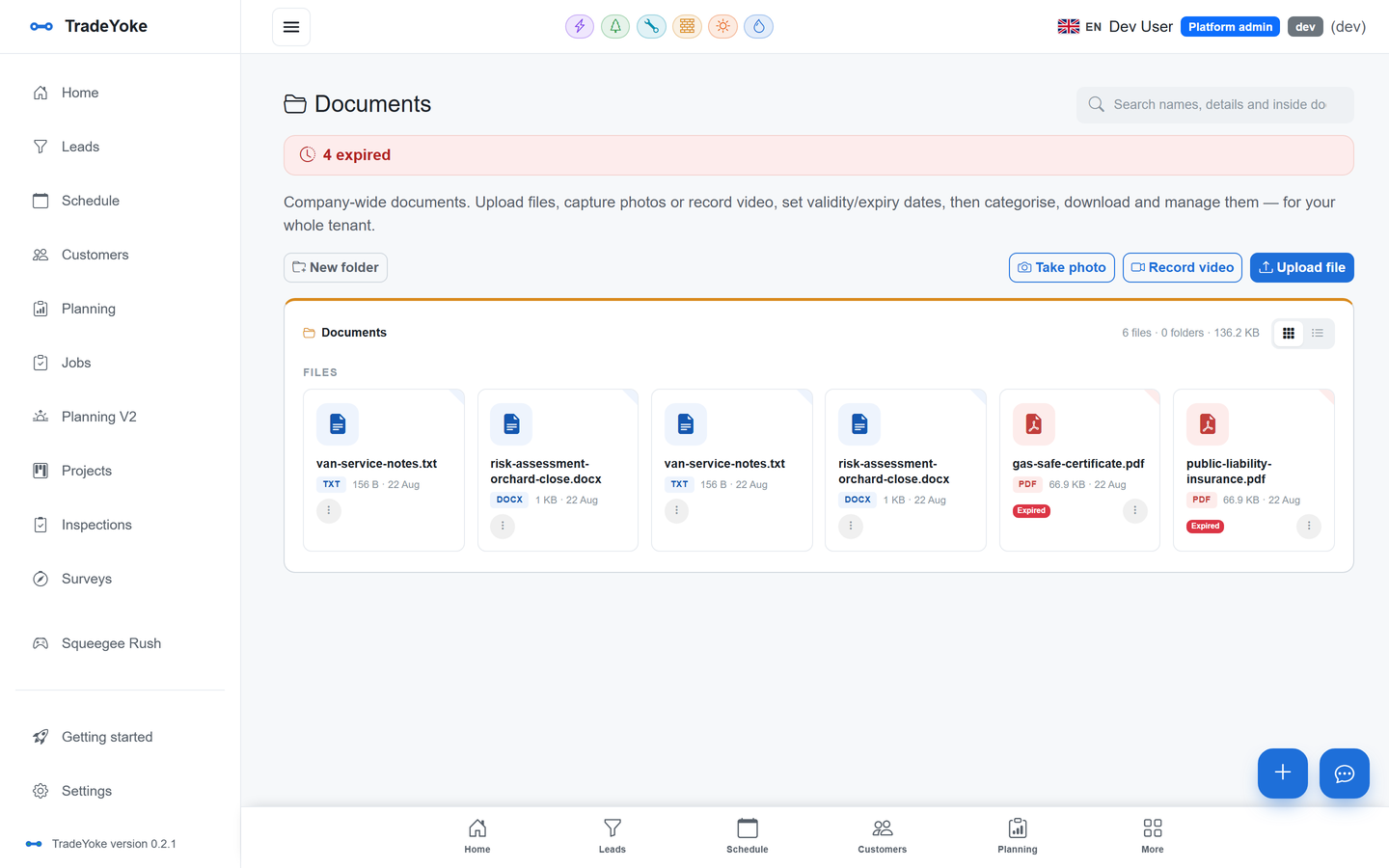
Set an expiry and the library warns you; the dashboard tile lists what has expired or is about to.
Photo and video capture
Take a photo or video on the phone and it files against the job.
Search inside files
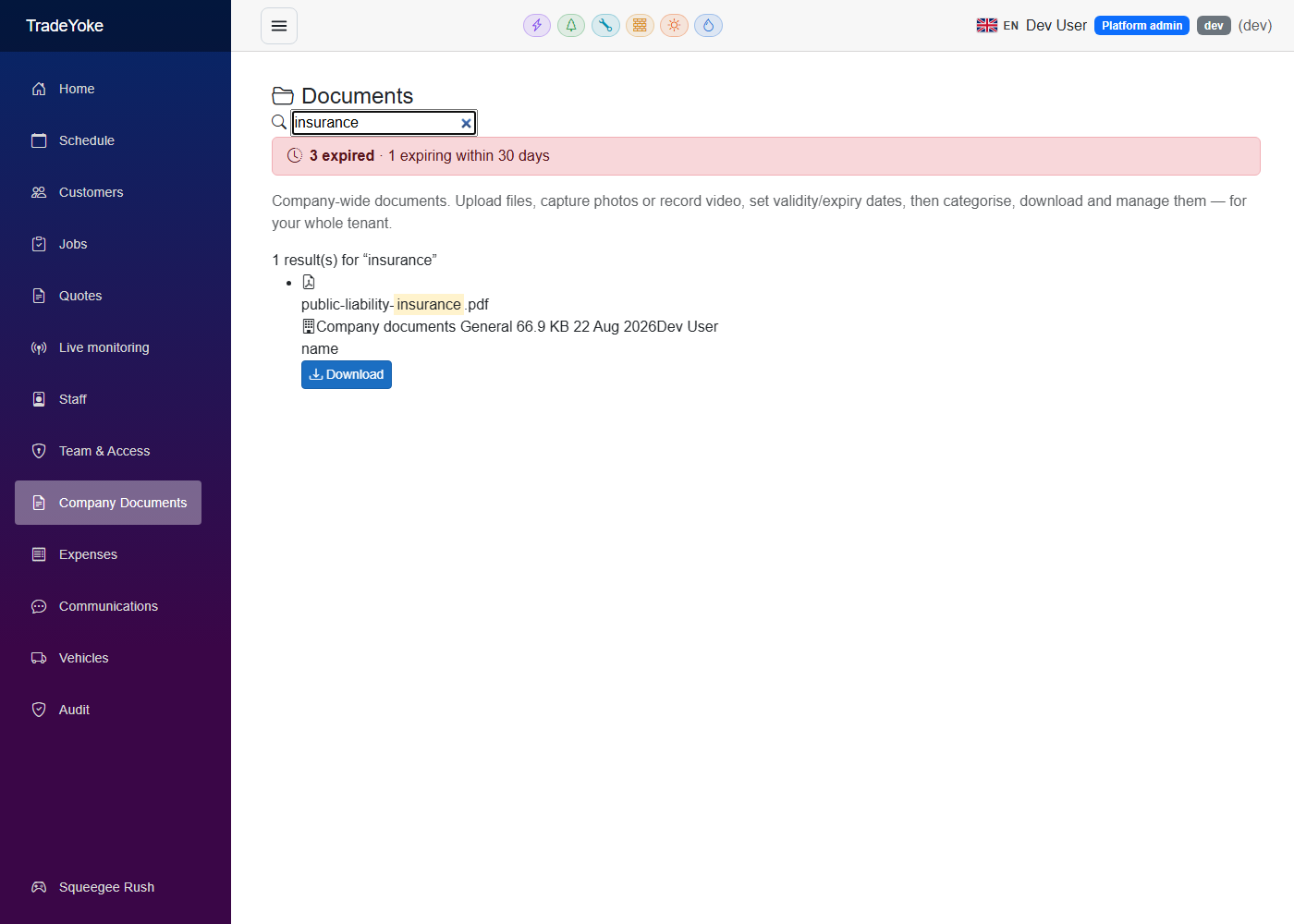
Full-text search over PDFs, Word and Excel files, plain text and HTML, and OCR over scanned images.
Trade paperwork files itself
Certificates, quotes, invoices and receipts generated by the app land in the library automatically.
On the customer's record too
A document filed against a job also shows on that customer.
The real thing
As it looks today
A real screen from the product, not a mock-up. The same screen is on the phone app.
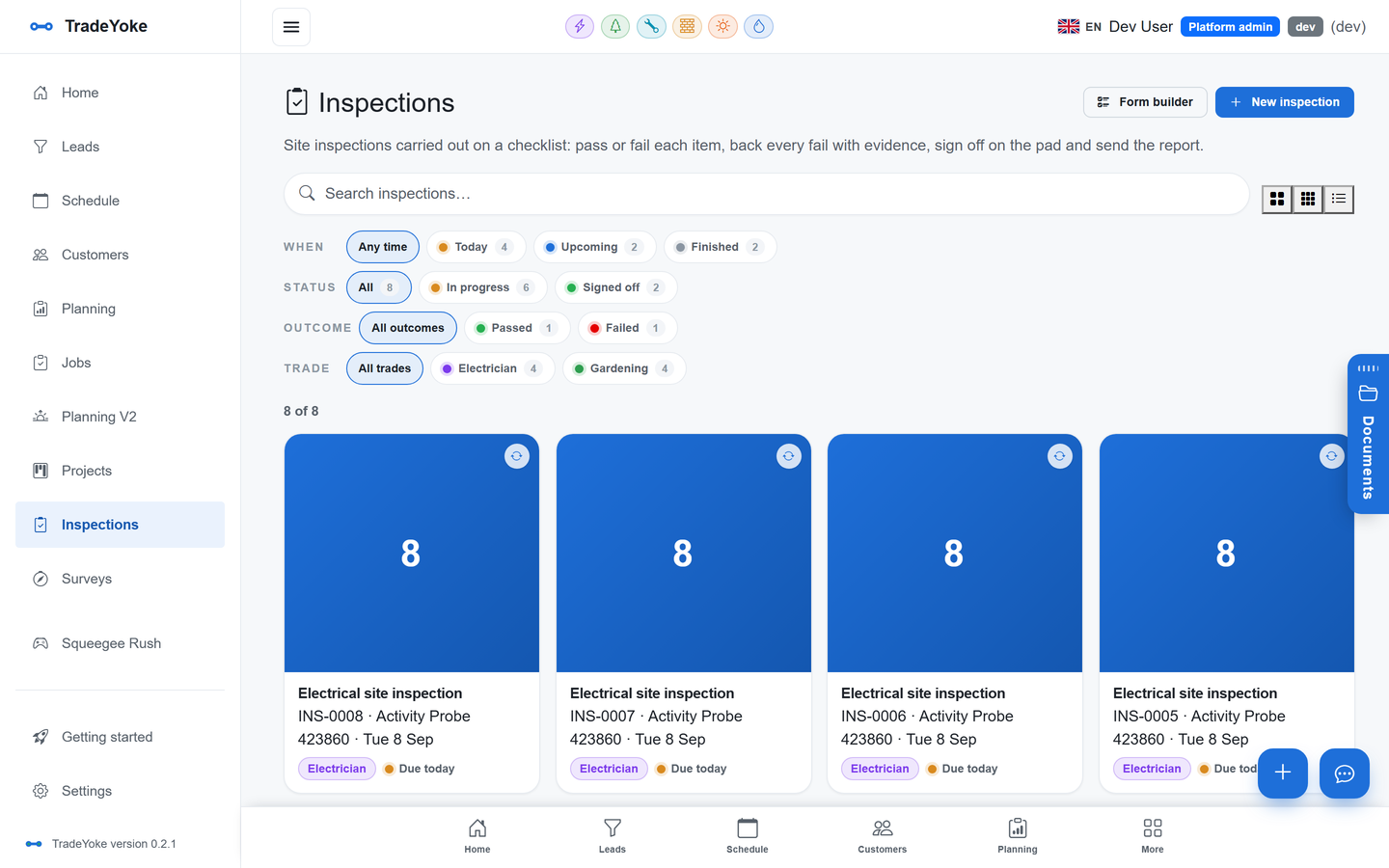
More of it, as it looks today
The details
Also worth knowing
- Self-healing indexFiles that missed indexing are picked up by a backlog sweep.
- Receipts and expensesReceipts captured for expenses live in the same library.
- Sent-status on documentsWhen a document is sent to a customer, the library copy is stamped with when and to whom.
Questions
Asked about document library & search inside files
What file types can it search inside?
PDF, Word, Excel and PowerPoint, plain text, HTML, and images (scans and photos) through OCR.
Where are the files stored?
In your business's own storage container, alongside your other data.
Can I take a photo from the phone app?
Yes, on iPhone, Android and Windows; it files straight against the job.
See also: the Paperwork & compliance guide
Try document library & search inside files on your own work
30 days of Essentials free, no card. Import your customers and see it against a real week.