G98 vs G99: DNO applications without the wait
G98 means install then notify the DNO within 28 days. G99 means apply and get approval before you commission. Here is the threshold, the paperwork, and how to stop the wait stalling the job.
G98 covers small generators up to 16 amps per phase, which is 3.68 kW on a single-phase supply: install it, commission it, then notify the Distribution Network Operator (DNO) within 28 days. G99 covers anything larger: apply to the DNO and get approval before you commission. Pick the wrong one, or forget the paperwork, and a finished job sits unpaid while everyone waits.
The two Engineering Recommendations are published by the Energy Networks Association (ENA). This post is about the practical difference, and about keeping the application moving alongside the install rather than after it.
G98 vs G99: where the threshold sits
The dividing line is the output of the generating equipment, which for solar means the inverter, not the panels. Up to 16 A per phase is G98. Above it is G99, which then has its own bands by size and connection type.
The threshold at a glance
| Supply | G98 limit | What that means |
|---|---|---|
| Single-phase | 16 A per phase | Up to 3.68 kW of inverter output |
| Three-phase | 16 A per phase | Up to 11.04 kW of inverter output |
| Anything above | G99 | Apply before commissioning; the DNO assesses the connection |
Two traps catch people. Existing generation on the site counts towards the total, so adding a battery with its own inverter to a 3.68 kW array can push the premises into G99. And the threshold is about inverter output, not panel capacity: a 5 kWp array on an inverter capped at 3.68 kW is a G98 job, which makes inverter choice a design decision. Confirm the current documents on the ENA's site before relying on any of this.
G98: install, then notify within 28 days
For a single premises within the G98 limit you do not need permission. You install the system with type-tested equipment, commission it, and send the DNO the G98 notification within 28 days of commissioning. The notification carries the installer's details, the customer's details, the site, the equipment and its type-test reference, and the commissioning date.
The 28 days is the whole of the flexibility. Miss it and the install is unregistered, which surfaces later when the customer applies for the Smart Export Guarantee and the supplier asks for the DNO paperwork. If one job covers multiple premises in the same area, G98 requires an application before the installations rather than a notification afterwards, because the combined effect on the local network matters.
G99: apply first, then wait
Above the threshold the DNO has to assess whether the network can take the export before anything is connected. That means an application with a single-line diagram, a site plan, the inverter's type-test evidence, the proposed capacity and the export arrangement. The DNO responds with an approval, sometimes with conditions such as an export limit, or with a connection offer if network work is needed.
How long it takes depends on the DNO and the size of the job. A straightforward domestic G99 application is usually answered within the DNO's published timescale, often up to 45 working days; anything needing a network study takes longer. Your DNO publishes its own timescales, and they are the ones to plan against.
The wait that stalls the job, and how to shorten it
The wait itself is not the problem. The problem is starting it too late: surveying in March, quoting in April, applying in June and then putting the install on hold. Three habits keep the job moving.
- Apply the day the survey confirms the size. Whether the customer has signed yet or not, an application costs little and the clock starts.
- Use type-tested inverters. Equipment on the ENA's type-test register needs no separate compliance evidence, which is the most common reason an application bounces.
- Design to the threshold when it is honest to. Where the customer's use fits a 3.68 kW export, a G98 design with export limitation avoids the wait entirely. Where it does not, say so and apply.
Tracking the application on the job
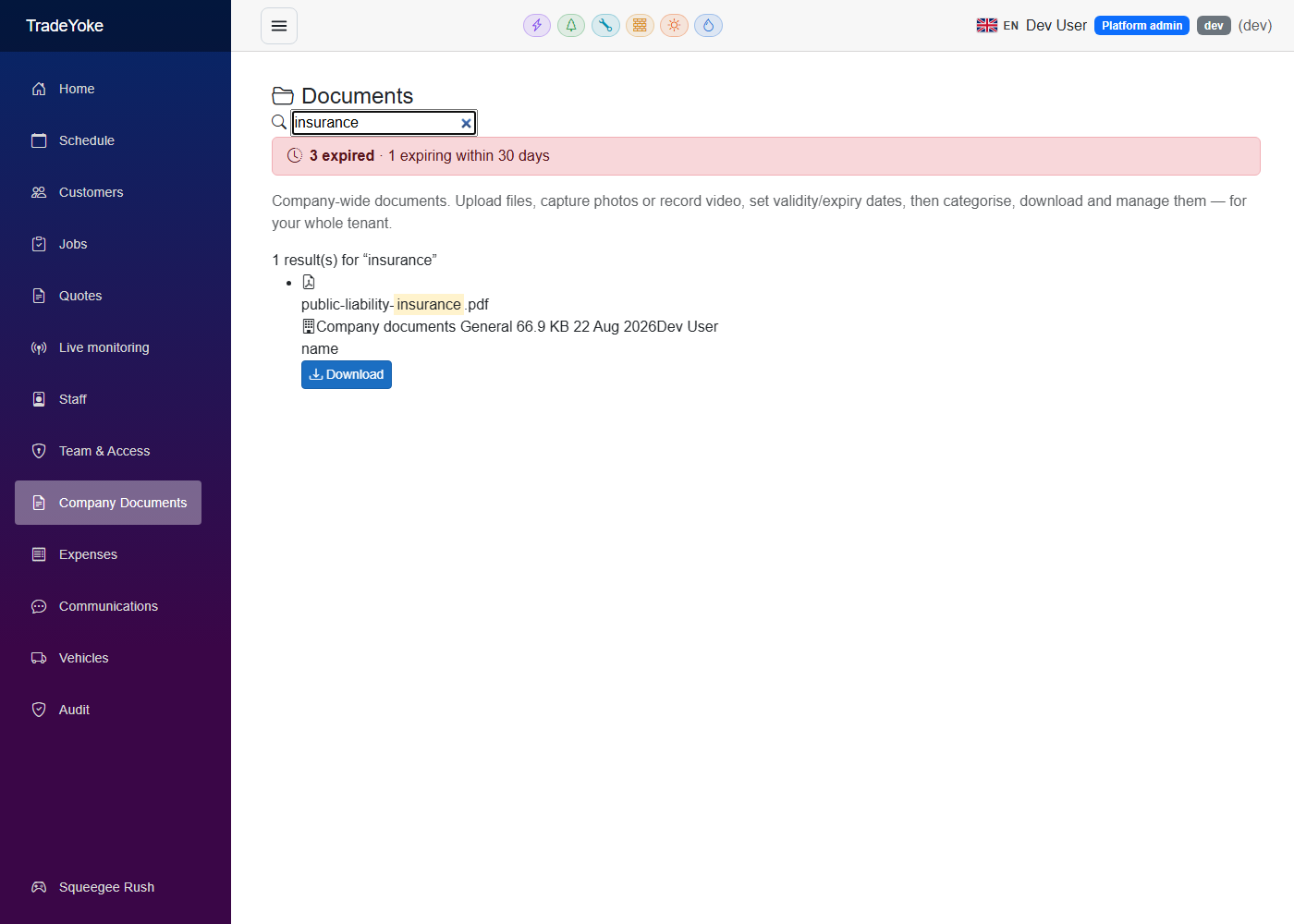
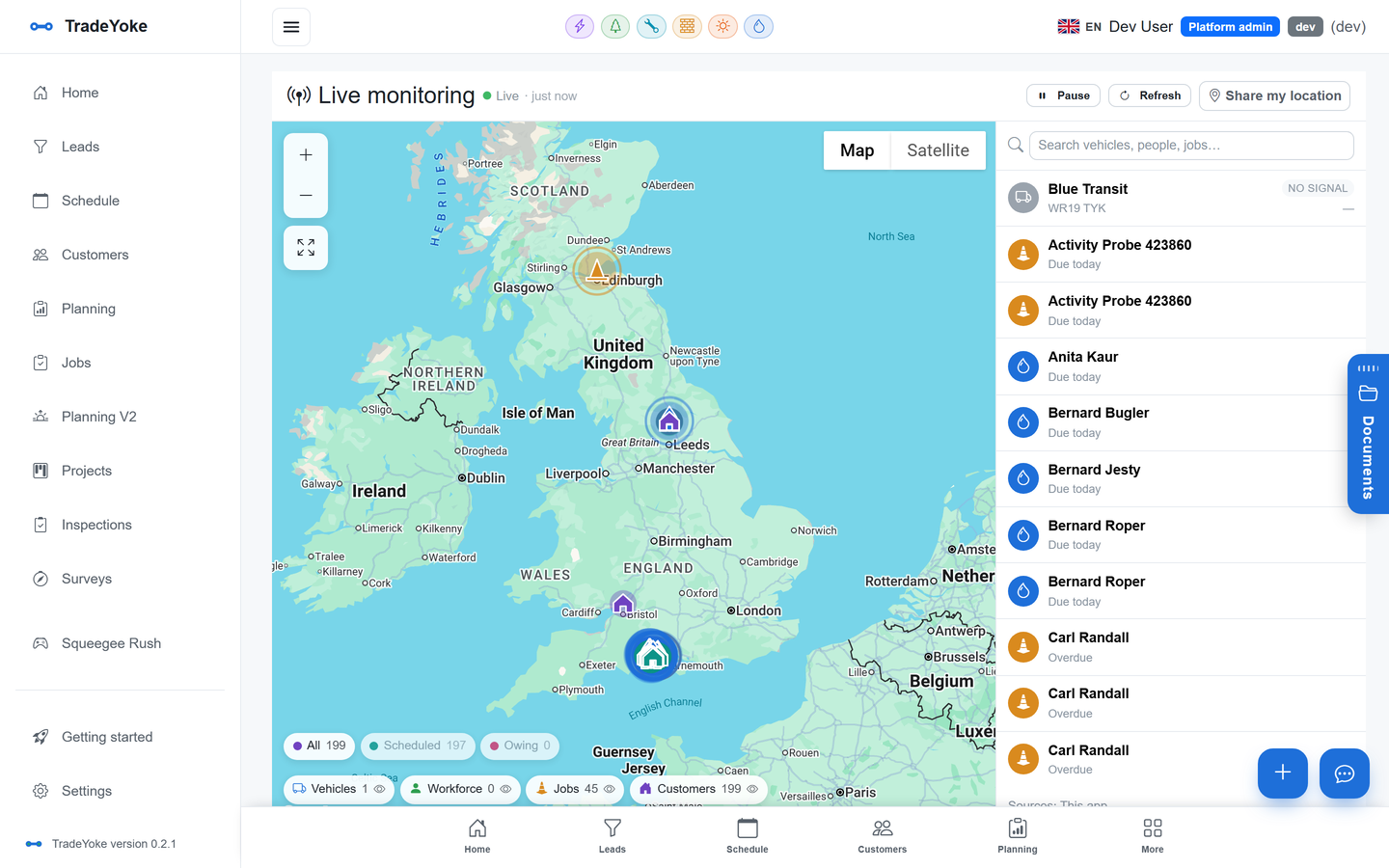
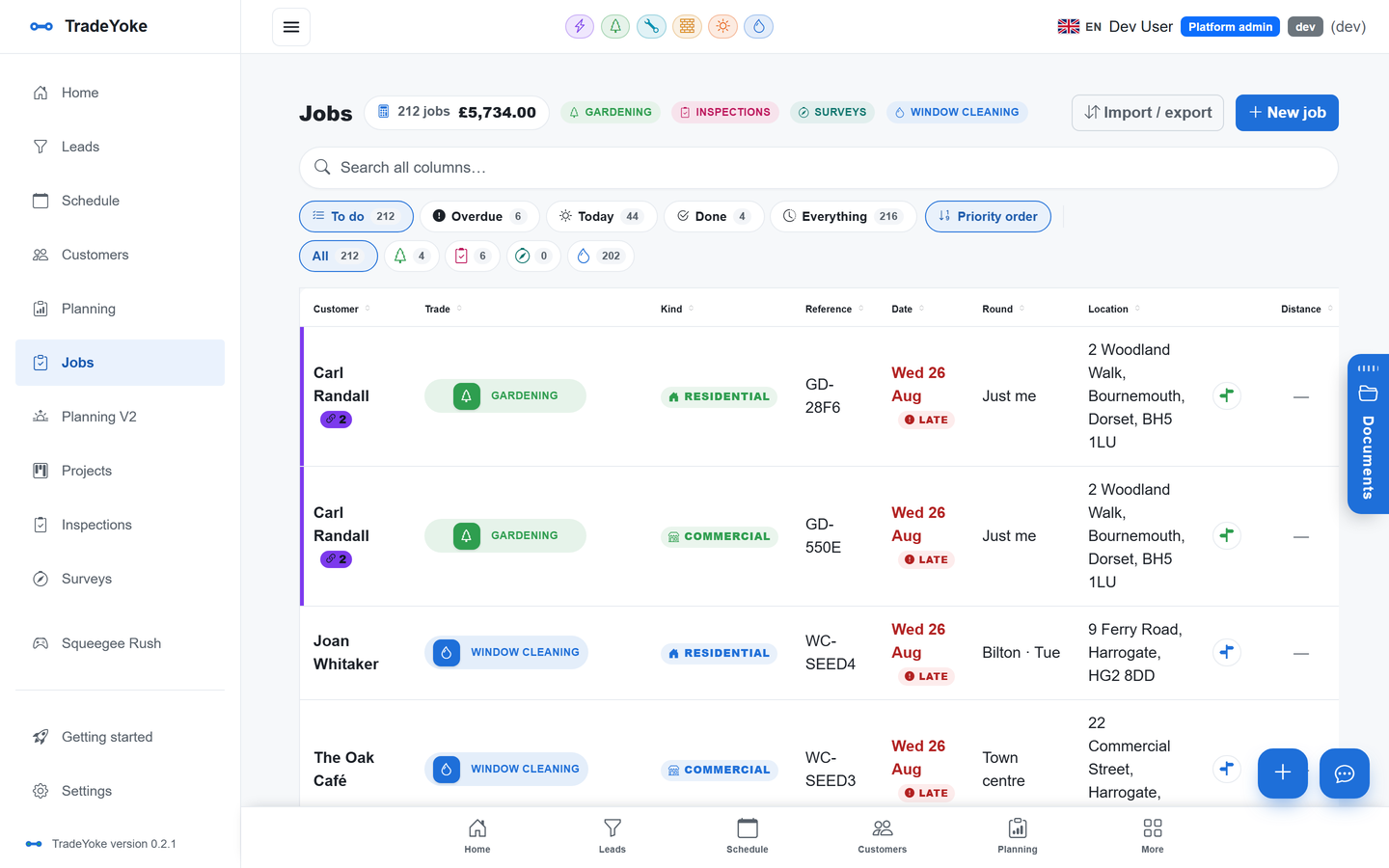
The application is a task with a status, a date and a document, and it belongs on the job, not in someone's inbox. The Solar installer trade in TradeYoke is in pilot with real installers and treats it that way: a G98 or G99 connection assessment on the job, DNO contacts by region so the right operator is a click away, the type-test documents and single-line diagram attached, and a boundary map of the site. The solar installer page covers the pilot.
When the approval arrives it is filed with the job, and it goes into the handover pack described in the MCS certificate post. The customer sees the status without ringing, which is most of what they wanted.
The G99 application pack
- Single-line diagramGenerator, inverter, protection, isolation and the point of connection.
- Site plan and boundaryWhere the equipment sits and where the supply enters.
- Inverter type-test evidenceThe ENA register reference, or full compliance evidence if not registered.
- Capacity and export arrangementkW output, phases, and any export limitation scheme.
- Customer and MPAN detailsThe supply number from the electricity bill.
- Installer detailsIncluding who to contact with questions.
Jobs that wait on paperwork are also jobs that wait to be paid. A deposit at booking and a pay link on commissioning, as described in how tradespeople get paid the same day, keep the cash moving while the DNO does its work. Pay links are part of the Premium plan and the customer portal is part of Ultimate on the pricing page; pilot trades are priced with the pilot businesses. Installers who also do the electrical certification will find the electrician page useful too.
Questions people ask
Can I commission a G99 system before the approval comes back?
No. G99 requires the DNO's agreement before the generator is connected. If the customer needs the system live sooner, the honest options are a G98-sized design with export limitation or a conversation with the DNO about timescales, not an early switch-on.
Does adding a battery change the application?
Often. A battery with its own inverter adds generating capacity in the DNO's terms, and the total on the premises is what counts against the 16 A per phase limit. A hybrid inverter can keep the total within G98; a separate battery inverter may not. Work it out at design time.
How do I find out which DNO covers a site?
The Energy Networks Association runs a postcode lookup for the network operator, and the customer's electricity bill shows the MPAN, whose distributor ID identifies the DNO. Regional DNO contacts are stored in the TradeYoke solar pilot so the right one is on the job.
What if I forgot to send a G98 notification?
Send it now. The DNO would rather have a late notification than none, and the customer's Smart Export Guarantee application will need the paperwork. Then move the notification into the commissioning visit so it cannot be forgotten again.
Keep the DNO application on the job, not in an inbox
TradeYoke's solar installer pilot tracks G98 and G99 applications with the diagram, the type-test evidence and the DNO contact on every job. Start a 30-day trial of Essentials with no card.