Xero, QuickBooks or FreeAgent for a trade business?
Which bookkeeping package fits a sole trader, a small team or a business with an accountant, what syncing from your job app really means, and why read-back matters.
The short answer: FreeAgent for a sole trader who wants the simplest possible books, QuickBooks for a VAT-registered small team, Xero when an accountant or bookkeeper is doing the work and wants the tool they already know. All three are HMRC-recognised for Making Tax Digital and all three connect to TradeYoke.
The longer answer is about what "connects" means, because a job app that syncs badly with your books is worse than one that does not sync at all.
Xero, QuickBooks or FreeAgent: fit by size
The three packages overlap almost completely on features. The differences that matter to a trade business are who is going to use it and how many hands are in the books.
Fit by business shape
| Package | Fits best | Why |
|---|---|---|
| FreeAgent | Sole traders and one-van businesses | Built around the Self Assessment year; some UK business bank accounts bundle it at no extra cost |
| QuickBooks | Small teams, VAT-registered, some CIS work | Strong VAT and construction-industry handling; widely used by UK bookkeepers |
| Xero | Businesses with an accountant or bookkeeper, growing teams | The package most UK accountants work in day to day; deep bank feeds and reporting |
Prices change often and depend on the plan, so we are not quoting them. All three publish UK pricing pages and all three run free trials. The one question that beats every feature comparison is: what does your accountant use? Being on the same package as the person doing your year end saves more money than any subscription difference.
FreeAgent for the sole trader
FreeAgent was built for freelancers and sole traders, and it shows. It thinks in tax years, estimates your Self Assessment bill as you go, and does not bury you in features designed for a finance department. If you are a one-person window cleaning or gardening business, it is the least you can get away with, in a good way.
Several UK business current accounts include FreeAgent free with the account, which for a sole trader makes the decision for you.
QuickBooks for the VAT-registered small team
QuickBooks earns its place once VAT is real and once there is more than one person generating paperwork. Its VAT handling is thorough, it copes with the Construction Industry Scheme, and there is a large pool of UK bookkeepers who work in it. For an electrical or plumbing business with two or three vans, it is usually the sensible middle.
Xero when an accountant runs the books
Xero is the package most UK accountancy practices standardise on. If your accountant is going to reconcile the bank, run payroll and prepare the year end, Xero is probably what they will ask for, and letting them work in their own tool is worth more than your preference. It also scales furthest if the business grows.
What syncing actually means
Here is the part that matters. When TradeYoke syncs with your package, it pushes two things: invoices, as you raise them from jobs, and payments, as they settle against those invoices. Each push creates or updates the matching record in Xero, QuickBooks or FreeAgent through their official API, after you connect the account with a one-time login.
It does not push customers as a separate step, does not pull your bank feed, and does not try to be your accounting package. Your job app owns the invoice; your books own the ledger the accountant works from. Keeping that line clear is why the sync can be trusted. The platform overview shows where the sync sits in the whole system.
Read-back: how you know it landed
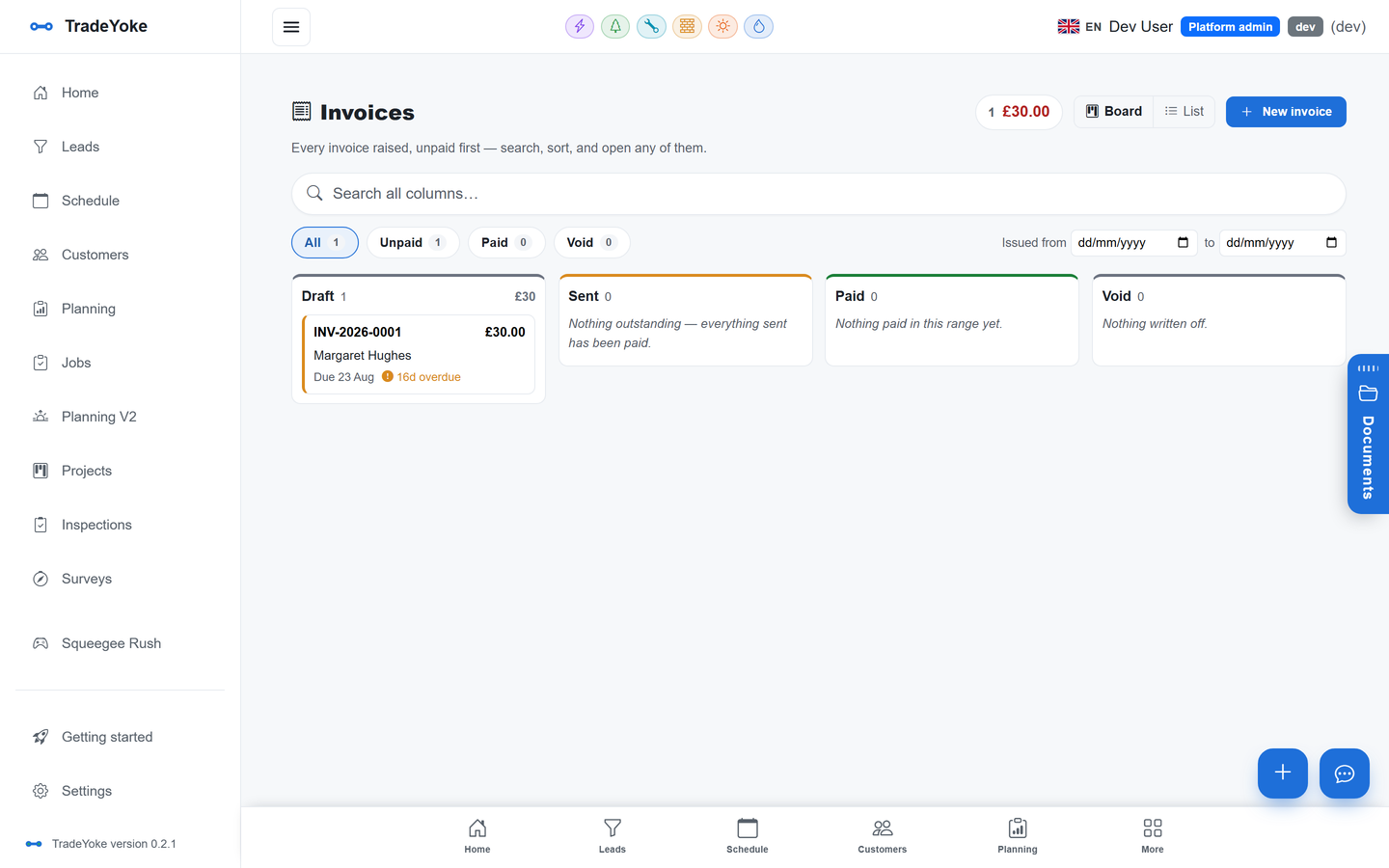
Most integrations fire a request and hope. TradeYoke reads the record back from the accounting package after every push and compares it with what it sent. If the invoice number, amount or status does not match, the sync flags it rather than pretending. An event journal on the Accounting & tax tab lists every push and every read-back, so "did that invoice reach Xero" has an answer you can look at.
The same discipline runs the HMRC VAT filing: submit, retrieve, compare. If you are heading into MTD for Income Tax, the package you sync to is where those quarterly updates will be filed from, which makes the choice a little less casual than it used to be.
How to choose in ten minutes
Choosing the package
- Ask your accountant firstIf they have a preference, that is your answer.
- Check your bankSome UK business accounts include FreeAgent.
- Count the hands in the booksOne person: FreeAgent. A team with VAT: QuickBooks. An accountant doing the work: Xero.
- Start the trial from the same weekRun TradeYoke's trial and the package's trial together and watch the sync.
- Read the event journal after the first weekEvery invoice pushed, every read-back confirmed.
Questions people ask
Which one is cheapest for a sole trader?
Usually FreeAgent, because several UK business bank accounts include it at no extra cost. Otherwise all three publish UK pricing and change it often, so compare the current pages rather than a blog post.
Does TradeYoke replace my accounting package?
No. TradeYoke owns the jobs, invoices and payments and pushes them to Xero, QuickBooks or FreeAgent. Your accounting package owns the bank feed, the year end and the accountant's work. The split is deliberate.
What exactly gets synced?
Invoices as you raise them and payments as they settle against those invoices, pushed through each package's official API. TradeYoke reads each record back to verify it landed and lists every event in a journal.
Can I switch packages later?
Yes. Disconnect one and connect another from Settings. Existing invoices stay in the old package; new ones sync to the new one. Talk to your accountant about the cleanest date to switch, usually the start of a VAT quarter or tax year.
Bookkeeping sync is in TradeYoke Premium; the pricing page has the details. It works the same for every one of the trades on the platform, and receipts in the van covers the expenses side of the books.
Pick the package, connect it once
Connect Xero, QuickBooks or FreeAgent on the free trial and watch the first invoice land.