Quotes & estimates
From quote to booked without re-typing
Quoting software for tradesmen: build a branded PDF quote from your trade's catalogue in a guided wizard, send it, and watch it move across a board from waiting on the customer to accepted to booked. Customers accept or decline online, choose which lines they want and tell you when suits.
30-day free trial · No card required · The same on web, iOS, Android & Windows
Included onEvery plan, including Free
A quote in TradeYoke is the start of the job record, not a separate document. The wizard pulls lines from your trade's catalogue, prices them, and produces a branded PDF that reflects its state: draft, sent, accepted, declined or expired. The customer gets a link, not an attachment to lose, and on that page they can accept, decline, untick the optional lines they do not want, say when suits them and message you back. An accepted quote becomes a job with the lines already on it.
What it does
Quotes & estimates in TradeYoke
Quote wizard
Guided, with lines from the trade catalogue and your own; totals and VAT worked out as you go.
Branded, state-aware PDF
Your logo and details; the PDF says whether it is a draft, sent, accepted or expired.
Online accept or decline
A secure link where the customer accepts, declines or deselects lines, with no login.
Scheduling preference
The customer says when suits them on the accept page; it lands on the quote for booking.
Message the office
A reply box on the quote page; the message joins the customer's communications thread.
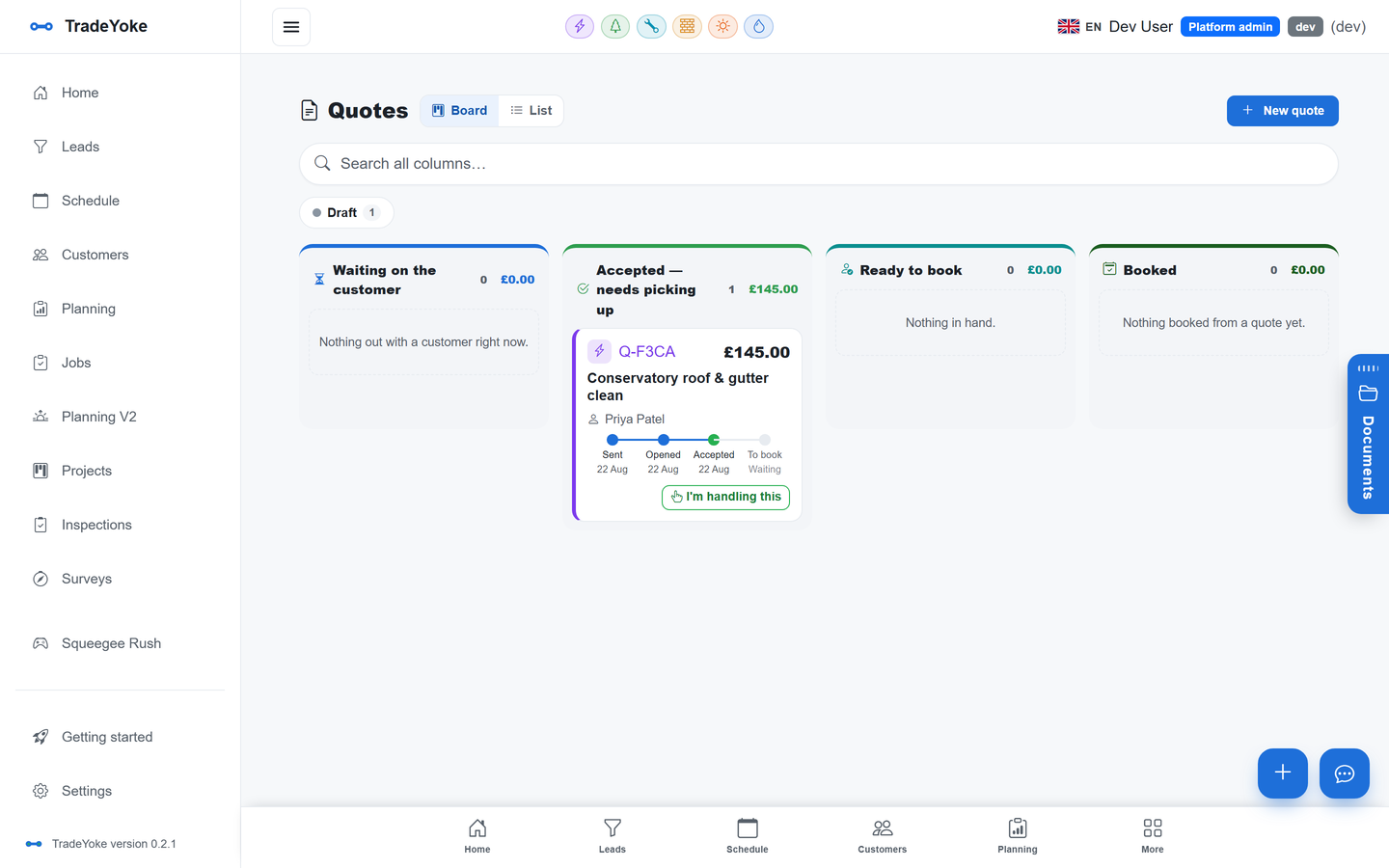
The quotes board
Waiting on the customer, accepted, ready to book, booked — every quote where it stands.
The real thing
As it looks today
A real screen from the product, not a mock-up. The same screen is on the phone app.
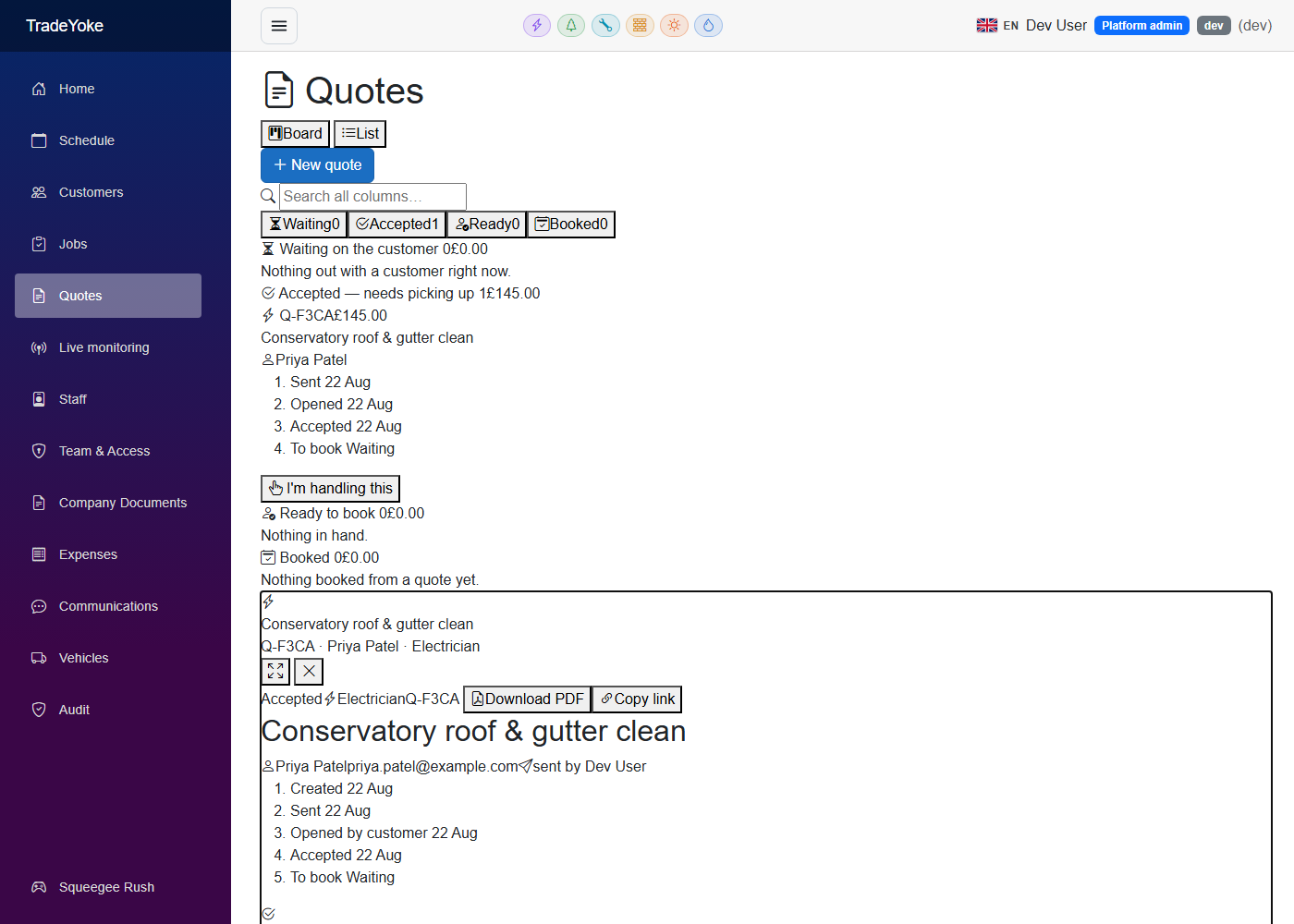
More of it, as it looks today
The details
Also worth knowing
- Trade cataloguesEach trade ships a service catalogue you can edit; a second trade adds its own.
- Quote to job in one stepAccepted lines carry onto the job and later onto the invoice.
- Sent from the message wizardEmail or text the link now or schedule it; it is recorded on the customer's history.
- ExpiryQuotes carry a valid-until date and the PDF and page say when it has passed.
Questions
Asked about quotes & estimates
Can the customer accept on their phone?
Yes. The quote page is a plain web page that works on any phone, with no app or login.
Can I offer optional extras?
Lines can be marked so the customer can untick them on the accept page; the total updates.
Does an accepted quote become an invoice?
It becomes a job first, so you can do the work, and the invoice is raised from the job with the same lines.
Related: Invoicing & payments · Jobs & the job wizard · Pricing
Try quotes & estimates on your own work
30 days of Essentials free, no card. Import your customers and see it against a real week.