Jobs & the job wizard
Who, what, where, when — booked
A job management app for trades that books a job in four taps and carries every trade's own fields. The job wizard asks the questions a good office manager would; the jobs list shows every trade in one place with priority, distance and round.
30-day free trial · No card required · The same on web, iOS, Android & Windows
Included onEvery plan, including Free
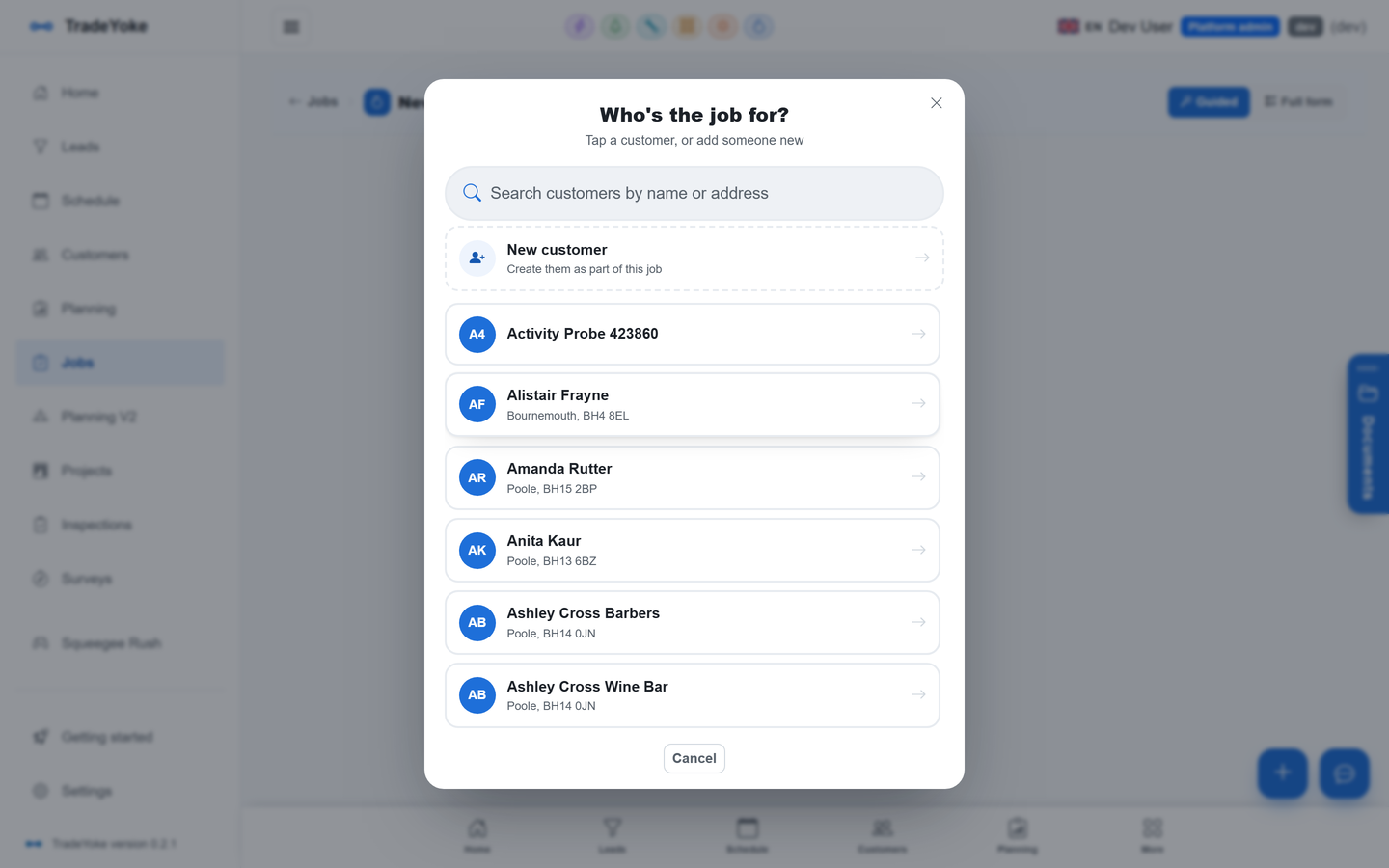
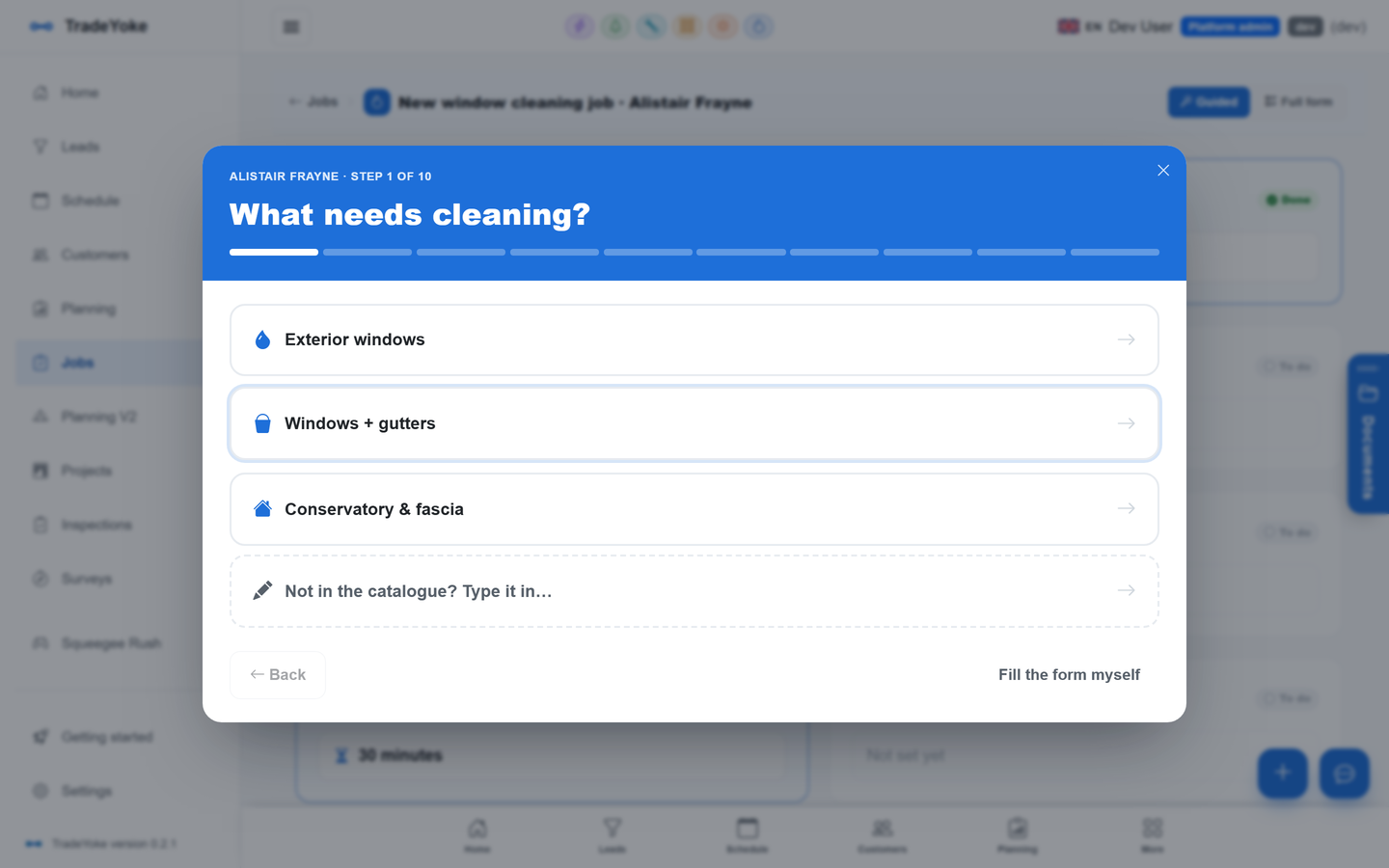
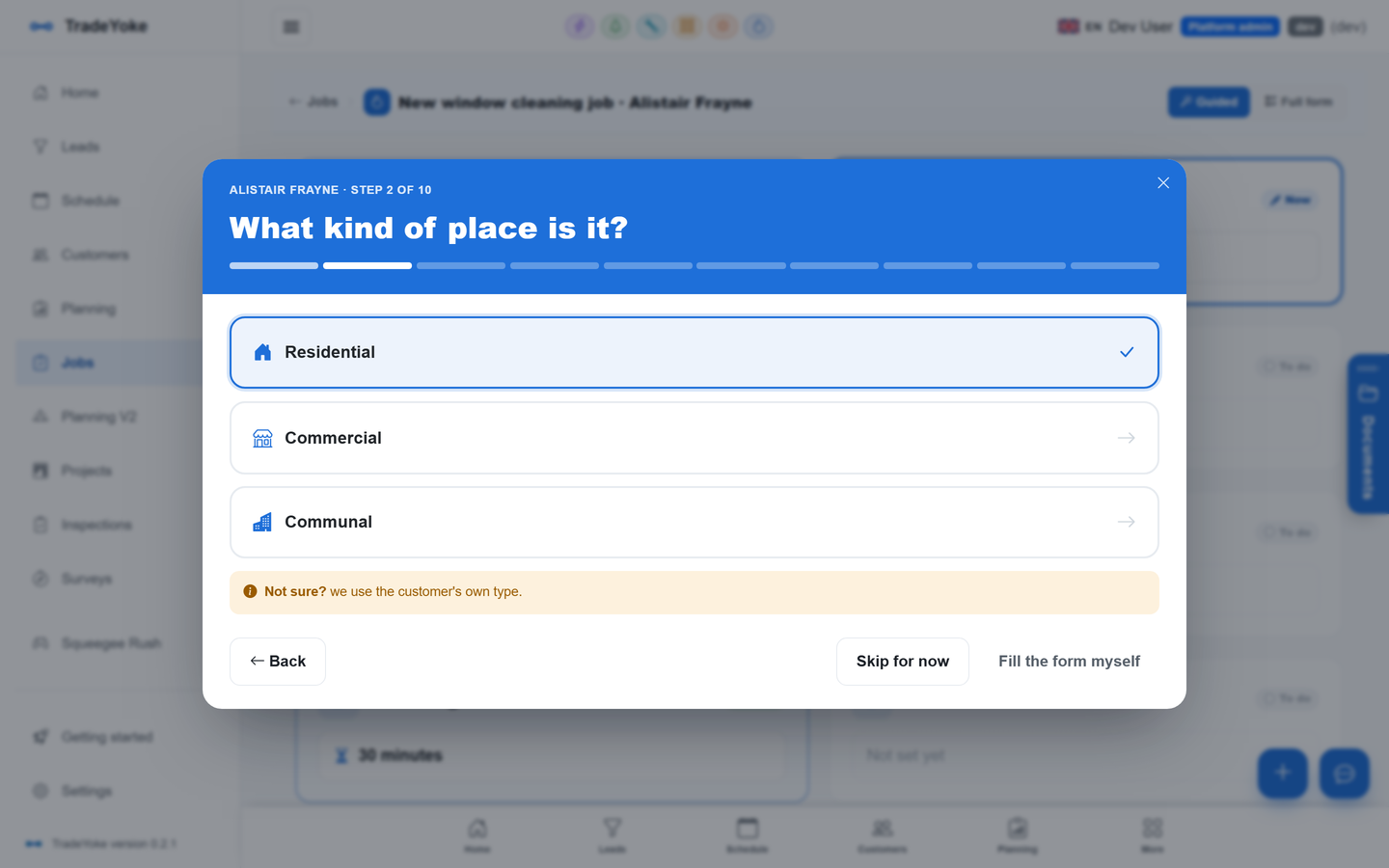
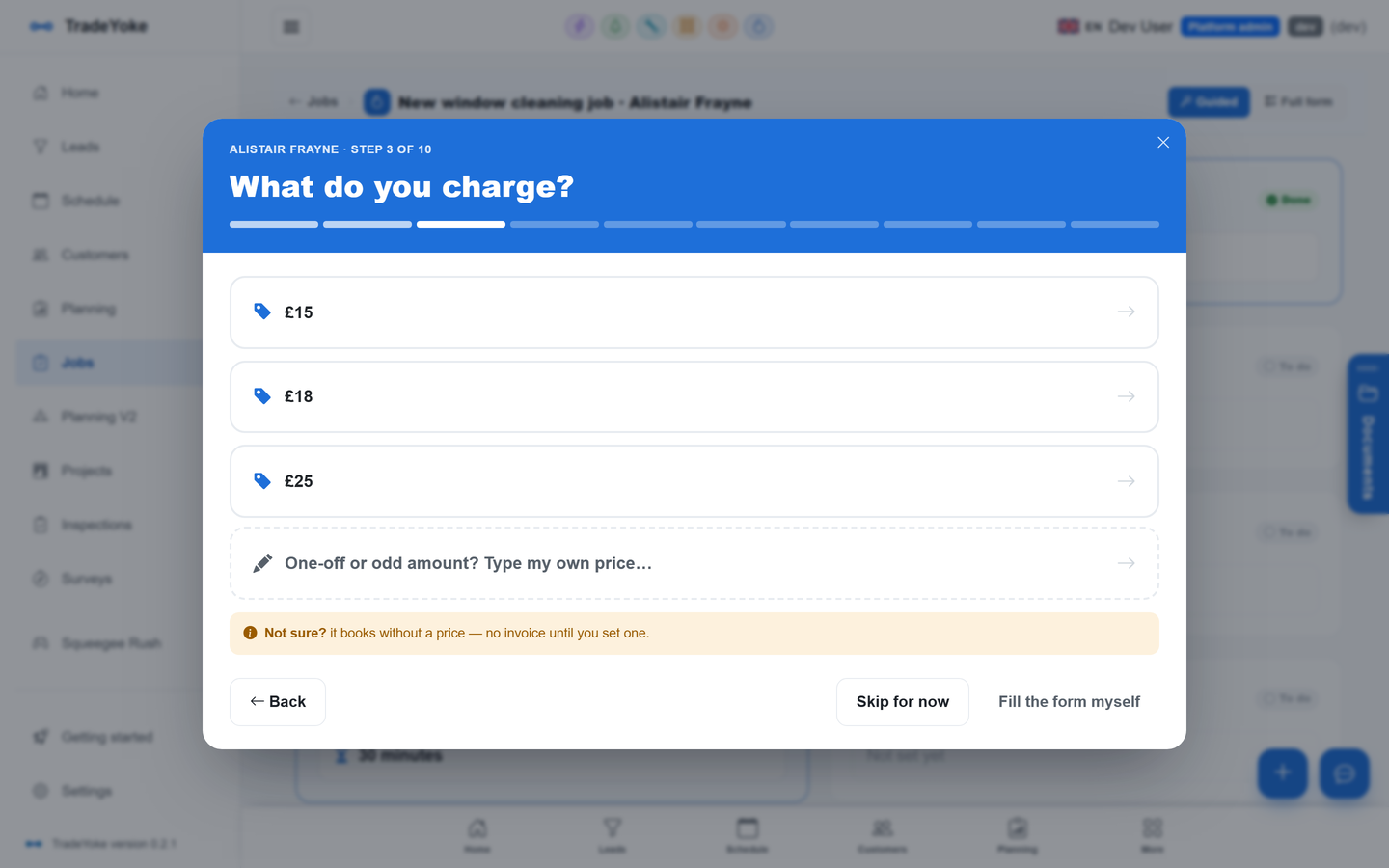
Every trade in TradeYoke keeps its own job: a window cleaning visit is not an electrical job with different labels. What they share is the wizard that books them, the list that shows them and the diary that schedules them. The wizard walks panel by panel — who is it for, what needs doing, where, which round, how long — and each trade adds the panels it needs, so an electrician sees the circuit and certificate questions a gardener never will.
Repeat bookings take seconds because prices, access notes and the customer's location come from the customer record.
What it does
Jobs & the job wizard in TradeYoke
Guided job wizard
Panel by panel, with the trade's own questions; conditional fields only appear when they apply.
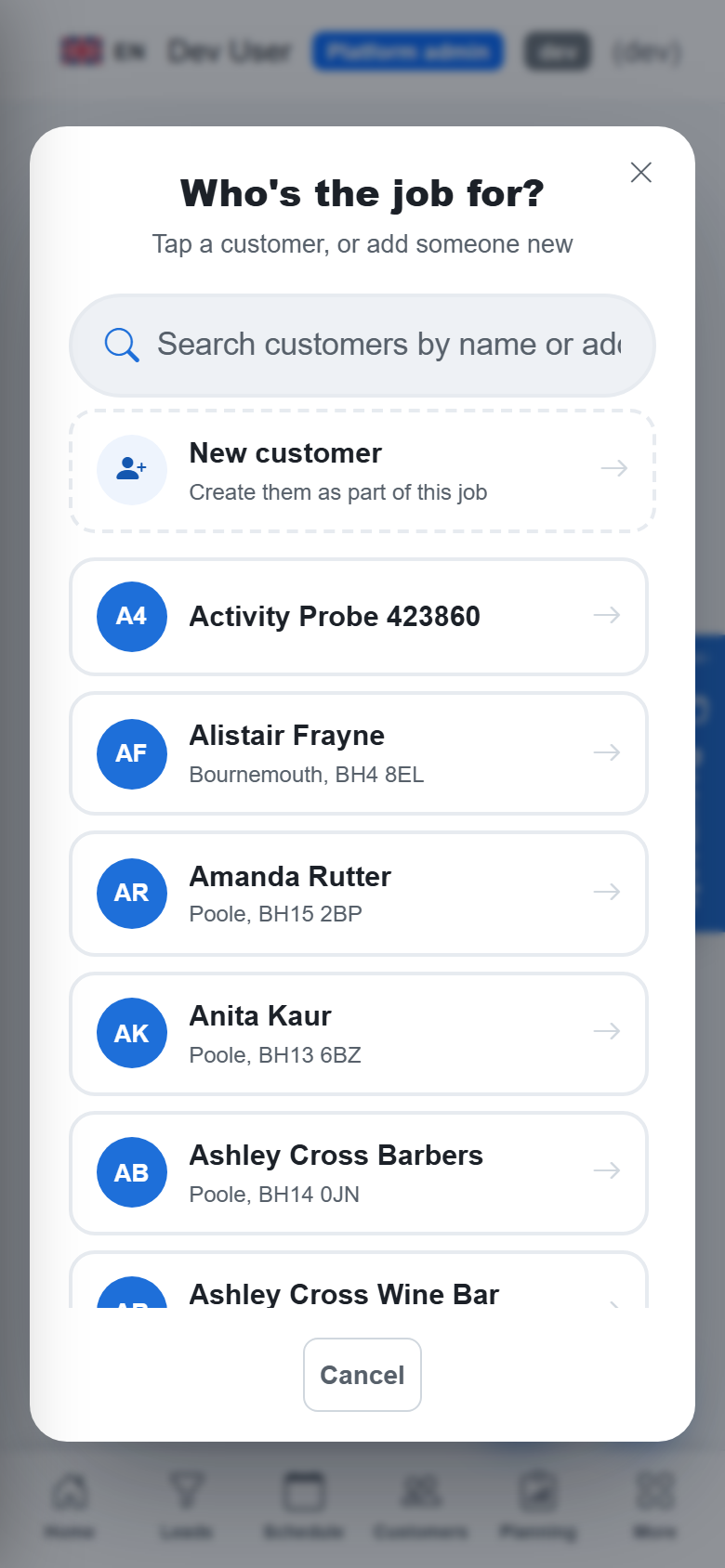
Customer search inside the wizard
Pick an existing customer or add one without leaving the flow; duplicates are flagged.
Address lookup and map
Postcode lookup fills the address and pins the job on the map.
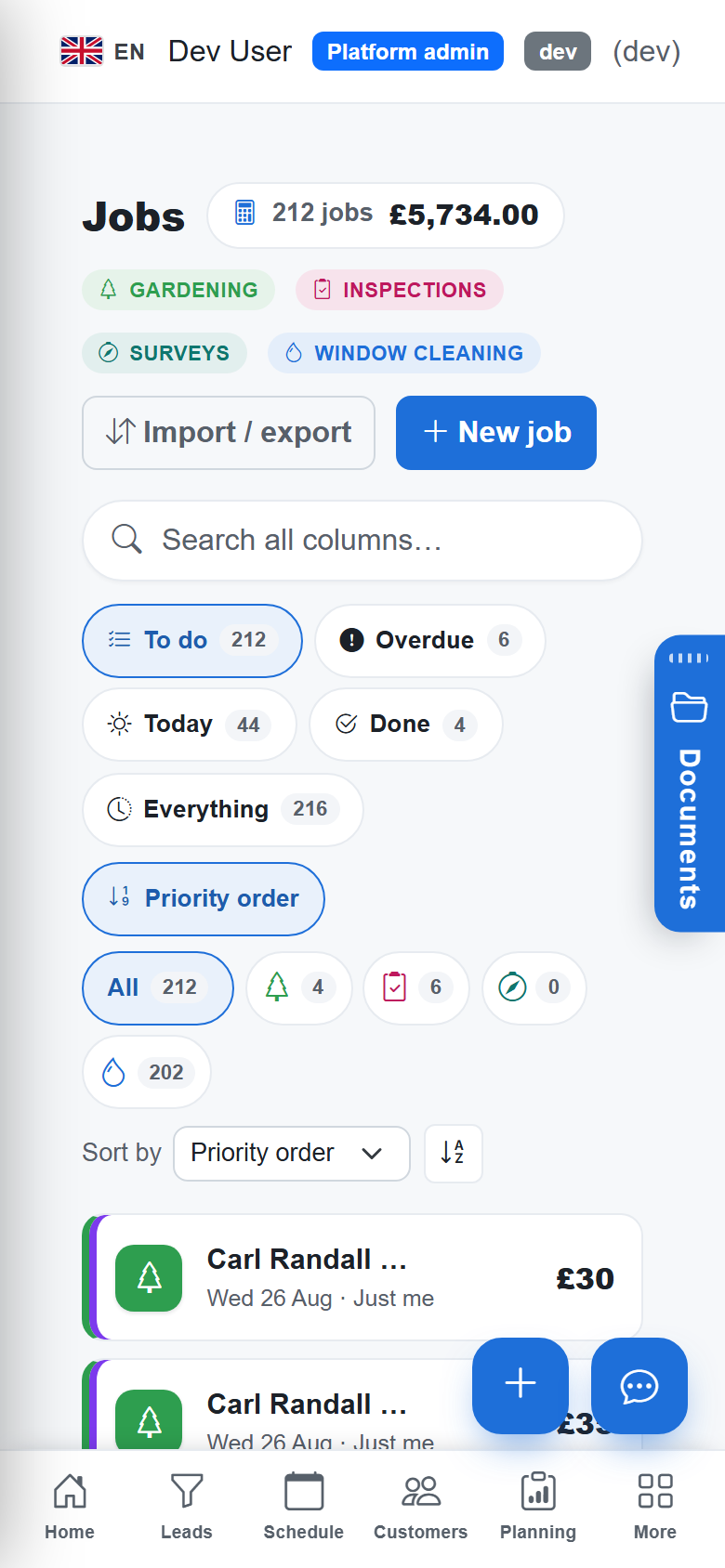
Cross-trade jobs list
Every trade's jobs in one list, filtered by trade, person, priority, distance or round.
Access notes and hazards
Gate codes, keys, dogs and site hazards live on the job and show on the phone.
Done from the phone
Mark done, skip with a reason, add notes; completed window cleaning visits flow straight onto the ledger.
The real thing
As it looks today
A real screen from the product, not a mock-up. The same screen is on the phone app.
More of it, as it looks today
The details
Also worth knowing
- Trade pickerA firm with two compatible trades picks the trade when booking; the wizard adapts.
- Import jobs from a spreadsheetCSV import with a template, dry-run validation and duplicate checks for every trade's jobs.
- Projects for bigger workGroup jobs across trades under a project with a customer, status and dates.
- Documents on the jobPhotos, videos and files attach to the job and show on the customer's record too.
Questions
Asked about jobs & the job wizard
Can I book a job on the phone?
Yes. The wizard is the same on iPhone, Android and Windows, and the phone works offline for rounds.
Do different trades have different job forms?
Yes. Each trade module contributes its own panels to the wizard and its own fields to the job, on a shared core.
Can I import my existing jobs?
Yes. Download the CSV template for your trade, fill it in, upload; the dry run tells you what will happen before anything is written.
Related: Scheduling & rounds · Customers & CRM · Quotes & estimates
Try jobs & the job wizard on your own work
30 days of Essentials free, no card. Import your customers and see it against a real week.