Getting your first round into TradeYoke in an afternoon
A practical walkthrough: import customers, set frequencies, order the day, and send the first 'we're coming tomorrow' texts — without retyping a single address.
1. Import your customers
Export your existing list (a spreadsheet is fine) and import it. TradeYoke matches names, addresses and phone numbers and flags likely duplicates so you can merge them.
2. Set a frequency per property
Open a customer, choose the job type and frequency — every 4 weeks, say — and set the price. The diary projects the next visits automatically.
3. Order the day
Drag properties into the order you drive them. The order sticks for every future visit of that round.
4. Turn on messaging
Connect a sender (email, SMS or both) and enable the reminder. Customers get a text the evening before; replies land in the job.
5. Do the round
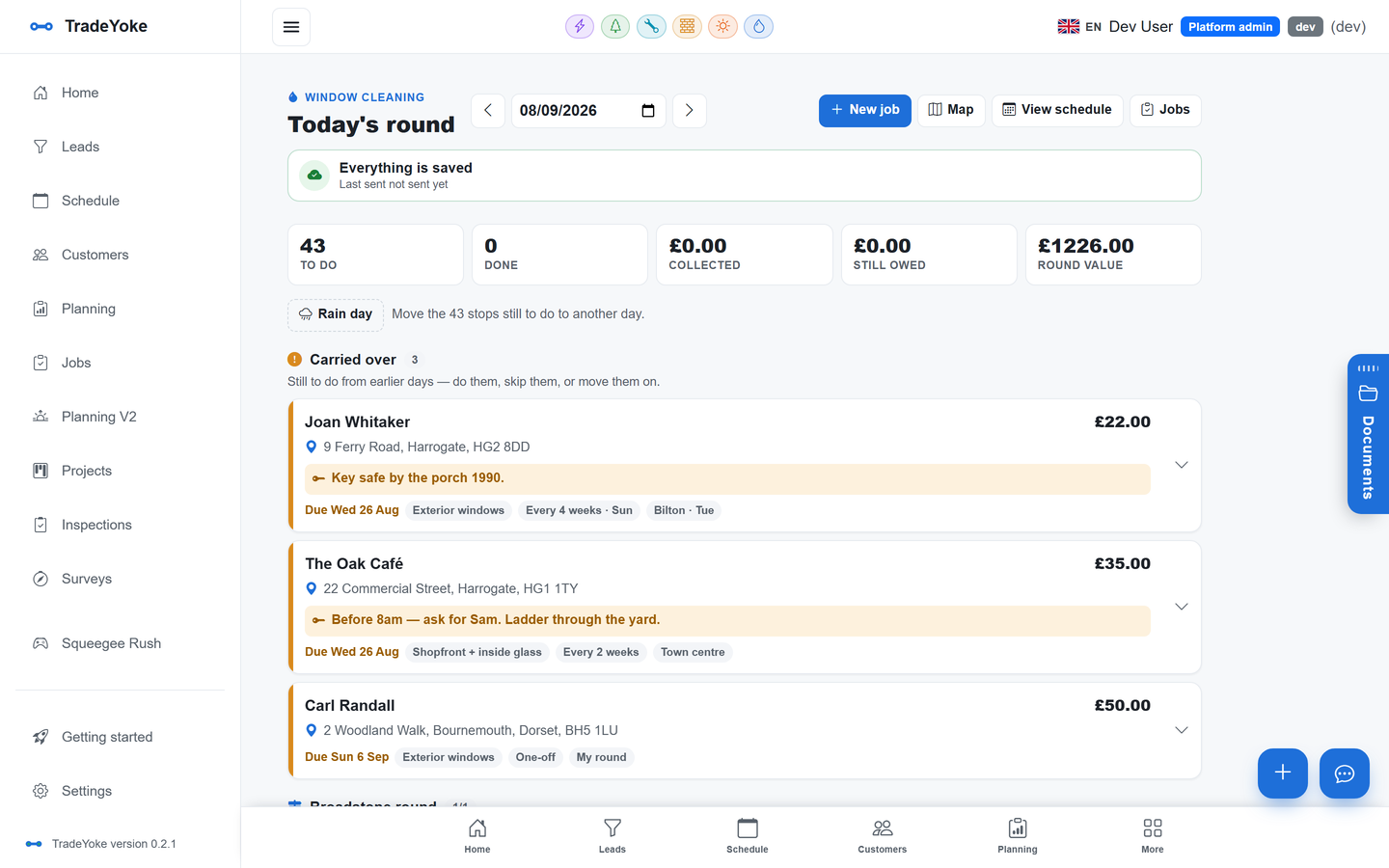
Mark each job done as you go. Pay links go out on completion; the office sees progress live.
That's it — the whole thing is an afternoon, and most of that is the kettle.