Invoices, quotes and texts in Welsh — and five other languages
TradeYoke's message templates — every quote, invoice, receipt and text — now ship in English, Spanish, Welsh, German, Portuguese and French. Here's why that matters for a Welsh-speaking customer base, and exactly how the language your business posts in is chosen.
Quick answer
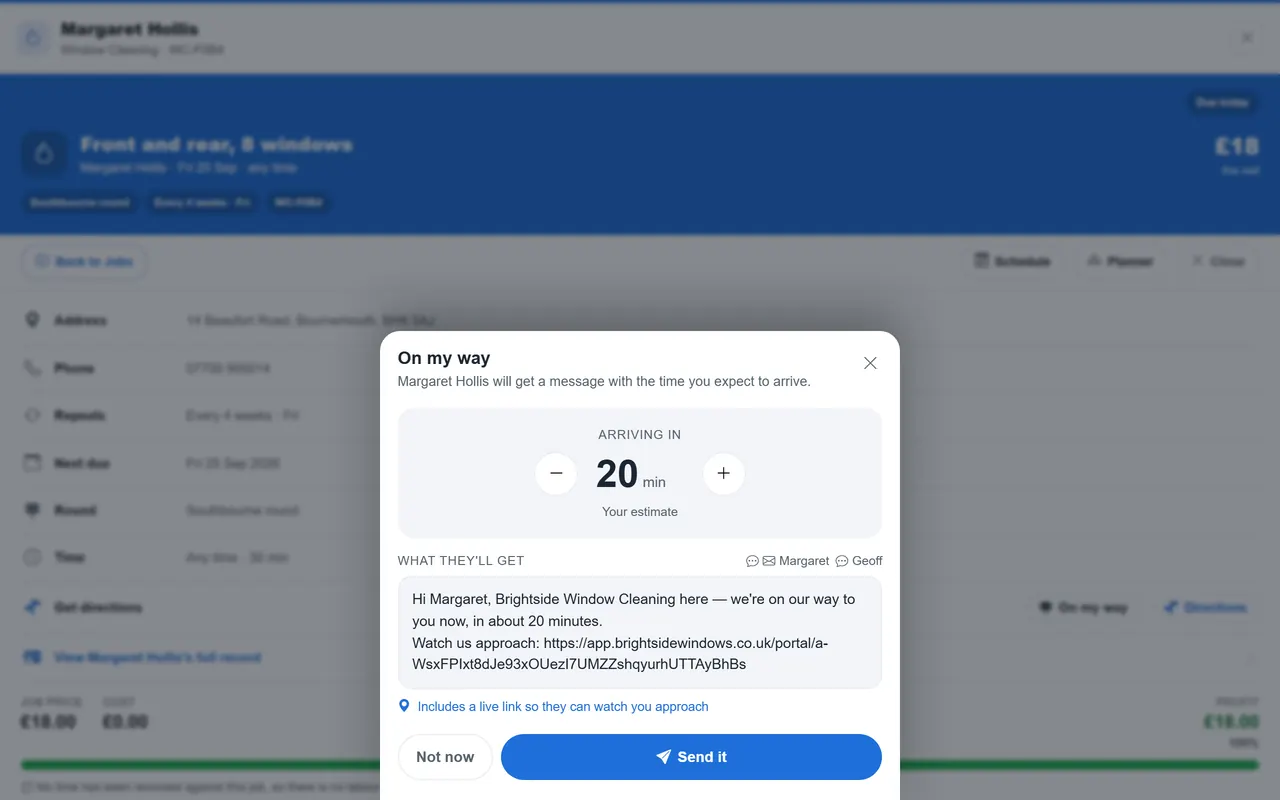
Quick answer: every one of TradeYoke's 41 customer message templates — quotes, invoices, receipts, statements, certificates and automatic texts — now ships in English, Spanish, Welsh, German, Portuguese and French. A business picks one language for everything it sends in Settings → Regional; team members separately pick their own screen language each. There's no per-customer automatic detection — one business, one outbound language, chosen once.
Why the language on the page matters, not just the words in it
A customer reads an invoice or a reminder text the same way they read anything else: faster and with less friction in their own language. For most UK trade businesses that's a nice-to-have. For a business trading in Wales, it can be a genuine commercial edge — the Welsh Government's own guidance is blunt that Welsh in business is good for business, and public-sector procurement in Wales (Welsh Procurement Policy Note 013) actively encourages suppliers, including small ones, to communicate with Welsh-speaking customers and clients bilingually. None of that makes bilingual invoicing a legal requirement for a private sole trader or small firm — the Welsh Language Standards mainly bind public bodies and larger organisations — but it does mean a scaffolder, electrician or gardener who can send a quote or a reminder text in Welsh has a real, visible edge with Welsh-speaking households and with public-sector or housing-association work that expects it.
What actually helps, TradeYoke or not
Quick answer: ask once, keep it consistent, and get the documents that matter properly translated rather than machine-translated word for word — the same advice applies whatever software you use.
Serving customers who don't read English first
- Ask once, and note itA new customer's preferred language is a five-second question at the first visit or booking — ask it, and keep the answer somewhere it's actually used, not just remembered.
- Be consistent, not occasionalA Welsh quote followed by an English invoice and an English reminder text undoes the goodwill of the quote. Pick a language and stay in it for that customer, or for the business as a whole.
- Get key documents properly translated, not machine-translatedA certificate, a set of terms or a safety notice is worth a human translation once, kept and reused, rather than a different machine translation every time.
- Keep a glossary of your own trade terms"Boiler service" and "gwasanaethu'r boeler" should read the same way every time a text goes out — a short glossary keeps templates consistent across whoever in the team is sending them.
- Say it, don't just write itBilingual signage on the van or a line on the website — "Rydym yn siarad Cymraeg" / "Se habla español" — tells a prospective customer before they've even asked.
What the trade-software market offers today
Quick answer: mainstream UK and international trade job-management software is, with rare exceptions, English-only for what it sends customers; where a language option exists at all, it's usually limited to the app's own screen, not the documents and texts a customer receives.
Jobber, one of the best-known job-management platforms, added Spanish to its mobile app in 2026 — but as of September 2026 it's limited to non-admin users whose phone is already set to Spanish, an account-holder still sees English, and it's a screen language, not a language a customer's invoice goes out in. We didn't find published evidence of Welsh, German, Portuguese or French support, or of translated customer-facing documents, in the other UK trade platforms we looked at. That's the gap TradeYoke's translation pass closes: not just a translated app for the team, but a translated invoice, quote, receipt and text for the customer, in the language the business chooses.
How TradeYoke does it
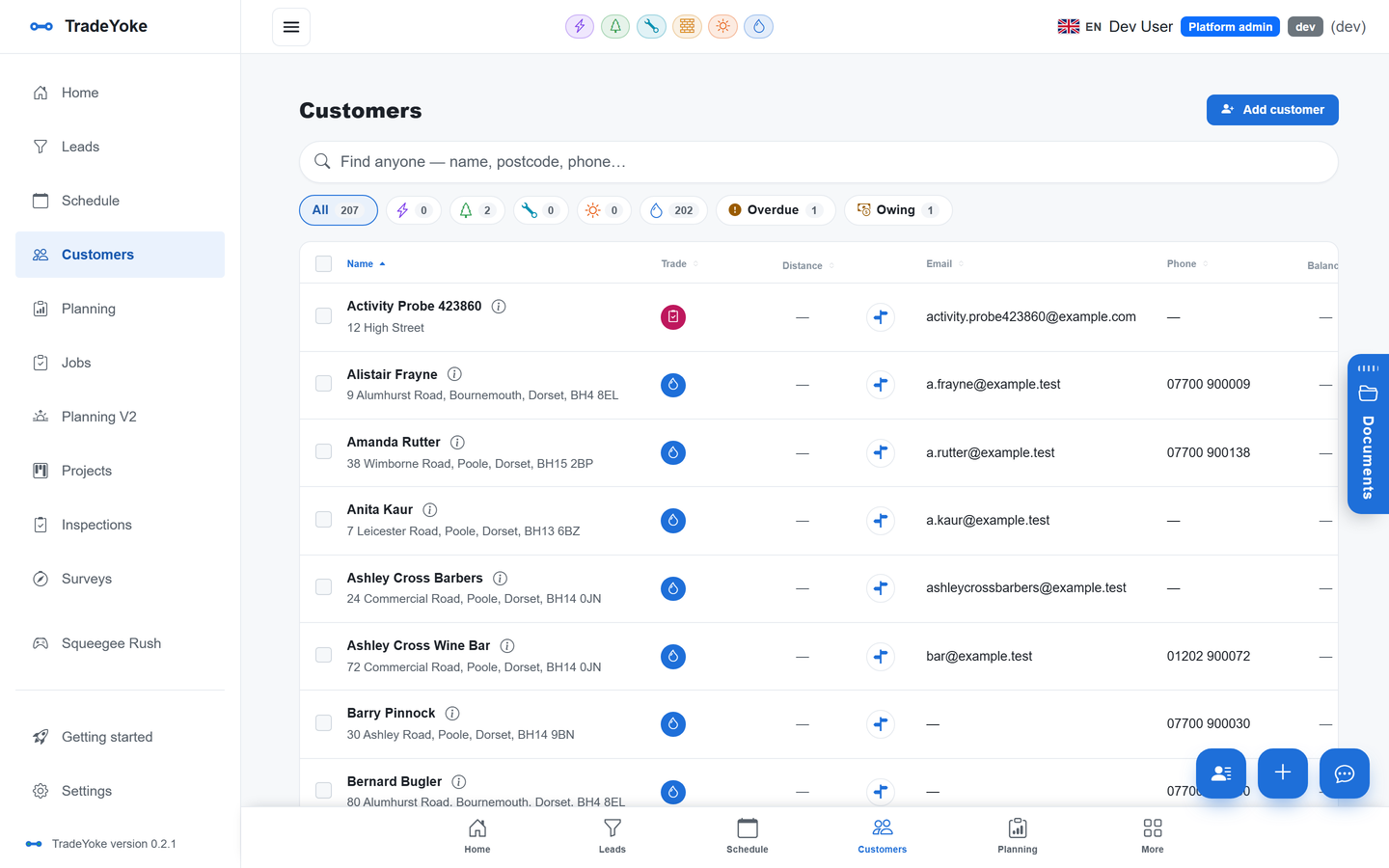
Quick answer: a business turns on the (free) Localization module and picks one outbound language in Settings → Regional; every quote, invoice, receipt, statement, certificate and automatic text it sends from then on is written in that language, whoever on the team pressed send.
TradeYoke keeps two languages separate on purpose. The outbound-document language is a business-wide setting — the reader of an invoice is the customer, not whichever team member happened to raise it, so the language a Welsh-speaking business posts in is Welsh whether the office or the van issued the document. Every one of the 41 templates behind quotes, invoices, receipts, statements, certificates, owing notices and automatic texts ships translated, so turning the setting on doesn't leave gaps in English. Separately, each team member picks their own screen language — the app's own menus and pages — independently of what the business posts in, so an English-speaking office admin and a Welsh-speaking engineer can each work comfortably while every customer still gets the business's own chosen language. English is the floor throughout: Localization is opt-in, and until it's switched on (and a language chosen), everything reads in English exactly as it always has.
Which six languages does TradeYoke support?
English, Spanish, Welsh, German, Portuguese and French — for the app's own screens (per user) and for every customer message template (per business).
Does TradeYoke automatically write to each customer in their own language?
No. A business chooses one outbound language for everything it sends to customers; there's no per-customer automatic language detection today. If you serve customers in more than one language, the practical option is to note a customer's language on their record as a reminder for the team, and choose the wording by hand where it genuinely needs to differ.
Is Welsh support only for the app, or for invoices and texts too?
Both. The app's screens are translated per user, and — as of this pass — every one of the 41 customer-facing message templates (quotes, invoices, receipts, statements, certificates, texts) is translated too, so a Welsh-language business can post entirely in Welsh.
Is Localization a paid add-on?
No — it's included on every plan at no extra cost. Sending emails and texts to customers at all needs Essentials or above; see the pricing page for what each plan includes.
Post in the language your customers read
30 days of Essentials free, no card required. Turn on Localization, pick a language, and see your next quote go out in it.