Before-and-after photos that sell the next visit
Two photos taken on the visit do more for a garden maintenance business than any leaflet. Here is how to take them, file them and send them so the next visit sells itself.

A customer who is at work while you cut their lawn never sees the work. They see the invoice. Two photos, one when you arrive and one when you leave, turn that invoice into proof, and proof is what gets the next visit booked without a conversation.
This guide covers the two shots worth taking, how to file them against the job rather than your camera roll, and how to send them with the invoice so the customer opens the bill already pleased.
Why before and after photos sell the next visit
Garden maintenance is a trust business. The customer pays for a result they rarely watch happen, and the result fades within a fortnight. A before-and-after pair fixes the moment in their mind: this is what it looked like, this is what you did, this is why the money was worth it.
It also protects the price. When a customer asks why the hedge cost extra, a photo of the hedge before you started answers it faster than any explanation. If you run written task lists and month-to-month contracts as described in our guide to garden maintenance contracts that stick, photos are the evidence that the list was done.
The customer never saw the lawn. Show them the lawn.
TradeYoke
Take them on the visit, not at the end of the week
The photo you take on the drive home is a photo of the wrong garden. Take the before shot as you unload, before the mower is even off the van. Take the after shot as the last thing before you pull away, from the same spot, facing the same way.
Same spot matters more than a good camera. Stand by the gate post, the back door, the corner of the patio. A matching pair from one position reads as a transformation; two shots from different angles read as two gardens.
The two shots that matter
- The wide one. The whole lawn or the whole border from the same standing point, before and after. This is the one the customer forwards to their partner.
- The detail. The edge you cut, the bed you cleared, the hedge line. This is the one that justifies the invoice line.
Anything beyond those two is optional. A dozen photos per visit becomes a chore by Thursday, and a chore stops happening.
Attach them to the job, not your camera roll
A photo on your phone is lost by the following Tuesday. A photo attached to the visit is there when the customer queries the bill in October, when you quote the same garden next spring, and when a new team member needs to see what "tidy the front" means at that address.
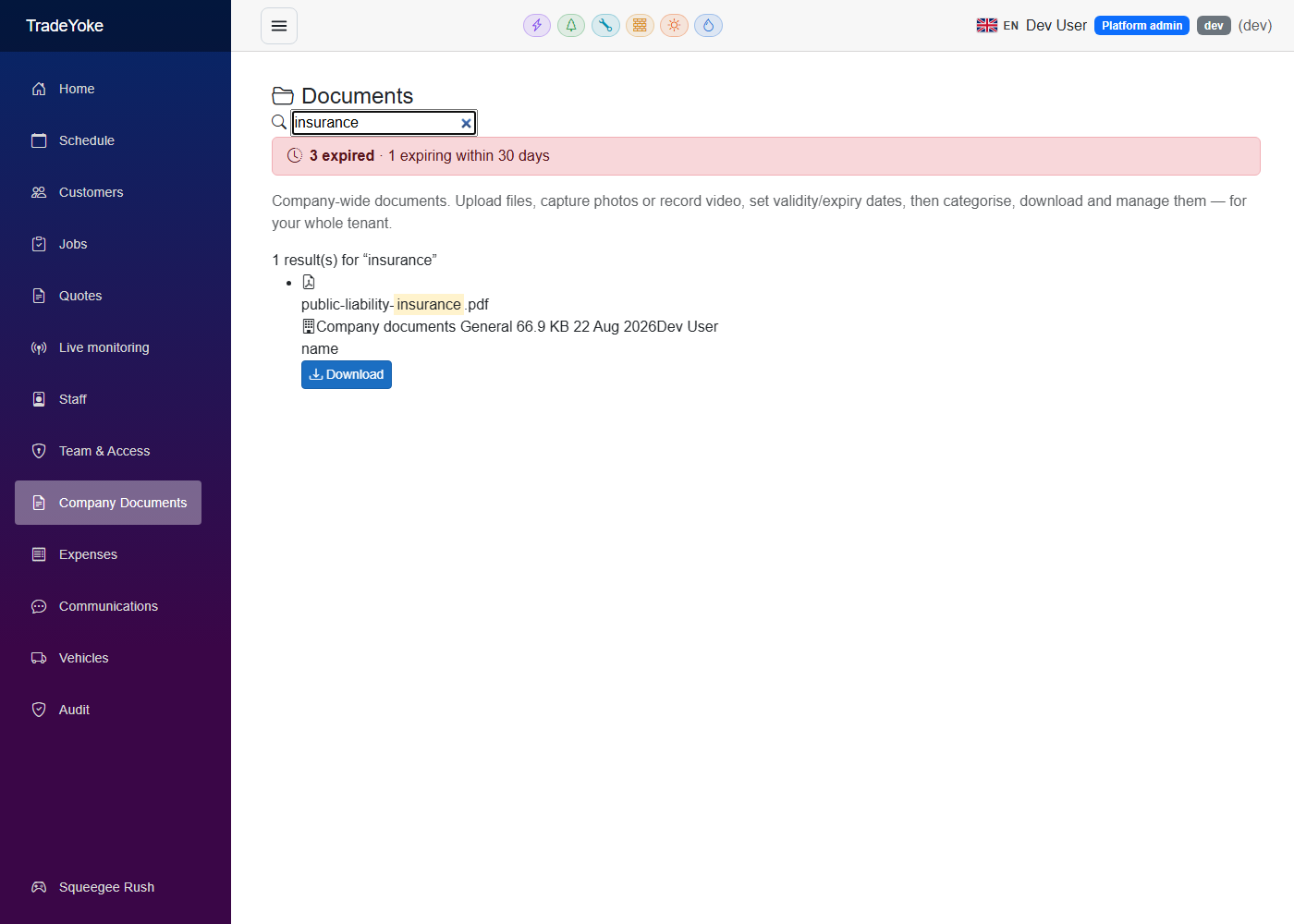
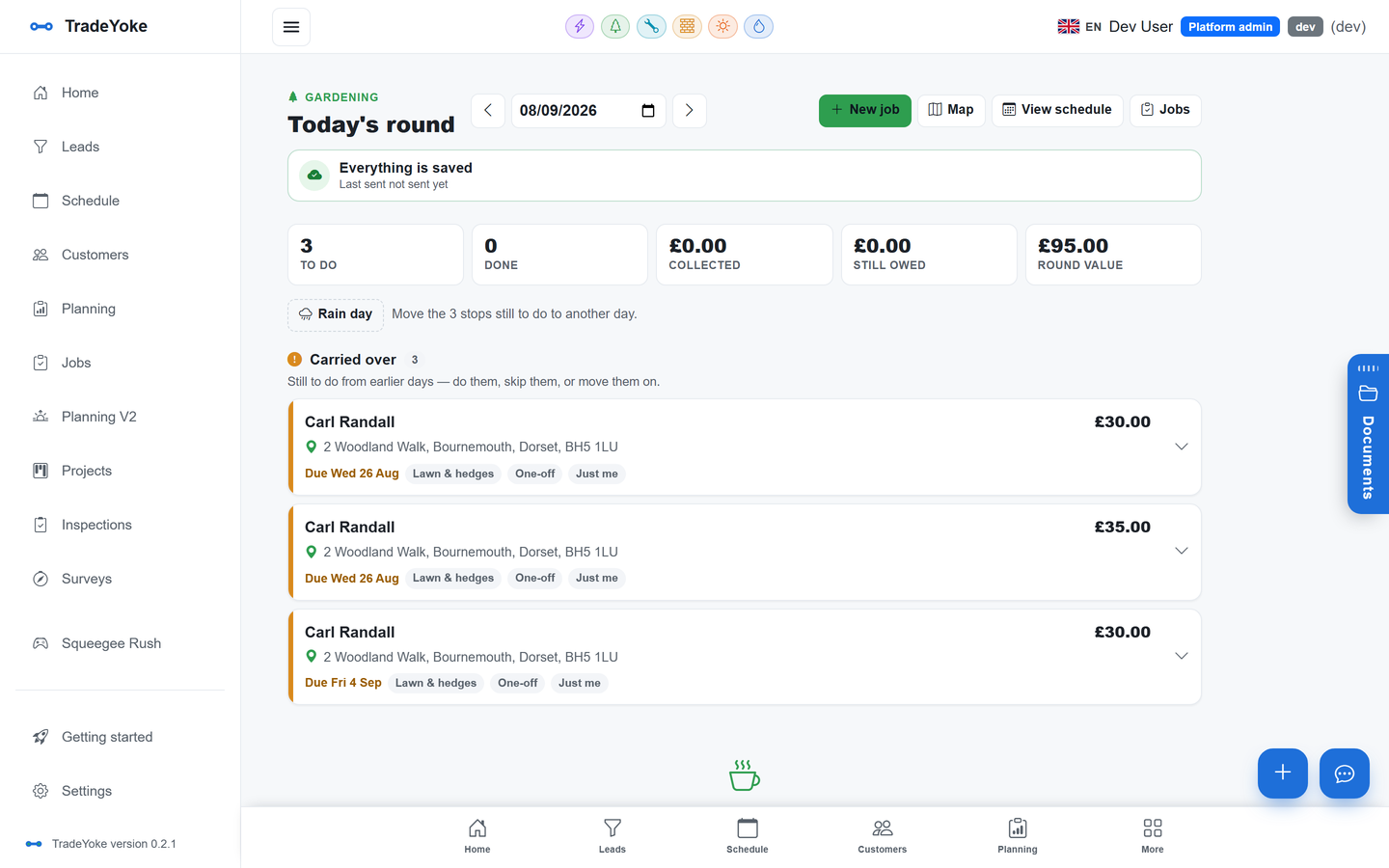
In TradeYoke the phone app captures photos and video straight onto the job from the visit itself. They file into the document library against the job and the customer at the same time, so opening the customer record shows every visit's photos in order. Nothing is re-uploaded and nothing sits in a group chat.
Send them with the invoice
The invoice email is the one message a customer always opens. Put the after photo in it. A bill that arrives with a picture of a clean, striped lawn is a bill that gets paid, and a bill with a pay link in it gets paid the same day. How UK tradespeople get paid the same day covers the pay-link side.
For contract customers who pay monthly, the photos can go on the "we're done" text instead. TradeYoke's message wizard sends email or SMS from the customer's record, and any reply lands back in the same thread, so "could you do the side passage next time" is captured where the next visit will see it.
Photos are the evidence for extras
Extras are where garden businesses lose money. The customer mentions the overgrown corner, you do it, and the invoice becomes an argument. A photo of the corner before you touched it, sent with a one-line quote before you start, is the discipline that stops the argument happening.
The rule from the contracts guide applies here too: extras are quoted separately and first. A photo attached to that quote means the customer says yes to something they can see. If you are already running seasonal schedules per property, the autumn clear-up is the extra most worth photographing.
The customer's permission and the neighbour's hedge
You are photographing someone's home. Most customers are delighted, but ask once, note it on the record, and keep the camera inside the boundary. A photo that includes the neighbour's windows, their car, or a child in the next garden should not be taken, let alone sent.
Photos of a customer's property are personal data under UK GDPR when they identify a person or an address. Keep them on the job, do not post them publicly without asking, and delete them if a customer asks you to. The Information Commissioner's Office has plain guidance for small businesses.
The photo routine that sticks
- Before shot as you unloadSame spot every visit. Gate post, back door or patio corner.
- After shot before you pack upSame spot, same direction, last thing before you leave.
- Attach to the visitCapture from the job in the app so it files against the job and the customer.
- Extras: photo first, quote secondSend the photo with the price before you start.
- Send the after shot with the invoiceOr with the done text for monthly contract customers.
- Stay inside the boundaryNo neighbours, no cars, no people.
Questions people ask
Do customers actually look at the photos?
The ones who are out at work do, because it is the only view of the garden they get. Send the after shot with the invoice or the done text and you will see the difference in how quickly it is paid and how rarely it is queried.
How many photos should I take per visit?
Two: a wide shot of the whole area and a detail of the work that justifies the price. Take the same two from the same position every time. More than that becomes a chore and stops happening.
Where should the photos be stored?
Against the visit, not on your phone. TradeYoke captures photos from the job on the phone app and files them into the document library against the job and the customer, so the whole history sits on the customer's record.
Can I use the photos on my website or social media?
Ask the customer first and note their answer on their record. Photos of a home can be personal data, so keep them inside the boundary and remove anything a customer asks you to take down. The ICO publishes small-business guidance on this.
Gardening is live in TradeYoke today. See what the gardening module includes, or compare plans on the pricing page. Photos and the document library come with every plan; emailing and texting customers from the message wizard start on Essentials.
See also: whether your round needs a website
Photos on the visit, filed where you'll find them
Start a 30-day free trial with your real round and take the first before-and-after pair tomorrow morning.