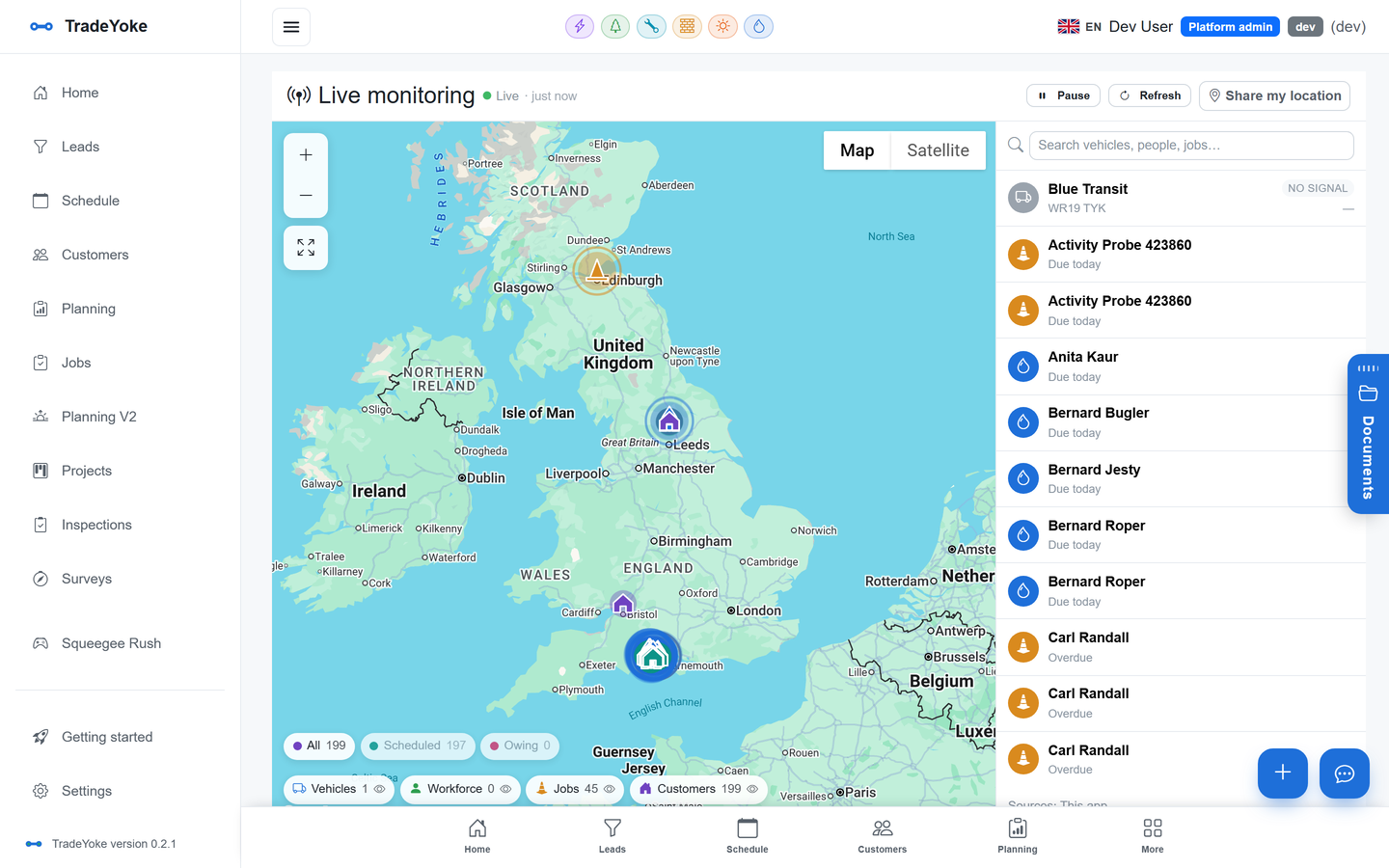
The document library that finds a certificate in seconds
"It's in here somewhere" is not a filing system. Here's what actually makes trade paperwork findable — and how TradeYoke searches inside the file, not just its name, to find the certificate that mentions a serial number or a customer's name.
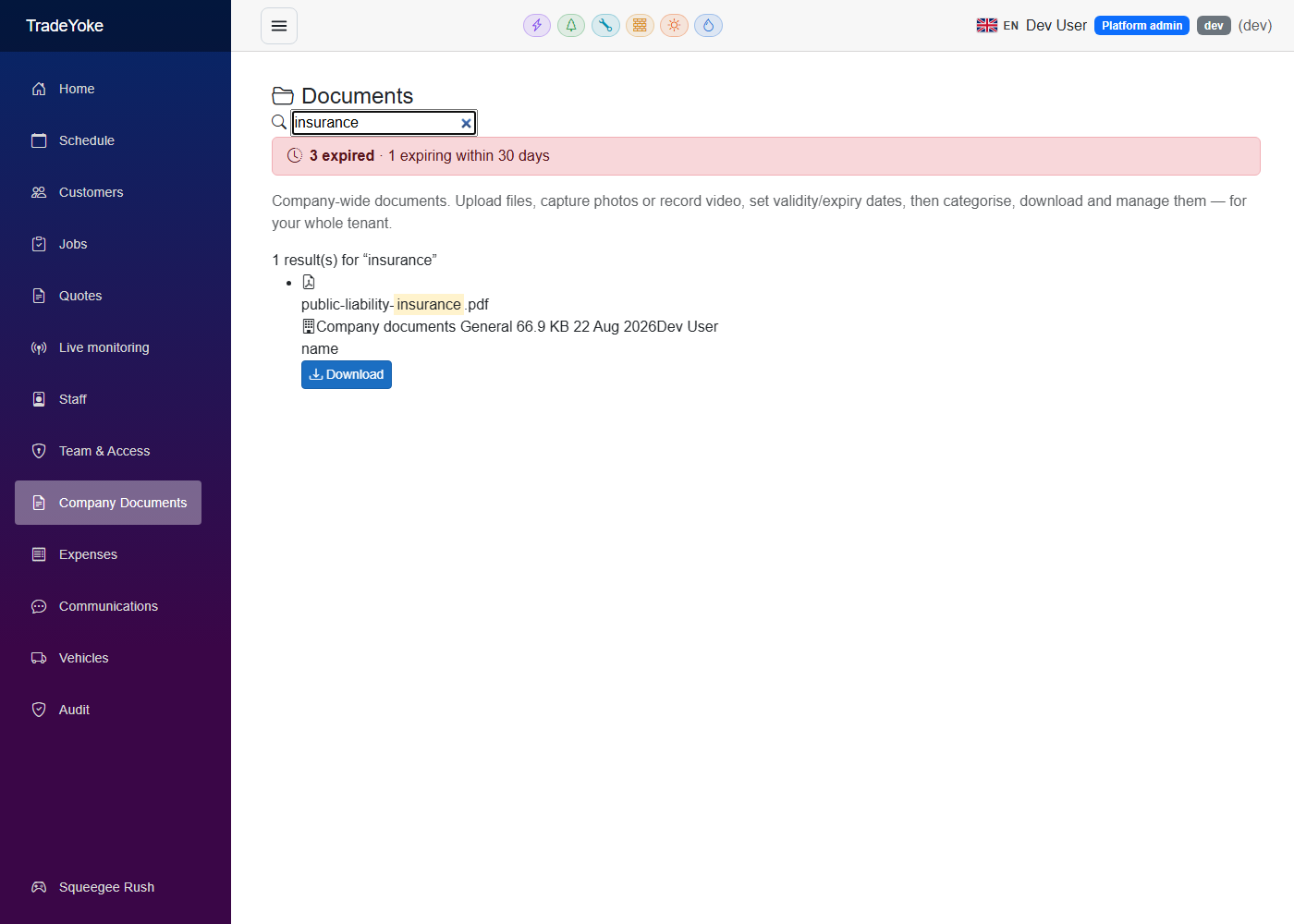
Why "I know it's in here somewhere" costs you time
Quick answer: most trade businesses end up with paperwork spread across a laptop folder, a phone camera roll and an email inbox, named after nothing useful — so finding one specific certificate means opening file after file until you recognise it, usually while a landlord or an inspector is waiting on the phone.
Certificates, signed quotes, job photos, a van's MOT, the insurance schedule — none of these are rare in a trade business, and none of them are optional to keep. The problem isn't that the paperwork doesn't exist; it's that it's stored the way it was created — a photo here, a PDF download there, a scan emailed from a customer — with no consistent name and no single place it all lives. The result is the same for every trade we've spoken to: the document exists, but finding it costs five or ten minutes you don't have while someone's waiting for the answer.
What actually works for paperwork, TradeYoke or not
Quick answer: file everything in one place against the job and the customer, name it consistently, track expiry dates somewhere you'll actually see them, and — the step most systems miss — make it searchable by what's written inside the file, not just its filename.
Five habits that make paperwork findable
- Pick one place, not threeA certificate on the laptop, a photo on the phone and a scan in an email are three places to search when you need it once.
- File against the job and the customer at onceA record that only lives in a generic "Documents" folder is a record you have to remember to go looking for.
- Name it so a stranger could find it"cert2.pdf" tells you nothing six months later; "EICR — 14 Oak Road — 2026-09-25" tells you everything.
- Track the expiry date, not your memoryA gas safety record or an EICR has a legal renewal date; the only reliable place to keep it is on the document itself.
- Search what's inside, not just the filenameThe fastest way to find a certificate is to search for the boiler serial number or the customer's name it mentions — most filing systems can't do that.
What the trade-software market offers today
Quick answer: UK trade job-management software generally stores and organises compliance paperwork well — folders, job attachment, mobile capture — but stops short of searching what's actually written inside a file, so finding a specific certificate still means opening several before you recognise the right one.
Looking at what's already on the market: Joblogic stores Gas Safe certificates and NICEIC documentation against the job with offline mobile capture, and keeps compliance records "securely in one place". Fergus and Powered Now offer similar filing — certificates, inspection records and photos held alongside the job. That's genuinely useful, and TradeYoke's own Document Library does the same filing. Where the market stops, consistently, is search: none of the trade software we looked at searches the text inside a PDF or a scanned certificate for a name, a serial number or a reference — you can find the folder, but not the fact.
How TradeYoke finds it in seconds: search that reads the file
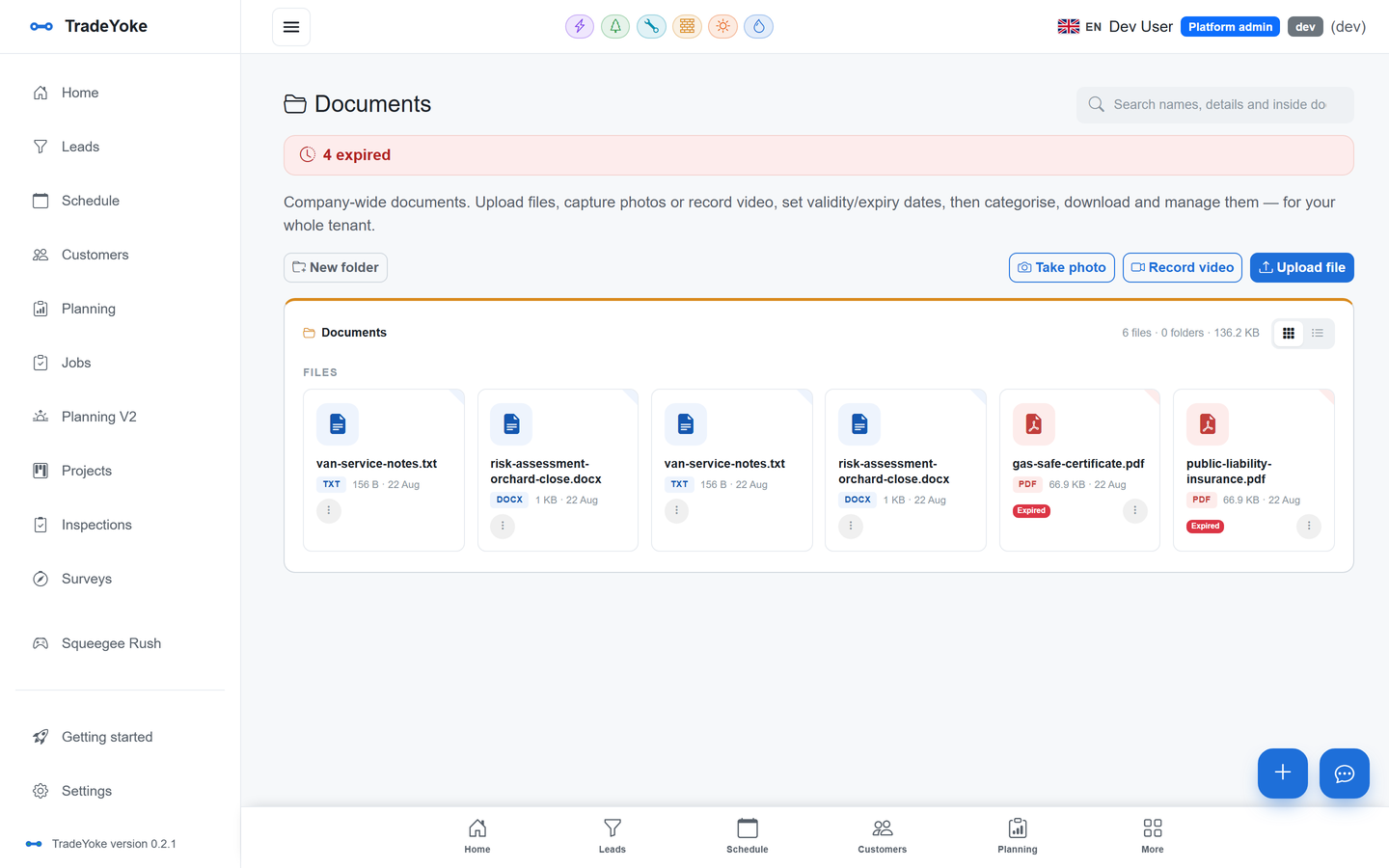
Quick answer: TradeYoke's Document Library indexes the text inside a file — PDF, Word, Excel and PowerPoint, plain text, HTML, and images through OCR — so a search for a boiler serial number or a circuit reference finds the certificate that mentions it, with a snippet showing why it matched.
Every document filed in TradeYoke — a certificate the app generated, a photo taken on site, a customer's signed quote, a scanned insurance schedule — is filed against the job and the customer at once, with an optional expiry date that lands on a dashboard tile the moment it's due or overdue. On top of that, TradeYoke reads what's actually inside the file: PDFs (including scanned ones, through OCR), Word, Excel and PowerPoint documents, plain text and HTML, and photos and scans through the same OCR engine. A search doesn't just match a filename — it matches the boiler model printed on a service record, or the name on a signed quote — and shows the snippet of text that matched, so you know at a glance which result is the right one. A backlog sweep quietly re-indexes anything that was missed the first time, so the search stays complete even after a bulk import.
What file types can it search inside?
PDF (including scanned certificates), Word, Excel and PowerPoint, plain text and HTML, and images through OCR — the same engine also makes video transcriptions searchable.
Where are the files stored?
In your business's own storage container, alongside your other data — not a third-party document tool you have to keep in sync.
Can I take a photo from the phone and file it straight away?
Yes, on iPhone, Android and Windows — a photo or video taken on site files straight against the job.
Does a document show on the customer's record too?
Yes — anything filed against a job also shows on that customer, so their file and the job's file are the same file.
Stop hunting for the right file
30 days of Essentials free, no card required. File your first certificates and search for one by what's written inside it.