Making Tax Digital for VAT, in plain English
What MTD for VAT actually asks of a VAT-registered trade business: digital records, the nine boxes, obligations, and a guided filing that talks to HMRC for you.
Making Tax Digital for VAT means two things: you keep your VAT records in software rather than on paper, and your VAT return goes to HMRC from that software rather than being typed into the Government Gateway. Every VAT-registered business in the UK has been in scope since April 2022.
That is the whole rule. The rest of this post is about what it looks like in practice for a trade business, and how TradeYoke files the return without you learning any of the acronyms.
What Making Tax Digital for VAT actually requires
HMRC's requirements come down to three:
- Digital records. Each sale and purchase, its date, its net value and the VAT rate, held in software.
- Digital links. Numbers must flow between systems electronically. Copying a total from one screen and typing it into another is not a digital link.
- Software submission. The return is sent to HMRC through their API by software that HMRC recognises, not through the old online form.
If your invoices, payments and expenses already live in an app, you have the first two. The third is the bit people worry about, and it is the bit that is now a button.
The nine boxes
A VAT return has been nine boxes for a long time, and MTD did not change them. What changed is that software fills them from your records instead of you adding them up on a Sunday.
The VAT return, box by box
| Box | What goes in it |
|---|---|
| 1 | VAT due on sales and other outputs |
| 2 | VAT due on acquisitions from EU member states (Northern Ireland only) |
| 3 | Total VAT due (box 1 plus box 2) |
| 4 | VAT reclaimed on purchases and other inputs |
| 5 | Net VAT to pay HMRC or reclaim (box 3 minus box 4) |
| 6 | Total value of sales, excluding VAT |
| 7 | Total value of purchases, excluding VAT |
| 8 | Total value of goods supplied to EU member states (Northern Ireland only) |
| 9 | Total value of goods acquired from EU member states (Northern Ireland only) |
For most trades boxes 2, 8 and 9 are zero. Boxes 1 and 6 come from your invoices; boxes 4 and 7 come from your expenses, which is why capturing receipts in the van matters more than it looks.
Obligations: what HMRC expects and when
An obligation is HMRC's word for a VAT period they expect a return for. Once TradeYoke is connected to HMRC through your Government Gateway login, it asks HMRC for your open obligations and shows them: the period, the due date, and whether it is fulfilled. There is no guessing which quarter you are in.
The return is due one calendar month and seven days after the end of the period, and the payment is due at the same time. HMRC's late-submission regime is points-based, so a missed return costs a point rather than an immediate fine, but the points add up.
The guided nine-step filing
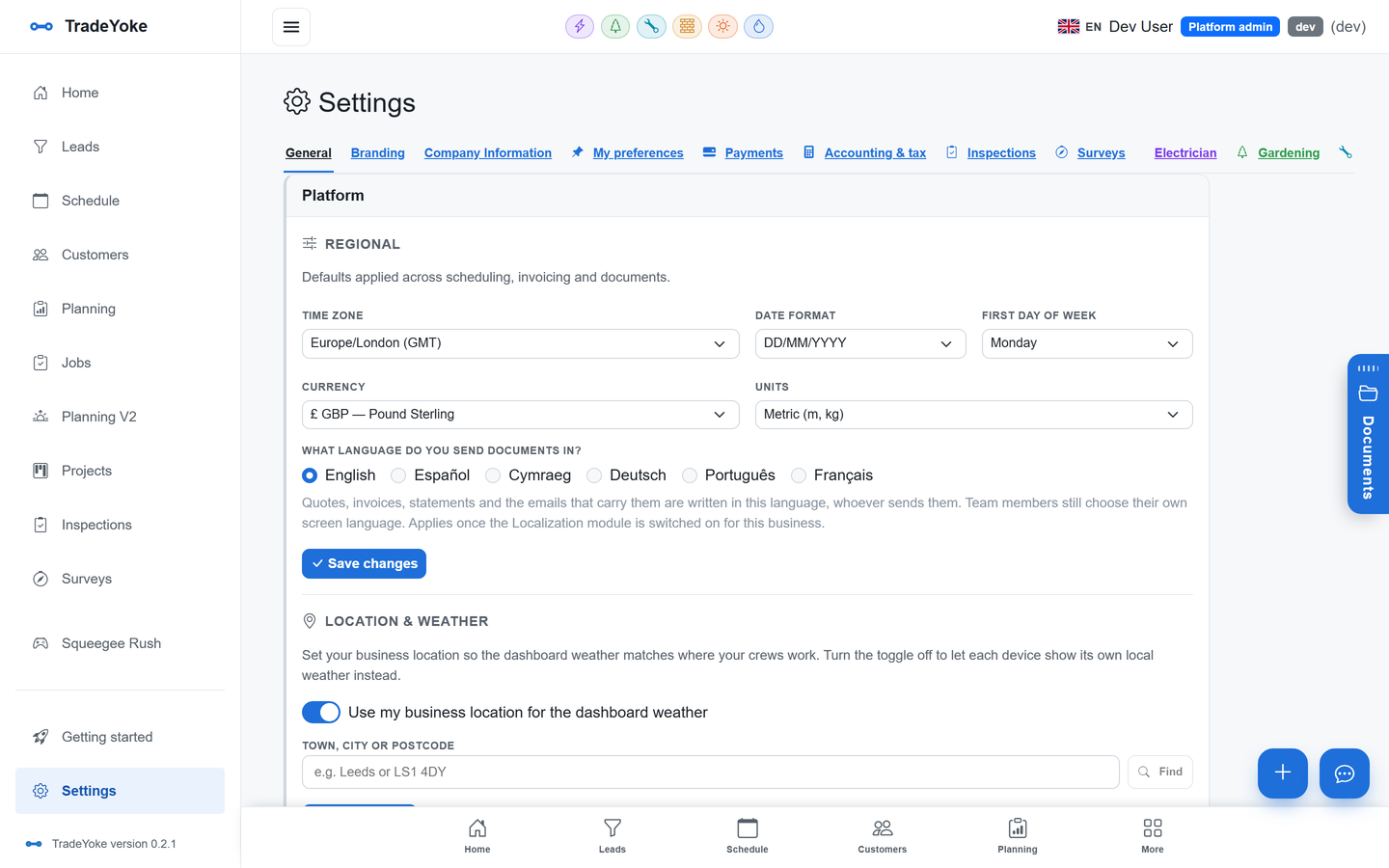
TradeYoke's HMRC filing lives under Settings, in the Accounting & tax tab, and walks the return one box at a time. It pre-fills each box from the ledger and the expenses register, shows you where each number came from, lets you adjust with a note, and asks you to confirm the declaration before anything is sent. It then submits the return to HMRC, retrieves what HMRC recorded, and shows both side by side.
That read-back is the important part. A return you sent is not the same as a return HMRC holds; the wizard checks they match. The same pattern runs the bookkeeping sync, which verifies every invoice and payment it pushes.
Fraud-prevention headers, and why HMRC insists on them
Every submission to HMRC's MTD API must carry a set of fraud-prevention headers: technical details about the device, connection and software that made the request. HMRC uses them to detect submissions that are not what they claim to be. They are mandatory, and a submission without them is rejected.
You never see them. TradeYoke gathers what HMRC requires from the app and the browser and sends it with the return. The reason it is worth mentioning is that "HMRC-recognised software" means exactly this: software that talks to HMRC the way HMRC specifies, including the parts nobody enjoys.
After you file: liabilities and payments
Once the return is in, the same connection shows what you owe HMRC and what you have paid, straight from HMRC's records. It closes the loop: the who-owes-me report tells you what customers owe you, and the liabilities view tells you what you owe the taxman. Both come from the same ledger.
HMRC VAT filing is part of TradeYoke Premium at £39 a month, alongside the bookkeeping sync and online payments; the pricing page has the split. It works the same across every trade on the platform, from electricians to window cleaners who have crossed the threshold.
Questions people ask
Do I have to use Making Tax Digital for VAT?
If you are VAT-registered, yes. All VAT-registered businesses have been required to keep digital records and submit through software since April 2022, regardless of turnover. If you are not VAT-registered, MTD for VAT does not apply to you.
Can I still type my return into the Government Gateway?
No. Under MTD the return must be submitted by recognised software through HMRC's API. TradeYoke connects to HMRC with your Government Gateway login and submits from the guided wizard.
What are the nine boxes?
Boxes 1 to 5 are VAT amounts: VAT on sales, VAT on EU acquisitions (Northern Ireland only), the total, VAT reclaimed on purchases, and the net to pay or reclaim. Boxes 6 to 9 are the underlying values of sales, purchases and EU goods. Software fills them from your records.
Does TradeYoke do MTD for Income Tax as well?
Not today. TradeYoke files VAT returns; MTD for Income Tax quarterly updates are something to plan with your accountant, and TradeYoke's records, reports and accountant CSVs feed that. We wrote a separate post on MTD for Income Tax and who it affects from April 2026.
File VAT from the same place the invoices live
Connect HMRC on the free trial and see your obligations before you decide anything.