The morning email every trade business should get: who owes me
One email before the first job: every customer who owes you, how overdue, and a link they can pay from. Why it works and what changes after a week of it.
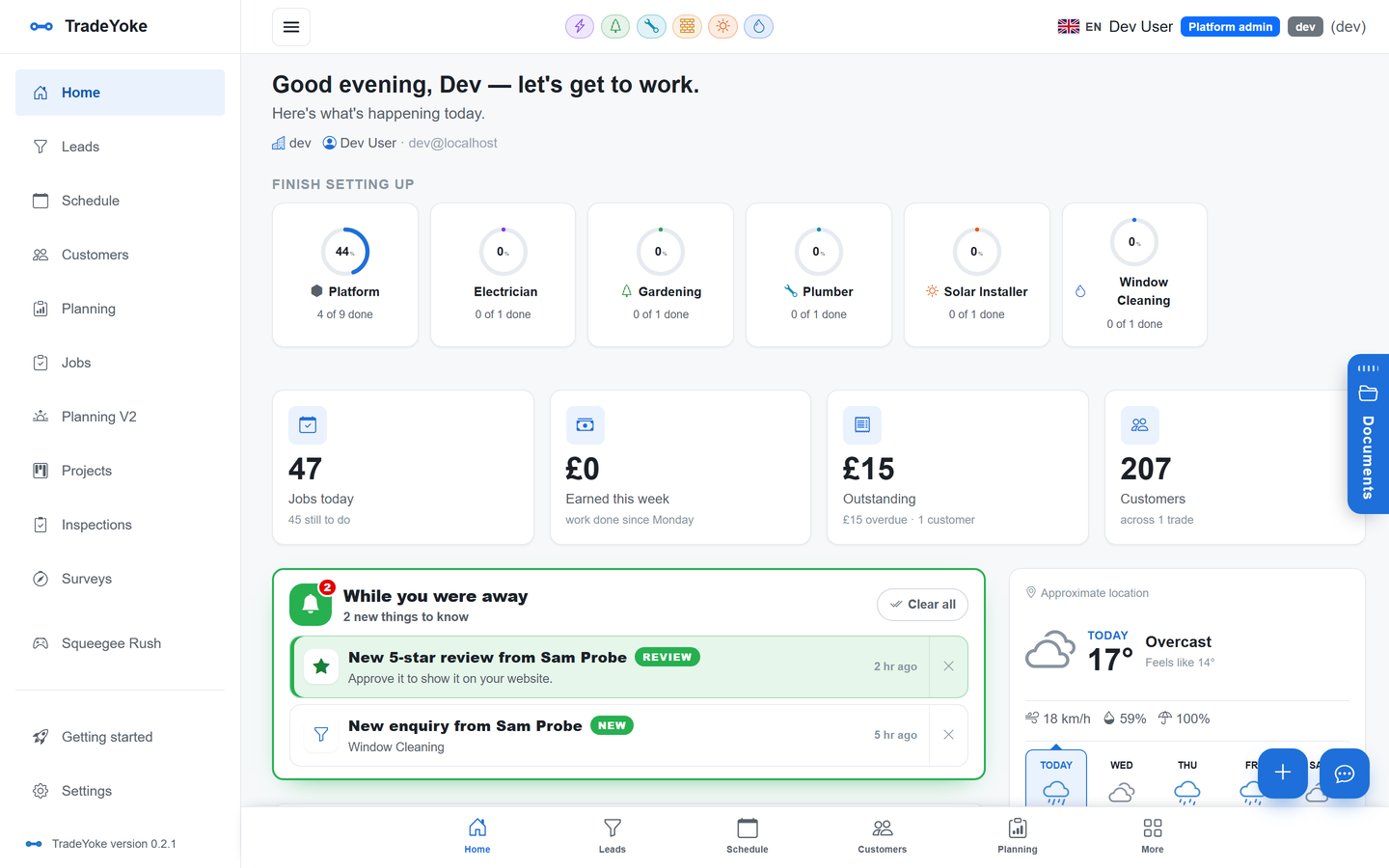
Ask any tradesperson what they are owed and you get a guess. Ask the same person after a week of a morning email that lists it, and you get a number, three names and a plan. The who-owes-me report is the cheapest change a trade business can make to its cash flow.
This post explains what the email contains, why it arrives in the morning, and how the portal link inside it does most of the chasing for you.
What the who owes me email tells you
The report is a list. Every customer with an outstanding balance, the invoices that make it up, how many days each is overdue, and the total at the bottom. Nothing else. It is deliberately boring, because a boring list you read every day beats a clever dashboard you open twice a year.
Behind the list is the same immutable ledger the invoices and payments live in, so the number is the real number. A card payment that landed overnight through Stripe is already off the list. Cash you recorded on the phone last night is off the list. Direct Debits collected by GoCardless are off the list before you have had breakfast.
Why the morning
Chasing money in the evening is miserable. You are tired, the customer is eating, and the message you send is shorter than it should be. In the morning you have five minutes with a coffee, and the list tells you which two customers to message before the first job.
It also lines up with the working day. If a customer on today's round owes for the last three visits, you want to know before you get there, not after. Pair the report with the Plan my day flow described in how a round survives a wet week and the morning becomes: who owes, who is on the route, what to say at the door.
The portal link that does the chasing
Every line in the report carries a link to the customer portal for that customer. Forward it, or send the owing notice from the app, and the customer opens a page that shows everything they owe with one pay-now button. They do not need an account or an app. They pay by card or set up a Direct Debit, and the payment settles against each invoice in turn.
That is the trick. The report does not just tell you who owes; it hands you the thing that gets them to pay. Same-day payment covers the payment methods behind the button, and chasing late payments the polite way covers what to say on each rung of the ladder.
From report to reminder in one tap
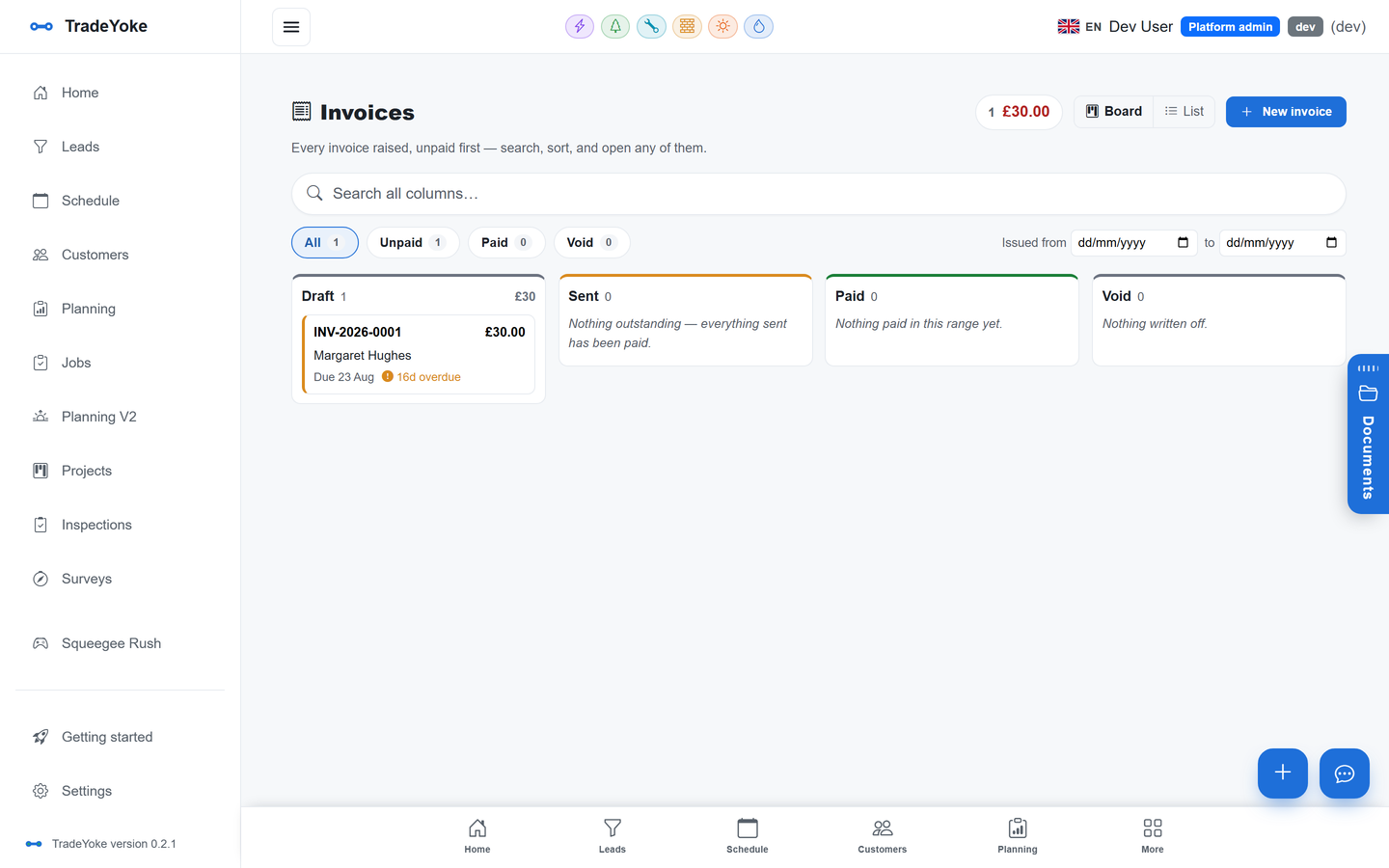
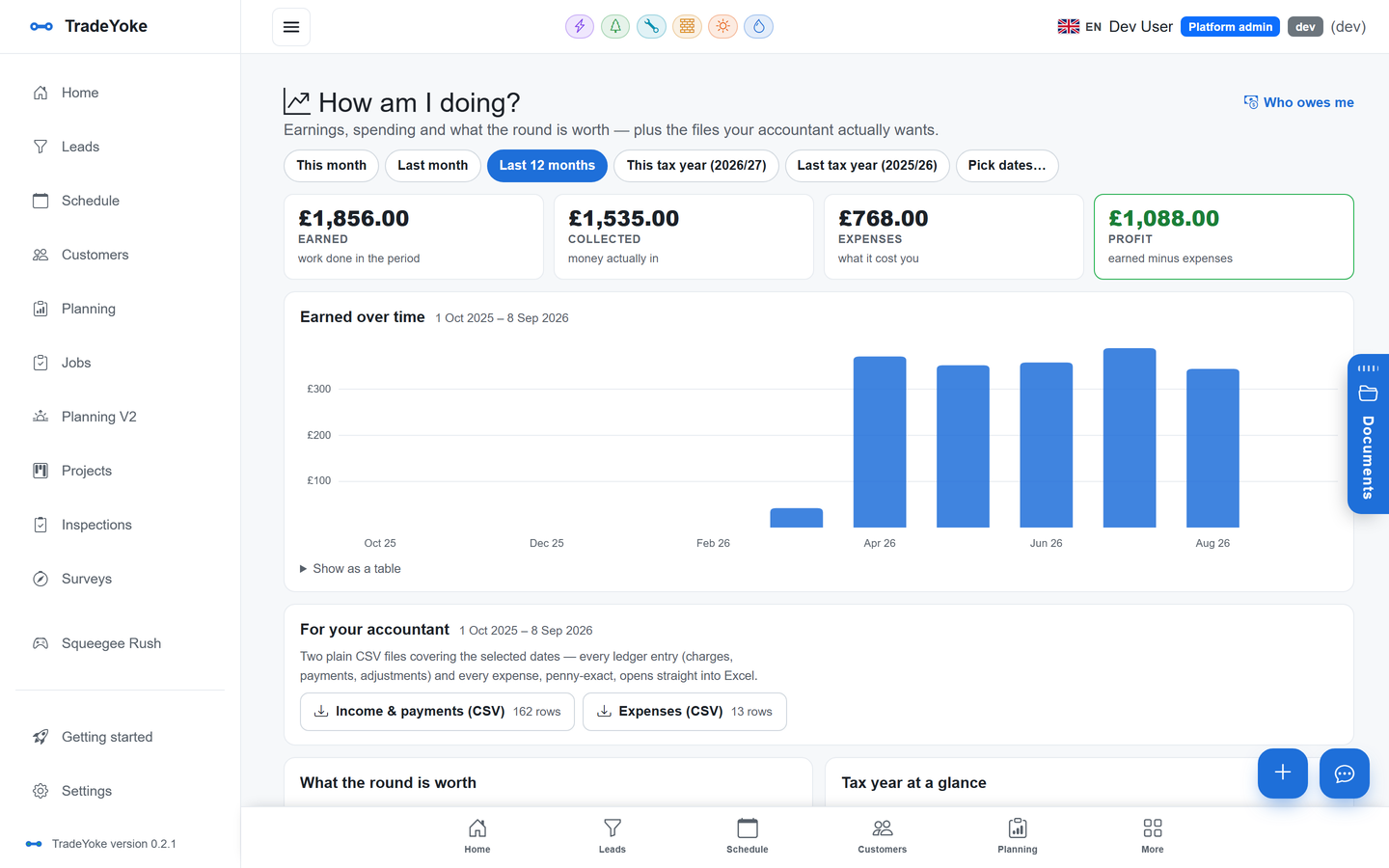
Reading the list is half the job. From the owed-money page in the app you send an owing notice to a customer by email or SMS with the portal link already in it, or schedule it for 6 pm when they are home. Replies come back into the customer's thread. If they pay from the portal, the balance drops and the next morning's email no longer lists them.
For contract customers who are always a month behind, the report is also the nudge to move them onto Direct Debit. One conversation, and that name never appears in the email again.
What changes after a week
The first morning is uncomfortable, because the number is bigger than you thought. By day three you have sent six notices and four have paid. By the end of the week the list is shorter, the two names left on it are the two you already suspected, and you have stopped guessing.
Over a month the second effect appears: invoices go out faster, because you know an invoice not sent is money not on the list. The report improves the habit upstream of it.
The morning routine
- Open the emailTotal, then the oldest three balances.
- Send three owing noticesPortal link included. Schedule for 6 pm if they are at work.
- Check today's route against the listKnow who owes before you knock.
- Move a repeat offender to Direct DebitOne a week is enough.
- Send yesterday's invoicesIf they are not sent, they are not on the list.
Questions people ask
Is the who owes me report an email or a page?
Both. The owed-money page in TradeYoke is always live, and a morning email summarises it so you see the list without opening the app. The email is part of the platform's background jobs and runs for every business with the feature switched on.
Does the customer need an account to use the portal link?
No. The portal link opens a page showing everything that customer owes, with a pay-now button for card or Direct Debit. Payments settle against the invoices automatically.
Does it include cash I have taken?
Yes, as long as you record the cash on the phone against the invoice. Cash settles in the ledger like any other payment, so the report reflects it the next morning.
Which plan includes the report and the portal?
The owed-money report and reminders are in Essentials. Online payments with Pay now on every invoice are in Premium, and the customer portal is in Ultimate. The free trial is 30 days of Essentials; online payments unlock when you choose a plan.
The report works the same for every trade on the TradeYoke platform, from a window cleaning round to a gardening contract book. Plans are on the pricing page.
See also: the full Getting paid guide
Know the number every morning
Start the free trial, send your invoices, and get the first who-owes-me email tomorrow.